

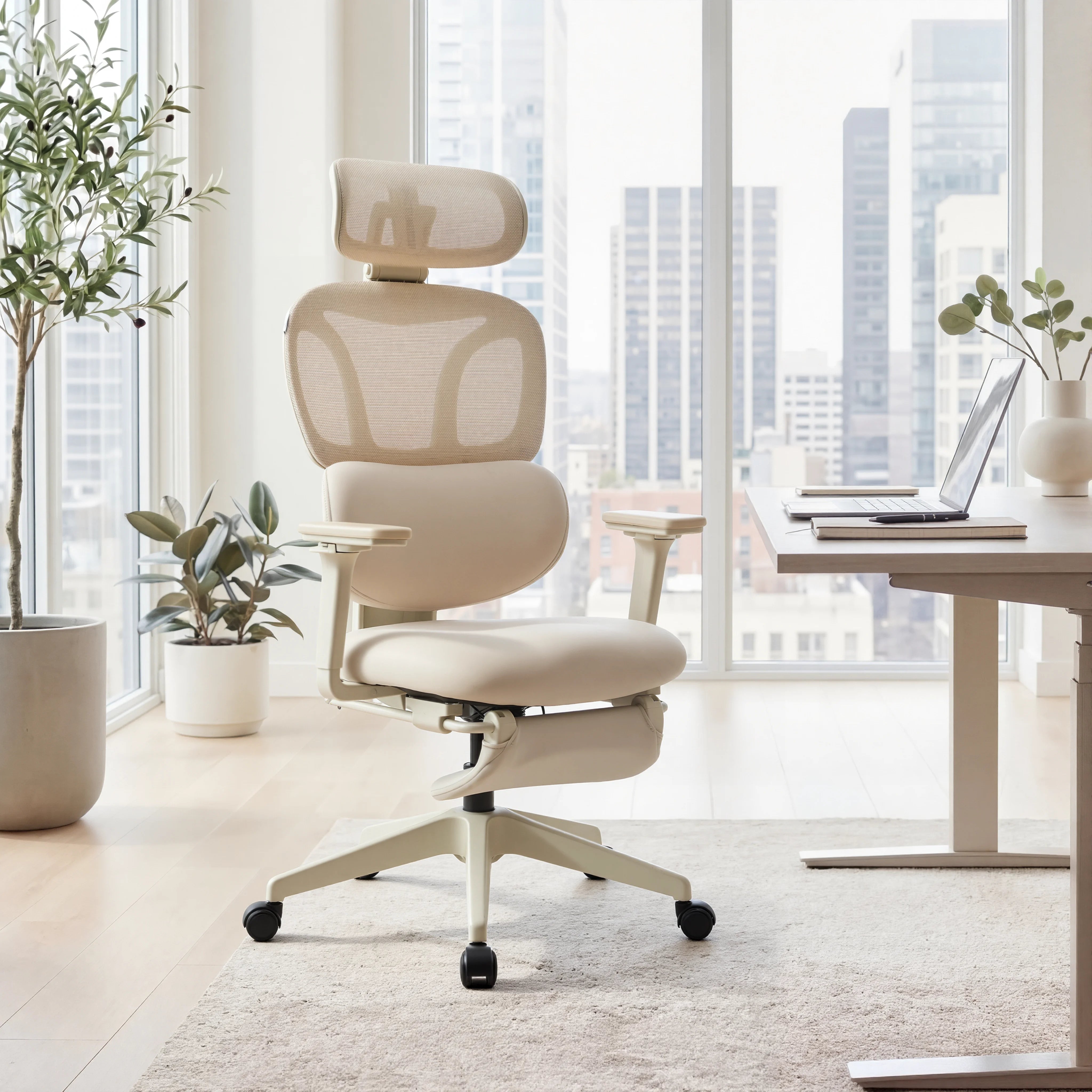



When people think about an ergonomic office chair, they usually focus on lumbar support or seat comfort. But one of the most overlooked features—yet one of the most impactful—is the adjustable armrest.
Whether you're typing for hours or constantly switching between keyboard and mouse, your arm position directly affects your comfort, posture, and long-term health.
In this guide, we’ll break down how adjustable armrests influence typing and mouse use, why they matter more than you think, and how to set them up correctly.
Why Arm Position Matters for Typing and Mouse Use
Your arms are constantly active while working at a desk. Without proper support, even small misalignments can lead to long-term discomfort.
Poor arm positioning can cause:
-
Shoulder tension
-
Wrist strain
-
Elbow pain
-
Reduced typing accuracy
-
Faster fatigue
The problem? Most desks are fixed height, but your body isn’t. That’s where adjustable armrests come in.

How Adjustable Armrests Improve Typing Comfort
1. Keeps Your Wrists in a Neutral Position
One of the biggest ergonomic goals is maintaining a neutral wrist position.
Without arm support:
-
Your wrists may bend upward or downward
-
You may rest your weight on the desk edge
-
Pressure builds on tendons over time
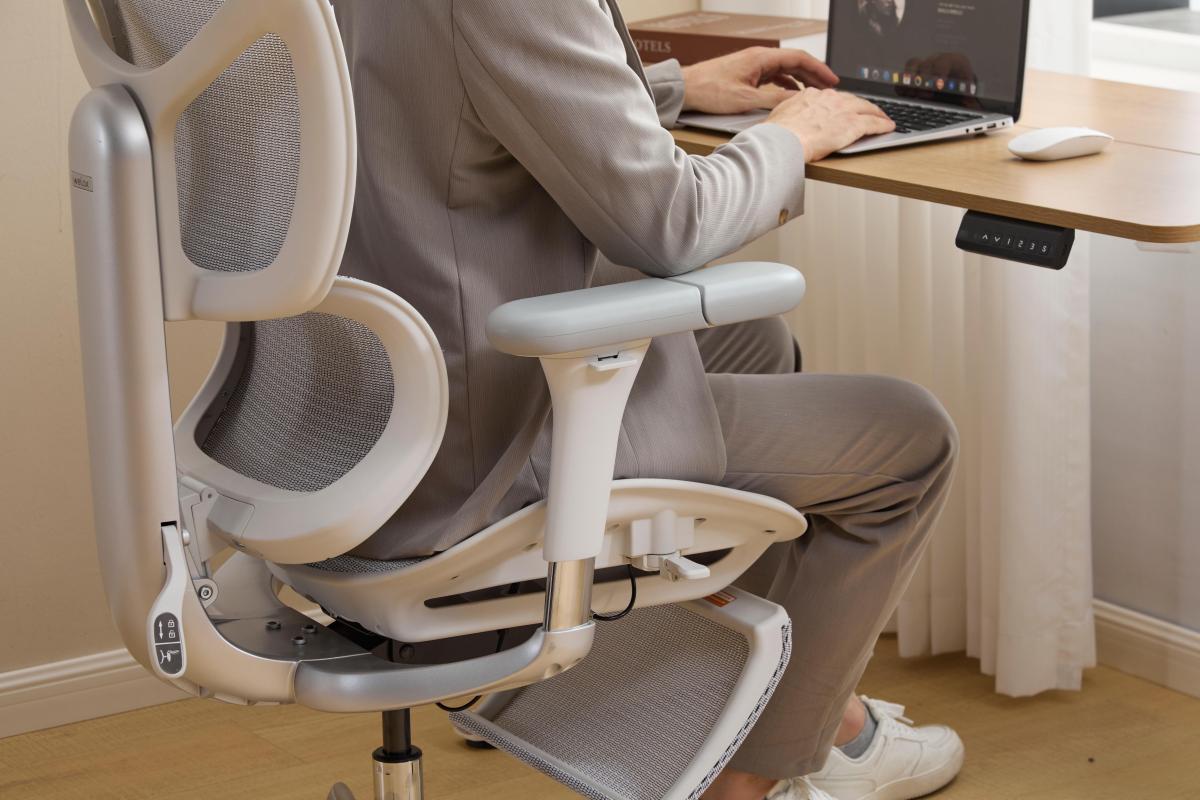
With properly adjusted armrests:
-
Your forearms stay level
-
Your wrists remain straight
-
You reduce strain during long typing sessions
This is especially important for people typing for 8+ hours per day.
2. Reduces Shoulder Elevation
If your armrests are too low—or missing entirely—you’ll unconsciously lift your shoulders to compensate.
Over time, this leads to:
-
Tight shoulders
-
Neck pain
-
Upper back fatigue
Adjustable armrests allow you to:
-
Keep your elbows at a 90° angle
-
Relax your shoulders naturally
-
Maintain a comfortable typing posture
3. Supports Forearm Weight
Typing isn’t just finger movement—your entire arm plays a role.
Without support:
-
Your shoulders carry the weight
-
Muscles stay constantly engaged
-
Fatigue builds quickly
With armrests:
-
Weight is distributed across your forearms
-
Muscles can relax
-
You can type longer without discomfort
How Adjustable Armrests Improve Mouse Use
Typing and mouse use are not the same—and this is where adjustable armrests become even more important.
1. Reduces Wrist Strain During Mouse Movement
Using a mouse often involves repetitive side-to-side motion.
Without proper support:
-
Your wrist does most of the work
-
You may twist or extend unnaturally
-
This increases the risk of strain or injury
Adjustable armrests help:
-
Support your forearm
-
Reduce wrist overuse
-
Improve control and precision
2. Improves Precision and Control
When your arm is supported, your movements become smoother and more controlled.
This is especially important for:
-
Designers
-
Gamers
-
Office professionals doing detailed work
A stable arm position allows for:
-
Better cursor control
-
Less jittery movement
-
Improved efficiency
3. Adapts to Different Mouse Positions
Not everyone uses a mouse in the same position.
Some people:
-
Keep it close to the keyboard
-
Others prefer it farther out
With adjustable armrests (especially 4D or 6D):
-
You can move armrests inward or outward
-
Adjust height and angle
-
Match your exact workflow
3D vs 4D vs 6D Armrests for Typing & Mouse Use
Not all adjustable armrests are the same.
👉 If you’d like a deeper breakdown of how each type compares, check out our detailed guide:
3D vs 4D vs 6D Armrests: What’s the Difference & Which Ergonomic Chair Should You Choose?
3D Armrests
-
Height, depth, and rotation
-
Good for basic typing support
-
Suitable for standard desk setups
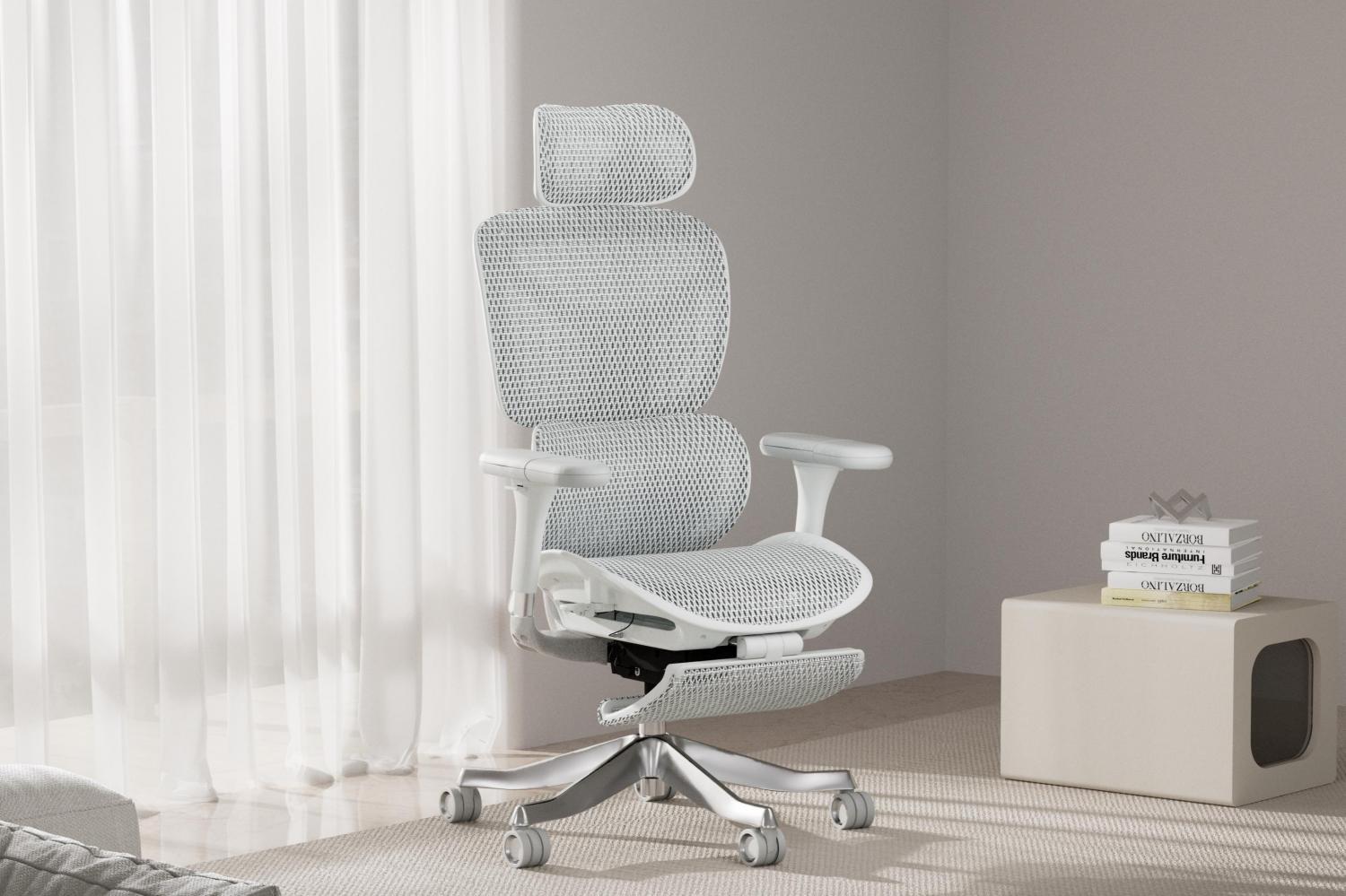
👉 Chairs like the Welax S5 Ergonomic Chair provide reliable 3D adjustability for everyday comfort.

4D Armrests
-
Add width (left/right adjustment)
-
Better for mouse users
-
Helps align arms with shoulder width
👉 The Welax S3 Pro Ergonomic Chair offers 4D armrests that allow more precise positioning for both typing and mouse work.

6D Armrests
-
Include angle/tilt and multi-directional movement
-
Best for dynamic workflows
-
Ideal for switching between tasks
👉 The Welax S9 Pro Ergonomic Chair features advanced 6D armrests designed for maximum flexibility and support across different activities.

Common Mistakes When Using Armrests
Even with a good chair, incorrect setup can reduce effectiveness.
Mistake 1: Armrests Too High
-
Causes shoulder tension
Mistake 2: Armrests Too Low
-
Leads to lack of support
Mistake 3: Not Using Armrests at All
-
Forces your upper body to compensate
Mistake 4: Keeping Armrests Too Wide
-
Strains shoulders and arms
How to Adjust Armrests for Typing and Mouse Use
Follow these simple steps:
Step 1: Adjust Height
-
Elbows at ~90°
-
Shoulders relaxed
Step 2: Adjust Width
-
Arms close to your body
-
No outward strain
Step 3: Adjust Depth
-
Support forearms without blocking movement
Step 4: Adjust Angle (if available)
-
Slight inward tilt for typing
-
Neutral or outward for mouse use
Does It Really Make a Difference?
Absolutely.
Small ergonomic improvements can lead to:
-
Less fatigue by the end of the day
-
Better focus and productivity
-
Reduced risk of repetitive strain injuries
For anyone working long hours, adjustable armrests are not just a feature—they’re a necessity.
Final Thoughts
If you spend a significant amount of time typing or using a mouse, your arm position matters more than you think.
An ergonomic chair with adjustable armrests can:
-
Improve posture
-
Reduce strain
-
Enhance comfort and performance
Whether you choose 3D, 4D, or 6D depends on your needs—but investing in adjustability is always worth it.



Laisser un commentaire
Ce site est protégé par hCaptcha, et la Politique de confidentialité et les Conditions de service de hCaptcha s’appliquent.