



3D vs 4D vs 6D Armrests: What’s the Difference & Which Ergonomic Chair Should You Choose?
When shopping for an ergonomic office chair, you’ve likely come across terms like 3D armrests, 4D armrests, and even 6D armrests. But what do these actually mean—and which one is worth it?

For anyone working long hours at a desk, armrests are not just an extra feature. They play a critical role in reducing shoulder strain, wrist fatigue, and upper body tension. The right armrests can significantly improve your posture and overall comfort.
In this guide, we’ll break down the differences between 3D, 4D, and 6D armrests, and help you choose the best ergonomic chair for your needs.
Why Armrests Matter More Than You Think
Many people underestimate the importance of armrests, but they directly impact how your upper body feels after hours of sitting.
Properly adjusted armrests help:
-
Keep your shoulders relaxed instead of raised
-
Support your forearms during typing and mouse use
-
Reduce neck and upper back pressure
-
Improve posture alignment
Without proper arm support, even the best ergonomic chair can feel uncomfortable over time.
What Are 3D Armrests?
Key Adjustments:
-
Height (up & down)
-
Depth (forward & backward)
-
Rotation (pivot left & right)
3D armrests are considered the entry-level ergonomic standard.
They allow you to:
-
Align your arms with desk height
-
Support your forearms while typing
-
Adjust angles slightly for comfort
Best For:
-
Moderate daily use
-
Budget-conscious buyers
-
Simple desk setups
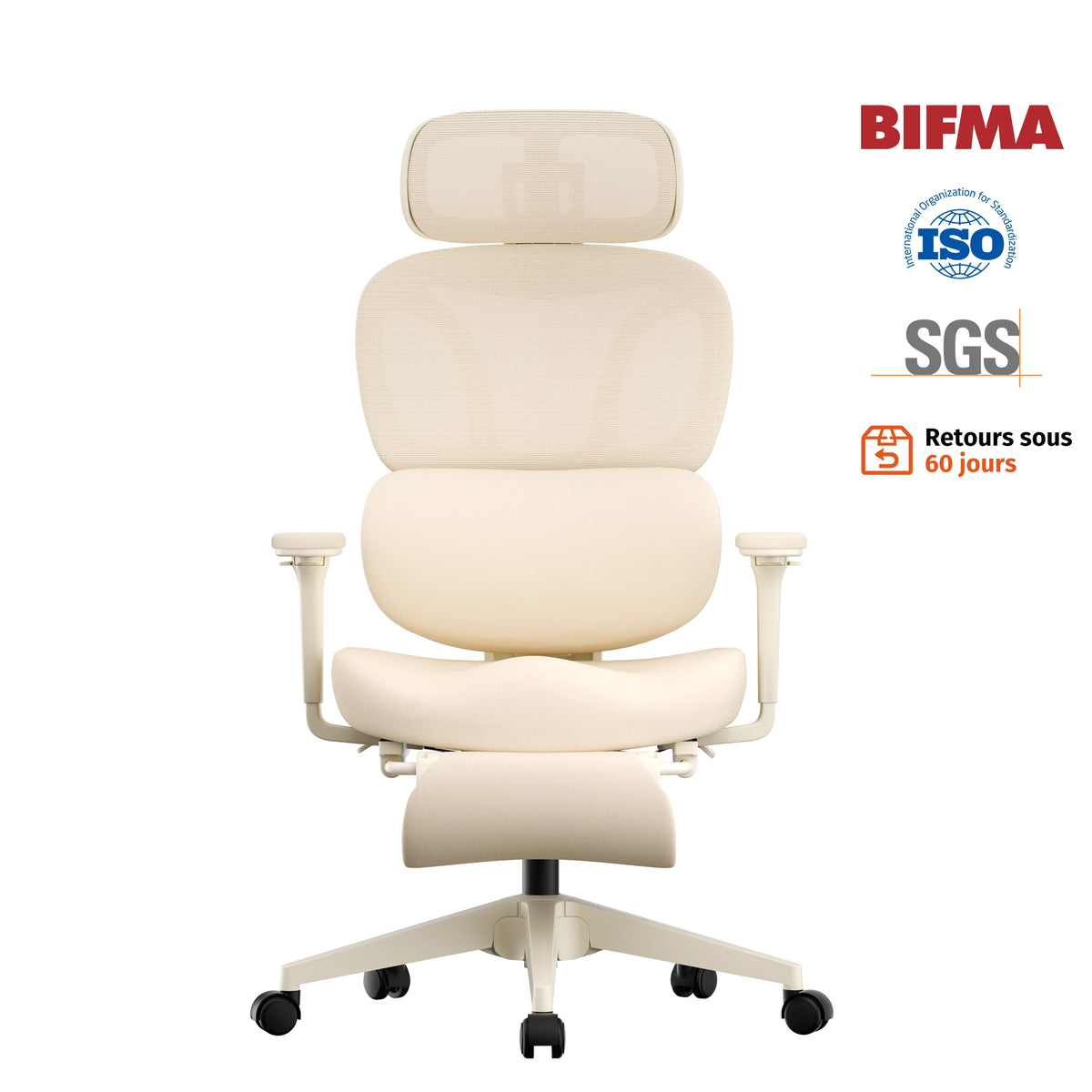
👉 The Welax S5 Ergonomic Chair offers practical 3D armrests designed for everyday comfort and reliable support, making it a solid choice for home office users.


What Are 4D Armrests?
Key Adjustments:
-
Height (up & down)
-
Depth (forward & backward)
-
Width (left & right)
-
Rotation (pivot angle)
4D armrests add side-to-side (width) adjustment, allowing you to position your arms closer or farther apart based on your body and desk setup.
This is a major upgrade because shoulder width and working posture vary from person to person.
With 4D armrests, you can:
-
Keep elbows closer to your body
-
Reduce shoulder tension
-
Fine-tune positioning for typing vs mouse work
Best For:
-
Long working hours (8+ hours/day)
-
Users focused on posture and ergonomics
-
Multi-tasking setups (work + browsing + gaming)
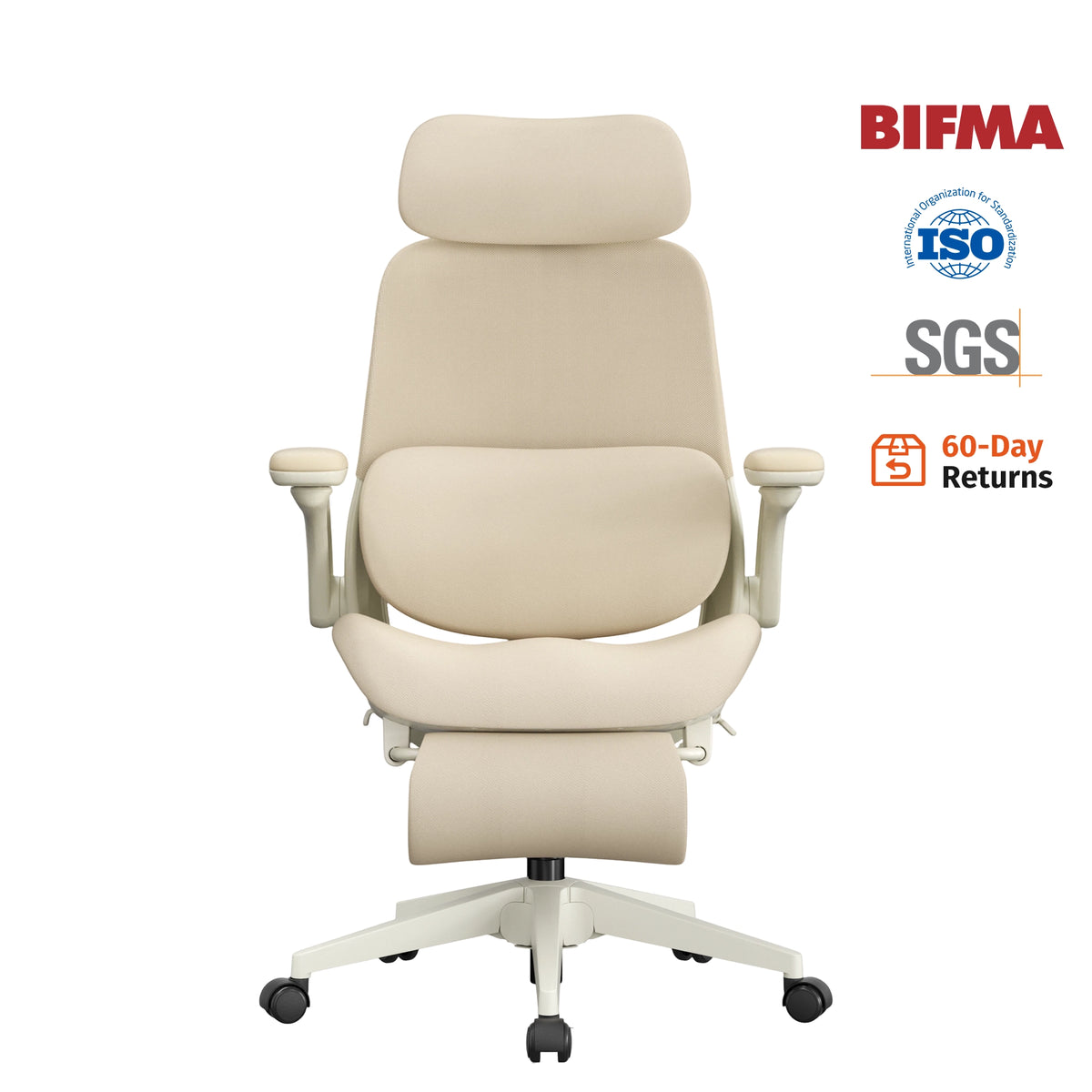
👉 The Welax S3 Pro Ergonomic Office Chair is a great example, featuring advanced 4D armrests with a soft-touch surface that delivers both flexibility and all-day comfort. The S3 Pro ergonomic chair with 4D armrests is especially well-suited for users who need precise adjustment for long hours of focused work.


What Are 6D Armrests?
Key Adjustments:
6D armrests include all 4D functions, plus:
-
Angle/tilt adjustment
-
Advanced multi-directional movement (including rotation and dynamic positioning)
This allows the armrests to adapt to different sitting positions, not just a fixed posture.
With 6D armrests, you can:
-
Tilt arm pads for better wrist support
-
Rotate freely for different activities
-
Adjust seamlessly between upright and reclined positions
Why It Matters
6D armrests are designed for dynamic sitting—meaning they move with you.
For example:
-
Typing → armrests angle inward
-
Relaxing → armrests adjust with recline
-
Gaming → armrests support forearms and wrists precisely
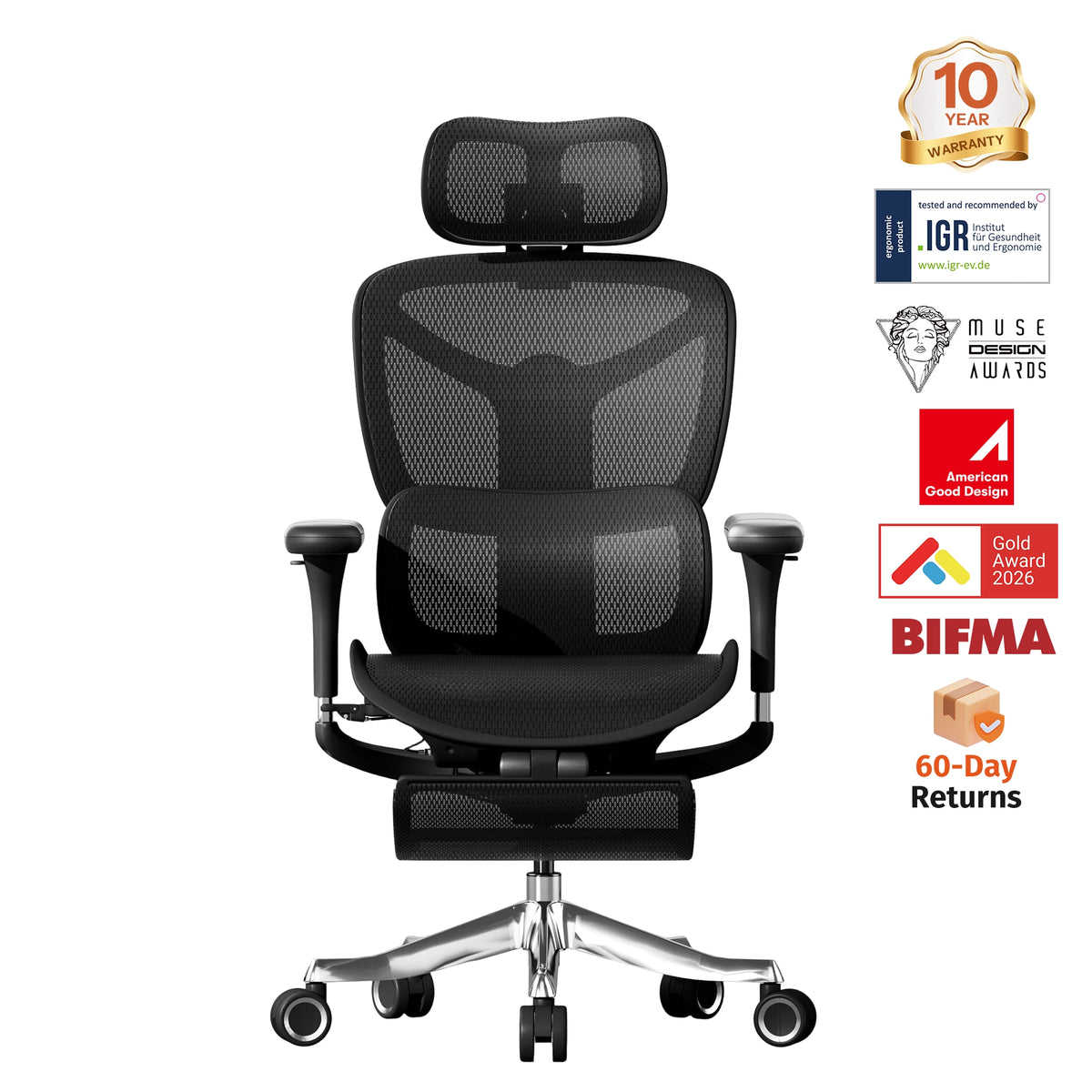
👉 The Welax S9 Ergonomic Chair features premium 6D armrests with multi-angle adjustment and smooth rotation, offering maximum flexibility for users who want the highest level of ergonomic support.


3D vs 4D vs 6D Armrests: Key Differences
| Feature | 3D | 4D | 6D |
|---|---|---|---|
| Height Adjustment | ✅ | ✅ | ✅ |
| Forward/Backward | ✅ | ✅ | ✅ |
| Rotation | ✅ | ✅ | ✅ |
| Width Adjustment | ❌ | ✅ | ✅ |
| Angle/Tilt | ❌ | ❌ | ✅ |
| Multi-Axis Movement | ❌ | ❌ | ✅ |
| Customization Level | Basic | Advanced | Premium |
Which Armrest Type Should You Choose?
Choose 3D Armrests if:
-
You want a budget-friendly ergonomic chair
-
Your setup is simple and consistent
-
You don’t need frequent adjustments
Choose 4D Armrests if:
-
You work long hours daily
-
You want better posture support
-
You need flexibility for different tasks
👉 For most users, the S3 Pro ergonomic chair with 4D armrests offers the best balance between price, comfort, and adjustability.
Choose 6D Armrests if:
-
You want the most advanced ergonomic experience
-
You switch between work, gaming, and relaxation
-
You prefer highly customized comfort
Does It Really Make a Difference?
Yes—especially over time.
Better arm support can:
-
Reduce shoulder and neck tension
-
Improve typing comfort
-
Prevent wrist strain
-
Increase productivity
Many people experience fatigue not because of the seat—but because their arms are unsupported.
How to Adjust Your Armrests Properly
To get the most out of your ergonomic chair:
-
Keep elbows at about 90°
-
Let shoulders stay relaxed (not lifted)
-
Rest forearms lightly on the armrests
-
Keep wrists neutral while typing
Small adjustments can make a big difference in long-term comfort.
Final Thoughts: Is 6D Worth It?
For most people, 4D armrests provide the best value.
But if you want maximum flexibility and premium comfort, 6D armrests are worth the upgrade.
Ultimately, the right choice depends on how long you sit, how you work, and how much customization you need.
Explore Welax Ergonomic Chairs
At Welax, we design ergonomic chairs that combine comfort, adjustability, and modern design:
-
S5 – Practical 3D armrests for everyday use
-
S3 Pro – Advanced 4D armrests for long-hour comfort and precise adjustment
-
S9 – Premium 6D armrests for ultimate flexibility
Whether you’re building a home office or upgrading your workspace, choosing the right armrest system can transform your daily comfort.
FAQ: 3D vs 4D vs 6D Armrests
Are 4D armrests worth it?
Yes, for most users, 4D armrests are absolutely worth it. They provide a balance of flexibility and comfort, especially for people who work long hours. The ability to adjust width, height, depth, and angle helps reduce shoulder and wrist strain. Chairs like the S3 Pro ergonomic chair with 4D armrests are designed to deliver this level of support without going into unnecessary complexity.
What is the difference between 3D and 4D armrests?
The main difference is width adjustment.
3D armrests allow height, depth, and rotation adjustments, while 4D armrests add left-to-right movement. This extra flexibility helps users better align their arms with their natural shoulder width, improving posture and comfort.
Are 6D armrests better than 4D?
6D armrests offer more advanced adjustability, including tilt and multi-directional movement. They are better for users who want maximum customization or frequently switch between different sitting positions. However, for most office users, 4D armrests already provide more than enough ergonomic support.
Do ergonomic chairs really need adjustable armrests?
Yes. Adjustable armrests are essential for maintaining proper posture. Without them, your shoulders may lift or your wrists may bend unnaturally, leading to discomfort or long-term strain. Even basic 3D armrests are better than fixed armrests.
What are the best armrests for long hours of sitting?
4D armrests are generally the best choice for long hours. They allow precise adjustments to support your arms in different working positions. If you want a more premium experience, 6D armrests provide even greater flexibility.
How should armrests be positioned correctly?
Armrests should be set so that:
-
Your elbows are at a 90-degree angle
-
Your shoulders remain relaxed
-
Your forearms rest naturally without pressure
-
Your wrists stay neutral while typing
Proper positioning is just as important as having adjustable armrests.


Leave a comment
This site is protected by hCaptcha and the hCaptcha Privacy Policy and Terms of Service apply.