


Working from home sounds ideal—until summer arrives. Higher temperatures, longer sitting hours, and poor workstation setups can quickly lead to fatigue, reduced productivity, and chronic back pain. Whether you’re answering emails from your home office, attending Zoom meetings all day, or balancing remote work with household distractions, your physical comfort plays a huge role in how productive and focused you feel.
The good news? A few ergonomic upgrades and healthy work habits can completely transform your work-from-home experience.
In this summer WFH survival guide, we’ll cover how to stay productive without back pain, how to improve your home office ergonomics, and why investing in the best ergonomic office chair can make a major difference for your health and performance.
Why Back Pain Gets Worse During Summer WFH
Many remote workers notice increased discomfort during summer months. There are several reasons why:
- Hot weather increases fatigue and reduces concentration
- Sitting for long hours causes muscle stiffness
- Poor posture becomes more common when working casually at home
- Cheap office chairs trap heat and lack lumbar support
- Lack of movement throughout the day strains the spine
When your workstation isn’t ergonomically designed, your body compensates in unhealthy ways. Over time, this can lead to lower back pain, neck stiffness, shoulder tension, and even headaches.
That’s why creating an ergonomic home office setup is essential—especially during summer.
1. Upgrade to an Ergonomic Office Chair
Your chair is the foundation of your entire work setup. If you’re still using a dining chair, outdated office chair, or soft couch, your spine is likely paying the price.
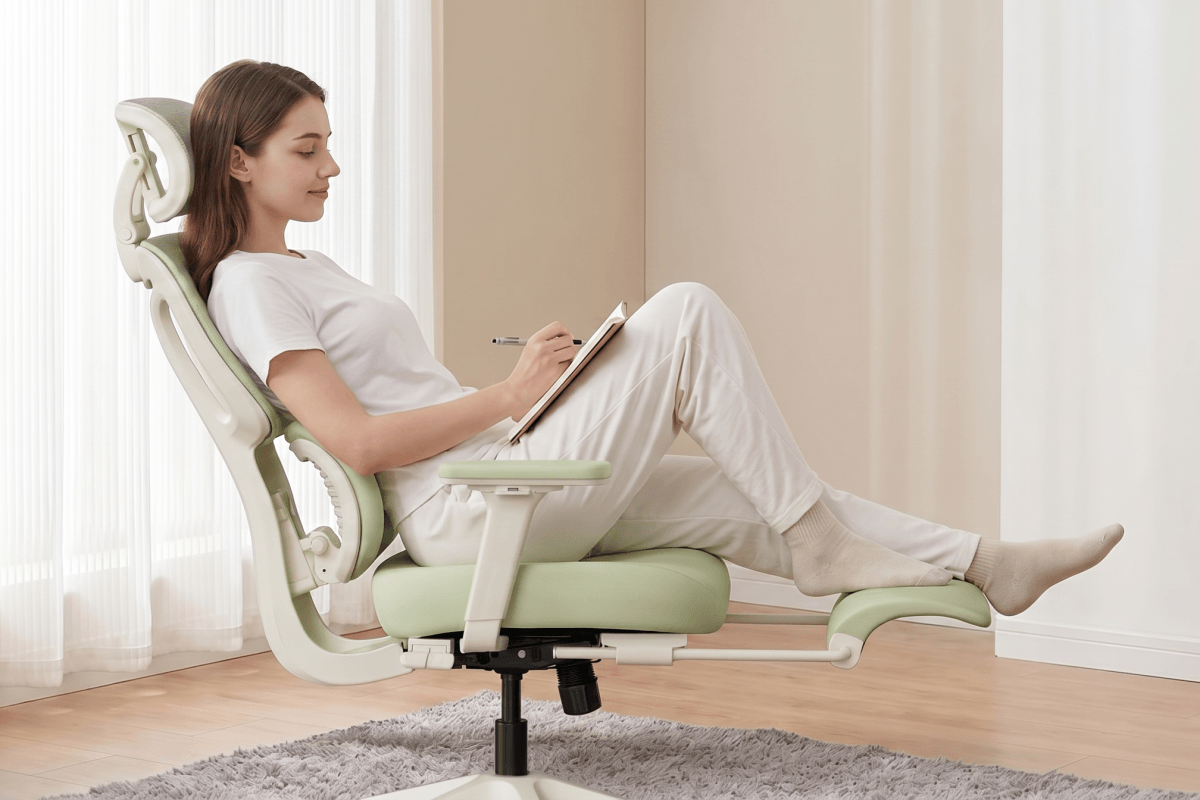
A high-quality ergonomic chair supports your natural posture, reduces pressure on your lower back, and keeps you comfortable during long work sessions.
What to Look for in the Best Ergonomic Chair
When shopping for a work-from-home office chair, prioritize these ergonomic features:
Adjustable Lumbar Support
Proper lumbar support helps maintain the natural curve of your spine and reduces lower back strain.
Breathable Mesh Back
Summer heat can make sitting uncomfortable. A breathable mesh ergonomic chair improves airflow and helps you stay cool.
Adjustable Armrests
Height-adjustable armrests reduce tension in your shoulders and wrists during typing.
Recline Function
Dynamic recline helps reduce spinal compression and encourages movement throughout the day.
Adjustable Seat Height
Your feet should rest flat on the floor while your knees remain at a 90-degree angle.
Recommended Ergonomic Chairs for Summer WFH
At Welax, ergonomic comfort meets modern design. Here are two excellent options for remote workers looking to improve comfort and productivity this summer.
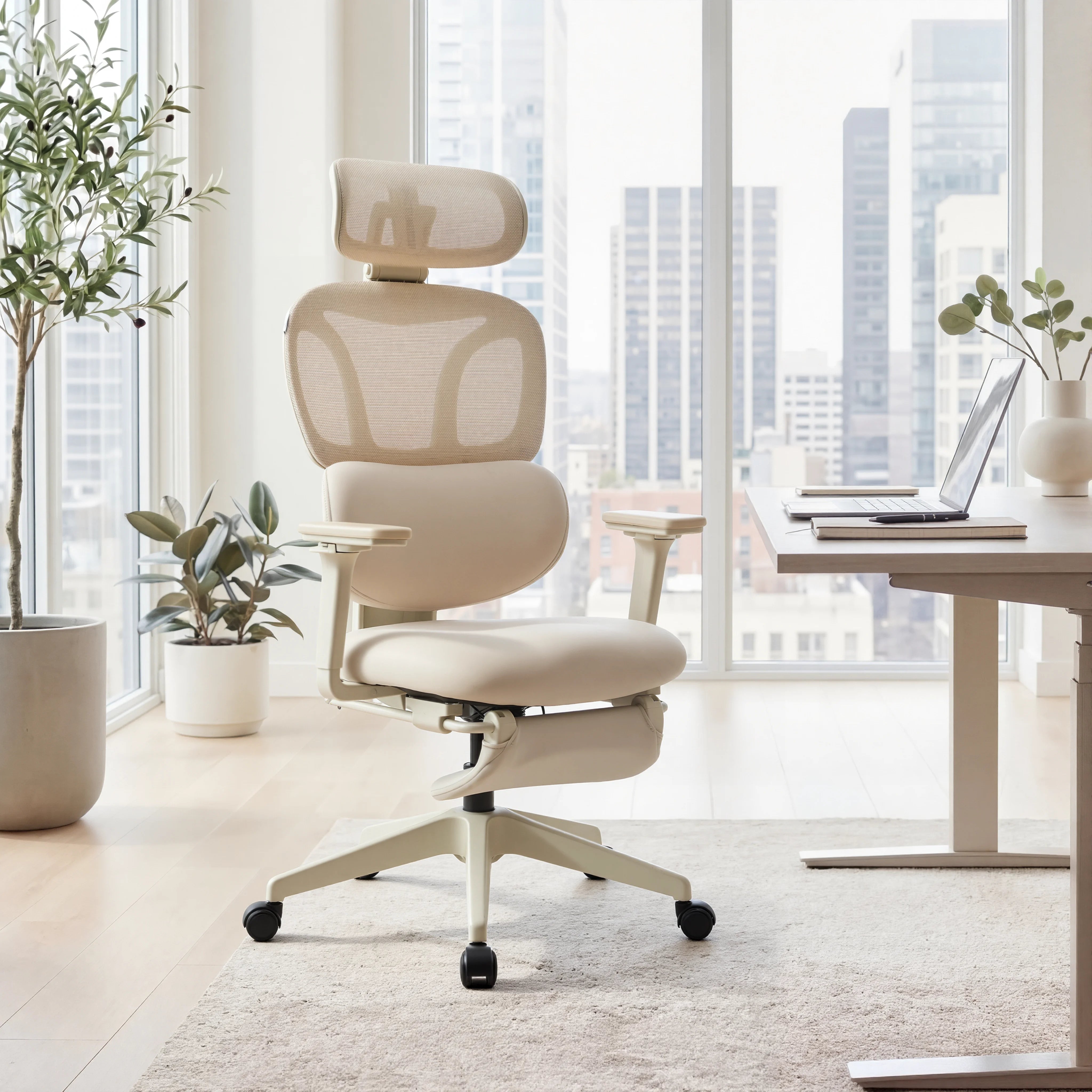
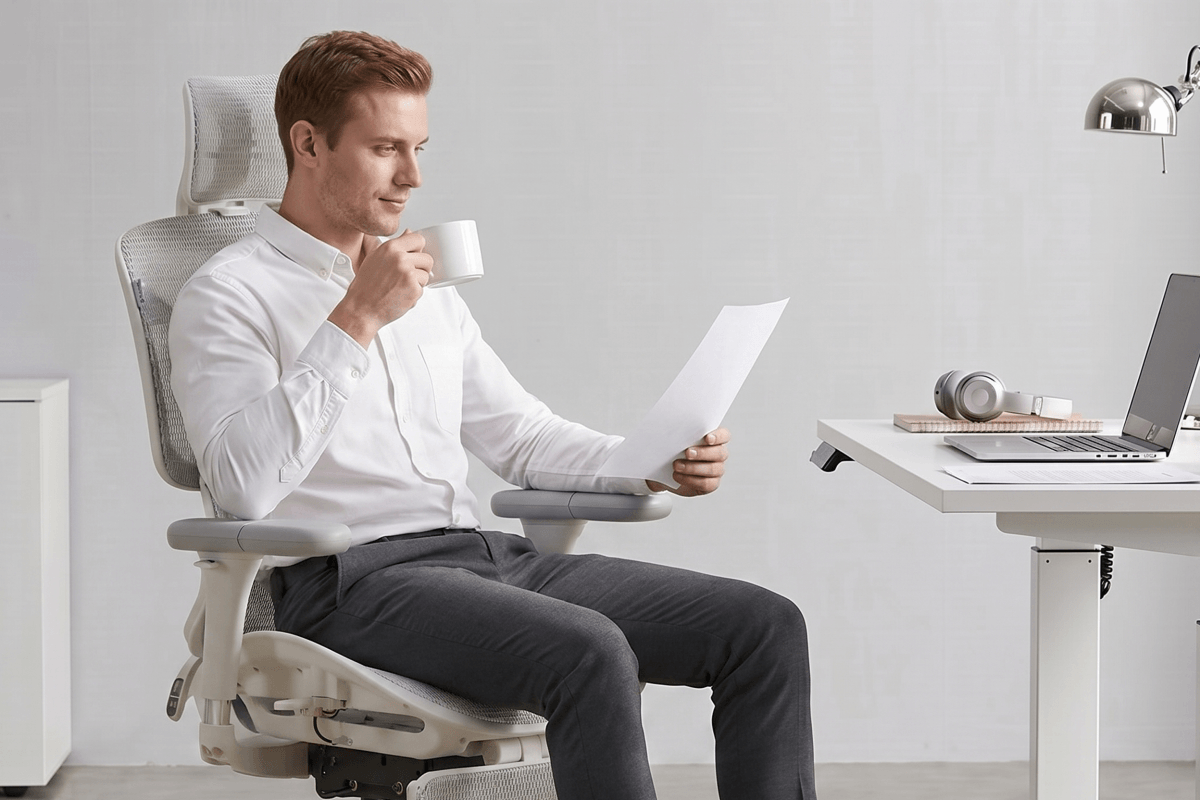
The S9 Pro is designed for professionals who spend long hours sitting at a desk. With advanced ergonomic support and premium adjustability, it’s ideal for demanding workdays.
Key features include:
- 6D adjustable armrests
- Dynamic lumbar support
- Breathable mesh construction
- Multi-angle recline
- Adjustable headrest for neck support
The breathable design makes it especially suitable for summer home offices where airflow and comfort matter most.
For remote workers dealing with back pain, neck tension, or shoulder stiffness, the S9 Pro provides all-day ergonomic support without sacrificing style.

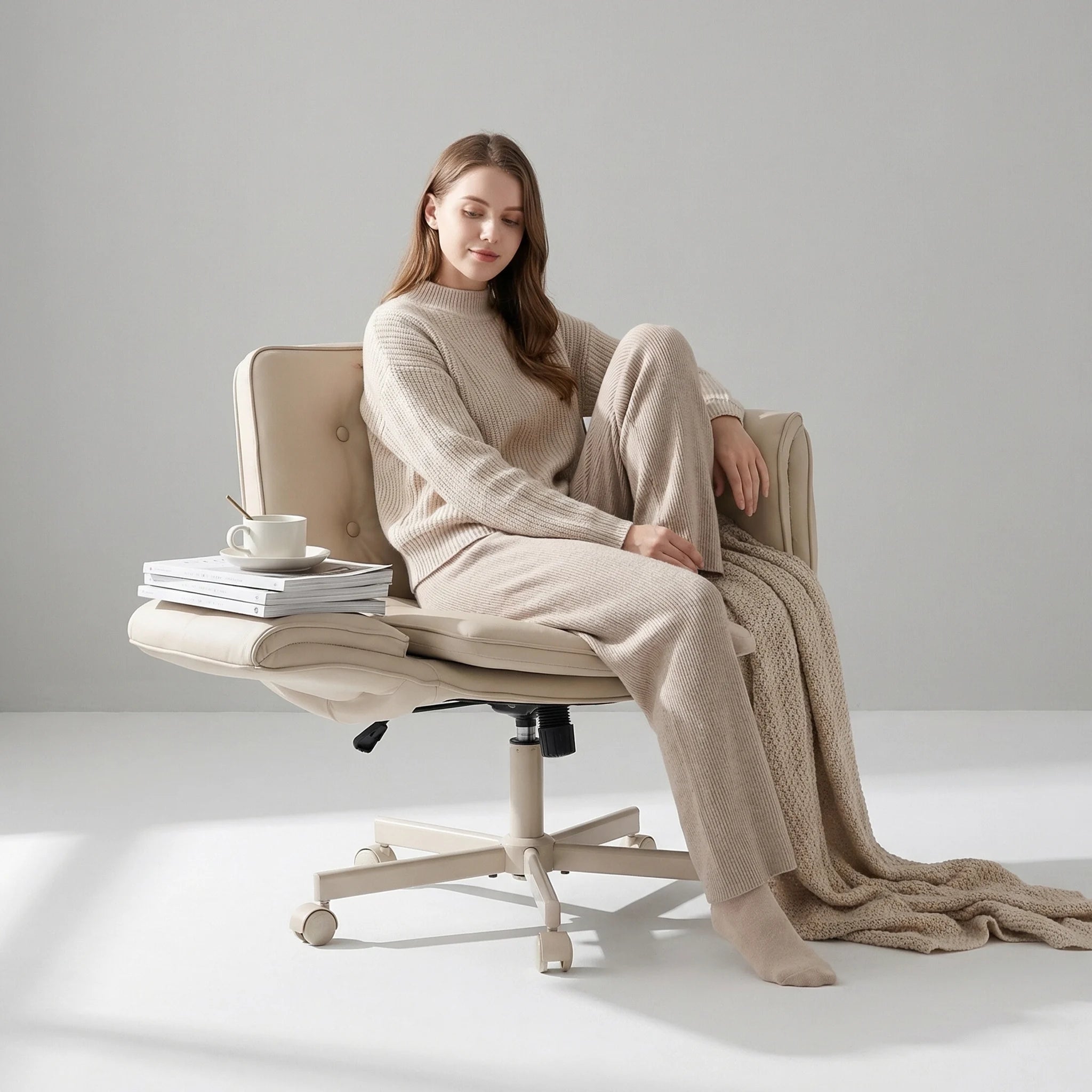
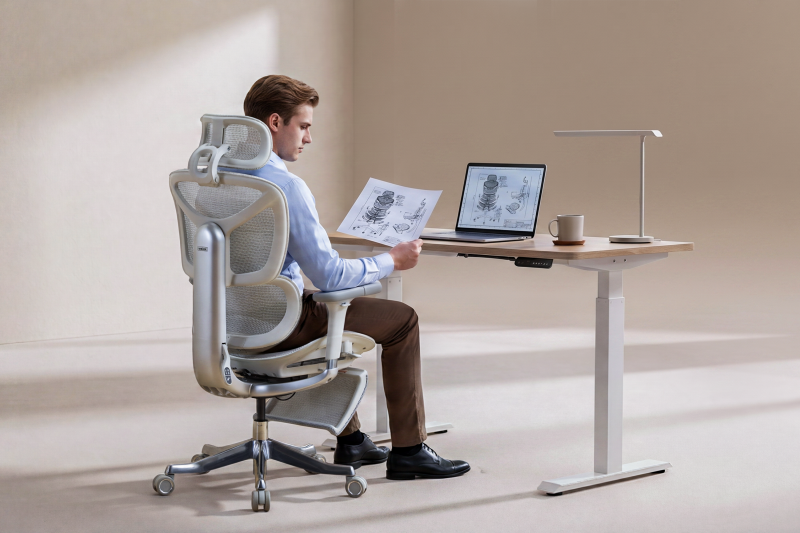
If you want a balance of affordability and ergonomic functionality, the S3 Pro is another excellent choice.
It features:
- Ergonomic lumbar support
- Flexible reclining
- Adjustable seating positions
- Breathable materials
- Modern minimalist design
The S3 Pro works particularly well for smaller home office spaces and hybrid workers who need reliable daily comfort.

2. Improve Your Desk Ergonomics
Even the best ergonomic chair can’t fully compensate for a poorly positioned desk or monitor.
A proper ergonomic workstation setup helps reduce stress on your spine and joints while improving productivity.
Monitor Position
Your monitor should sit:
- At eye level
- About an arm’s length away
- Directly in front of you
Looking down at a laptop all day can strain your neck and upper back.
Consider using:
- A monitor stand
- Laptop riser
- External keyboard and mouse
Keyboard & Mouse Placement
Keep your elbows close to your body and your wrists neutral while typing.
Your forearms should remain parallel to the floor to reduce wrist and shoulder strain.
3. Take Movement Breaks Every Hour
One of the biggest causes of work-from-home back pain is prolonged sitting.
Even with an ergonomic setup, staying in one position for too long creates muscle tension and reduced circulation.
Try the 60-Minute Rule
Every hour:
- Stand up
- Stretch
- Walk around for 2–5 minutes
- Refill water
- Relax your eyes from the screen
These small movement breaks improve circulation, reduce stiffness, and help maintain energy levels throughout the day.
4. Stay Cool to Stay Productive
Summer heat can seriously impact concentration and motivation.
Research consistently shows that excessive heat reduces cognitive performance and increases fatigue. A cool workspace helps you stay focused longer.
Ways to Keep Your Home Office Cool
Use Breathable Furniture
Mesh ergonomic chairs allow better airflow compared to leather or foam-heavy seating.
Improve Air Circulation
Use:
- Fans
- Air conditioning
- Open windows
- Air purifiers
Hydrate Frequently
Dehydration contributes to headaches, fatigue, and poor focus.
Keep a water bottle at your desk and drink consistently throughout the day.
5. Maintain Better Sitting Posture
Many people unknowingly develop poor posture habits while working from home.
Common posture mistakes include:
- Slouching forward
- Leaning on one side
- Crossing legs for long periods
- Hunching shoulders
These habits create uneven spinal pressure and muscular strain.
Proper Ergonomic Sitting Position
For healthier posture:
- Keep your back supported
- Relax your shoulders
- Keep feet flat on the floor
- Position hips slightly above knees
- Maintain neutral neck alignment
An ergonomic office chair with adjustable support makes proper posture significantly easier to maintain.
6. Create a Productive Summer Work Routine
Physical comfort and productivity go hand in hand.
Here are some simple habits that help remote workers stay productive during summer:
Start Earlier
Many people focus better during cooler morning hours.
Try:
- Deep work in the morning
- Meetings in the afternoon
- Lighter admin tasks later in the day
Reduce Digital Fatigue
Constant screen exposure contributes to mental exhaustion.
Try:
- Blue light filters
- Screen breaks
- Walking meetings
- Offline brainstorming
Optimize Lighting
Natural light improves mood and productivity, but direct sunlight can overheat your workspace.
Use:
- Indirect lighting
- Adjustable blinds
- Desk lamps for balanced visibility
Why Ergonomic Furniture Is a Long-Term Investment
Many remote workers underestimate the long-term impact of poor seating.
An ergonomic office chair isn’t just about comfort—it’s an investment in:
- Productivity
- Physical health
- Energy levels
- Focus
- Long-term spinal support
High-quality ergonomic chairs help prevent chronic pain while improving work performance.
For professionals who spend 6–10 hours sitting daily, the right chair can dramatically improve overall well-being.


Laisser un commentaire
Ce site est protégé par hCaptcha, et la Politique de confidentialité et les Conditions de service de hCaptcha s’appliquent.