



How to Choose an Ergonomic Office Chair for Long Hours: A Complete Guide to Body Fit and Dynamic Support
When choosing an office chair for long hours, the goal is not to find the thickest seat cushion, the softest backrest, or the chair with the most features. What matters is whether the chair’s dimensions and adjustment range fit your body and whether it allows you to change sitting positions naturally throughout the day.

What users need is not a chair that encourages them to remain motionless for hours, but one that continues to provide support through the seat, lower and upper back, arms, head, and neck during longer work sessions while making posture adjustments easier. OSHA guidance for computer workstations also emphasizes that even with a well-adjusted sitting position, users should not remain in one posture for extended periods and should regularly change position and get up to move.
For Long Workdays, Start by Checking Whether the Chair Actually Fits Your Body
A chair that feels comfortable after five minutes in a showroom may not feel the same after several hours of work. For long workdays, the first things to check are not how many lumbar-support settings the chair offers or whether the armrests are 6D, but the basic dimensions: seat height, seat depth, and seat width.
Seat Height Creates a Stable Foundation for Sitting
A suitable seat height should allow both feet to rest securely on the floor or on a footrest while the thighs remain in a relatively natural position. If the seat is too high, shorter users may slide forward, gradually losing contact with the backrest. If it is too low, the legs may become excessively bent.
For that reason, it is not enough to see that a chair offers seat-height adjustment. The minimum and maximum seat heights also need to match your body dimensions.
Seat Depth Matters More Than Cushion Thickness
Seat depth determines how much support the thighs receive and whether the user can sit far enough back to make proper contact with the backrest.
If the seat is too deep, users with shorter legs may move forward to keep the front edge of the seat away from the backs of the knees. If it is too shallow, users with longer legs may not receive enough thigh support. OSHA’s office-chair guidance also notes that the seat should support the thighs without being so deep that it prevents the user from sitting back against the lumbar support.
When Is Adjustable Seat Depth Especially Useful?
Adjustable seat depth is particularly useful for chairs shared by several people, as well as for users whose legs are noticeably longer or shorter than average.
Its purpose is to improve the fit between seat dimensions and leg length, rather than simply adding another “premium” feature.
Lumbar Support Should Still Fit as Your Sitting Position Changes
Long work sessions rarely involve only one posture. The body is usually more upright while typing, may lean slightly back during reading or video meetings, and may shift again during short periods of thinking or rest.
For that reason, lumbar support should not work well only at one fixed backrest angle.
Lumbar Position Usually Matters More Than How Strong the Support Feels
The lumbar support should meet the natural inward curve of the lower back. If it sits too high or too low, stronger pressure does not necessarily mean that it fits the body better.
For people who work for long periods, it is more useful to consider whether the lumbar support can be repositioned and whether the lower back continues to maintain natural contact with the backrest as posture changes. OSHA guidance likewise recommends a backrest that provides suitable lower-back support and accommodates different sitting positions.
An Office Chair for Long Hours Should Allow You to Change Posture
Sitting securely does not mean sitting still. What long work sessions really require is the ability to move between a more focused working posture and a relatively relaxed one.
A chair with a well-designed recline mechanism allows the body to move away from a fully upright position while continuing to support the back. Compared with whether the chair reclines to 135° or 150°, it is often more useful to look at whether the recline movement is smooth, whether the chair can stop at commonly used angles, and whether lumbar contact is maintained after reclining.
Multi-Position Recline Better Matches Different Work States Throughout the Day
An upright position suits keyboard and mouse work. A slight recline works better for reading, meetings, or tasks that require less continuous input, while deeper recline is mainly intended for short periods of relaxation.
The purpose of multi-position recline is therefore not to turn an office chair into a lounge chair, but to give the user more options for changing posture.
Armrests Need to Match Shoulder Width, the Desk, and the Way You Work
For people who use a keyboard and mouse extensively every day, armrest position has a clear effect on how naturally the upper body can remain positioned.
Armrests that are too high can push the shoulders upward, while armrests that are too low provide little forearm support. If the armrests sit too far from the body, the elbows may need to remain farther out. OSHA guidance recommends armrests that can be adjusted vertically and inward or outward, while also allowing the chair to move close enough to the work surface.
The Value of Multi-Directional Armrests Is More Than the Number of Adjustments
Forearm position changes as the task changes. Typing, using a mouse, reading, and reclining do not all require the same armrest position.
The practical value of multi-directional adjustable armrests is therefore their ability to continue supporting the forearms across different working positions, rather than simply whether they are described as 4D, 5D, or 6D.
Mesh or Foam? For Long Workdays, Look at How the Material Performs Over Time
There is no single material that is always better.
Mesh seats and backrests generally place more emphasis on airflow and can remain more ventilated in warmer rooms or during longer periods of continuous use. Foam cushions usually provide a softer and more enveloping feel.
What deserves more attention is how the material performs over time: whether the mesh maintains stable tension, whether the foam compresses too quickly, whether the front edge of the seat creates noticeable pressure, and whether the backrest continues to provide support as the body moves. For a chair for long workdays, these factors are often more informative than whether the seat feels especially soft during the first few minutes.
Before Buying, Check Features in Order of Priority Rather Than Comparing Feature Counts
For people who spend long periods working at a desk, the chair can be evaluated roughly in the following order:
|
Priority |
What to Check |
Main Question It Helps Answer |
|
High |
Seat height, seat depth, seat width |
Do the chair’s basic dimensions fit the body? |
|
High |
Lumbar support, backrest |
Can the lower and upper back remain supported? |
|
High |
Recline mechanism and commonly used locking angles |
Is it easy to change working posture? |
|
Medium-High |
Armrest adjustment range |
Do the armrests suit shoulder width, forearm position, and the desk? |
|
Medium |
Headrest |
Can the head and neck find support when reclining? |
|
As needed |
Footrest, very deep recline |
Are these useful for reading, resting, or other non-core office activities? |
The original article places basic dimensions, back and lumbar support, and the recline mechanism at the highest priority, followed by armrests, headrest, and optional features such as a footrest or very deep recline.
If You Can Try the Chair, Do More Than Test the Upright Position
Adjust the seat height and seat depth first, then try normal keyboard use, a light recline, and natural turning movements.
Watch whether the lumbar support shifts out of position, whether the armrests continue to support the forearms, and whether the backrest suddenly loses contact with your body.
When Buying Online, Check the Adjustment Range Before the Feature Name
A chair may advertise “adjustable lumbar support” or “6D armrests,” but those labels do not mean that the chair will fit everyone.
Specific measurements such as minimum seat height, seat-depth travel, inward armrest range, and backrest-height adjustment usually tell you more about fit than the feature name alone.
More Features Do Not Mean Every Feature Is Worth Paying Extra For
If the basic dimensions do not fit the body, additional features are unlikely to make up for the mismatch.
For an office chair for long hours, it generally makes more sense to prioritize body fit, lumbar and back support, and posture adjustment—features that are used frequently—before spending more on secondary functions.
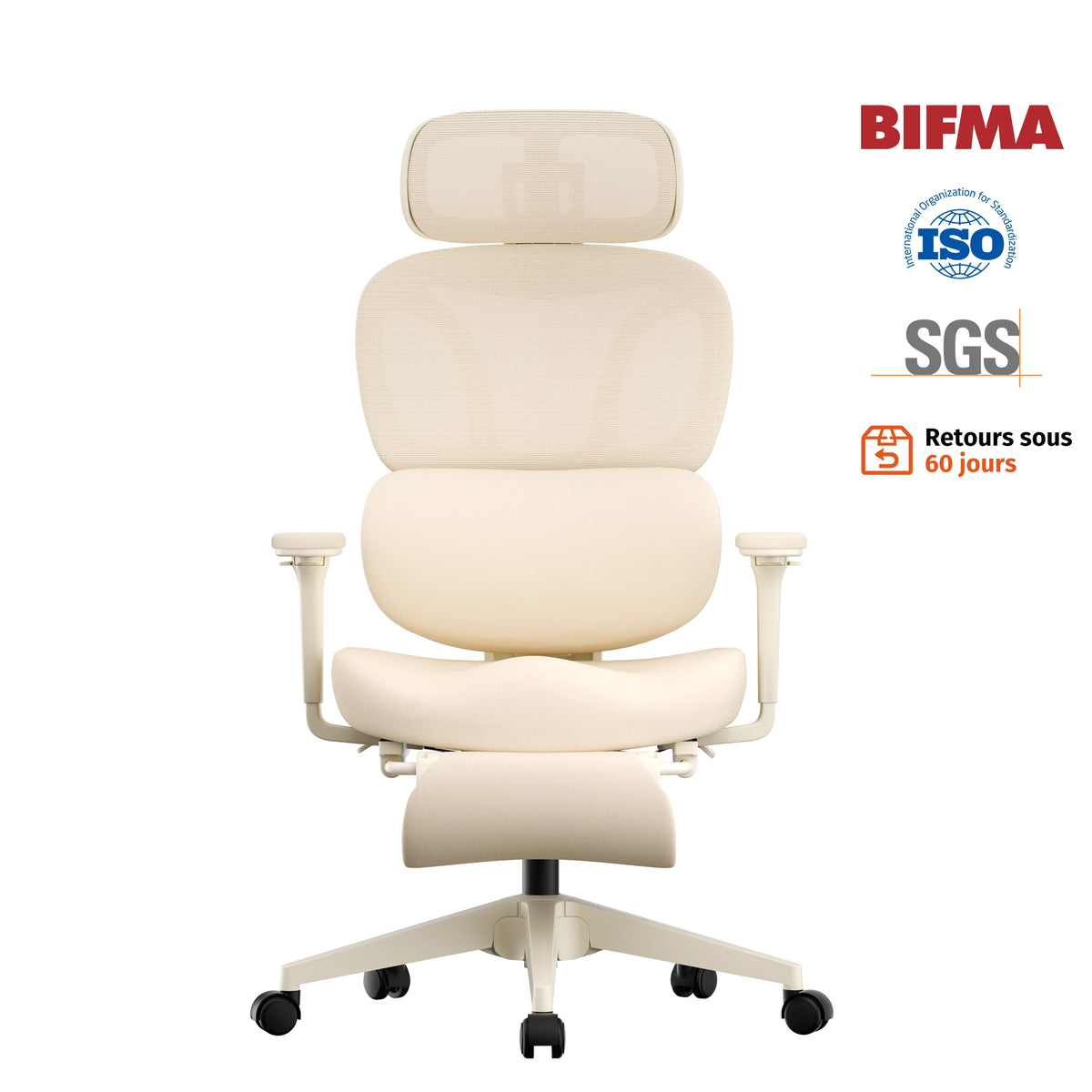
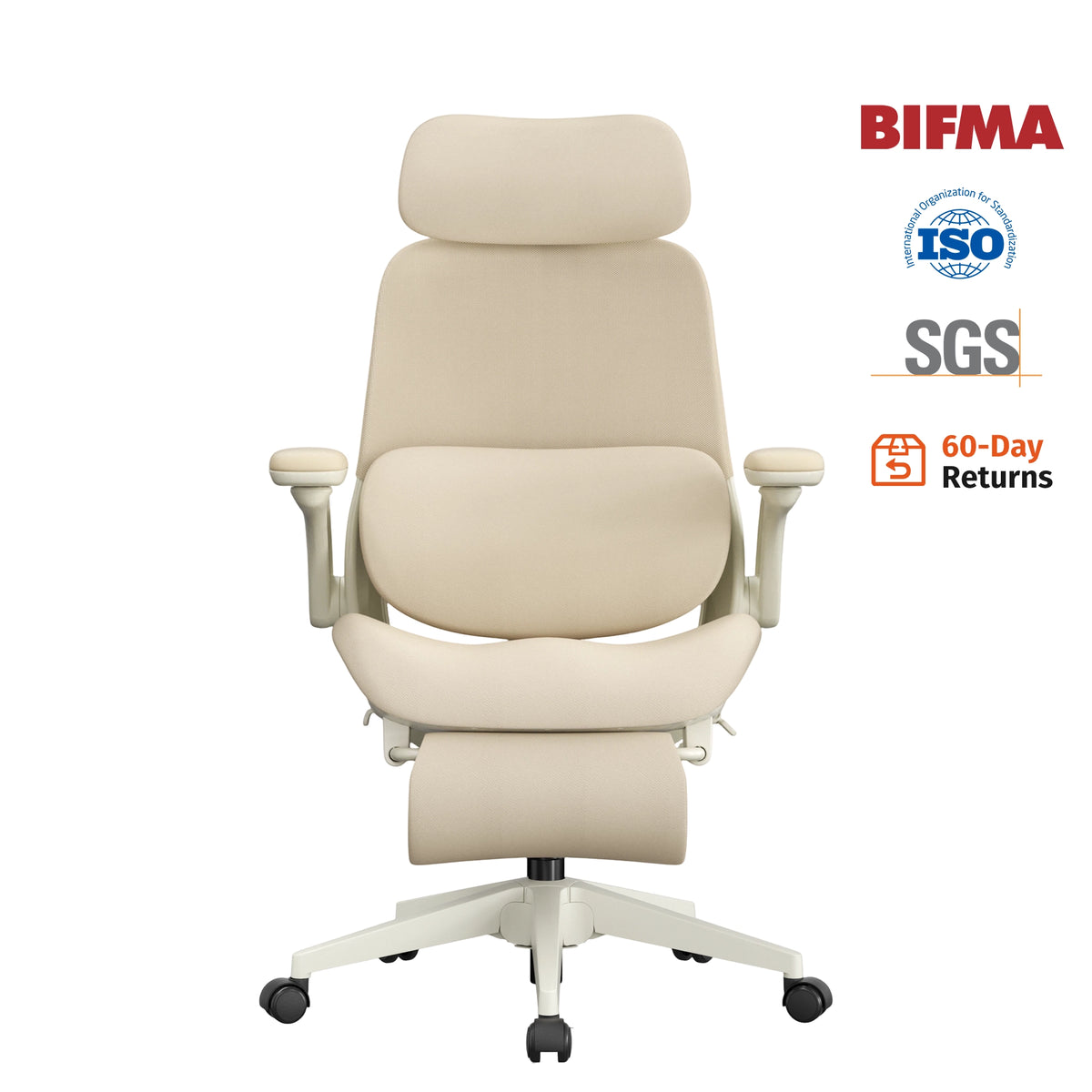
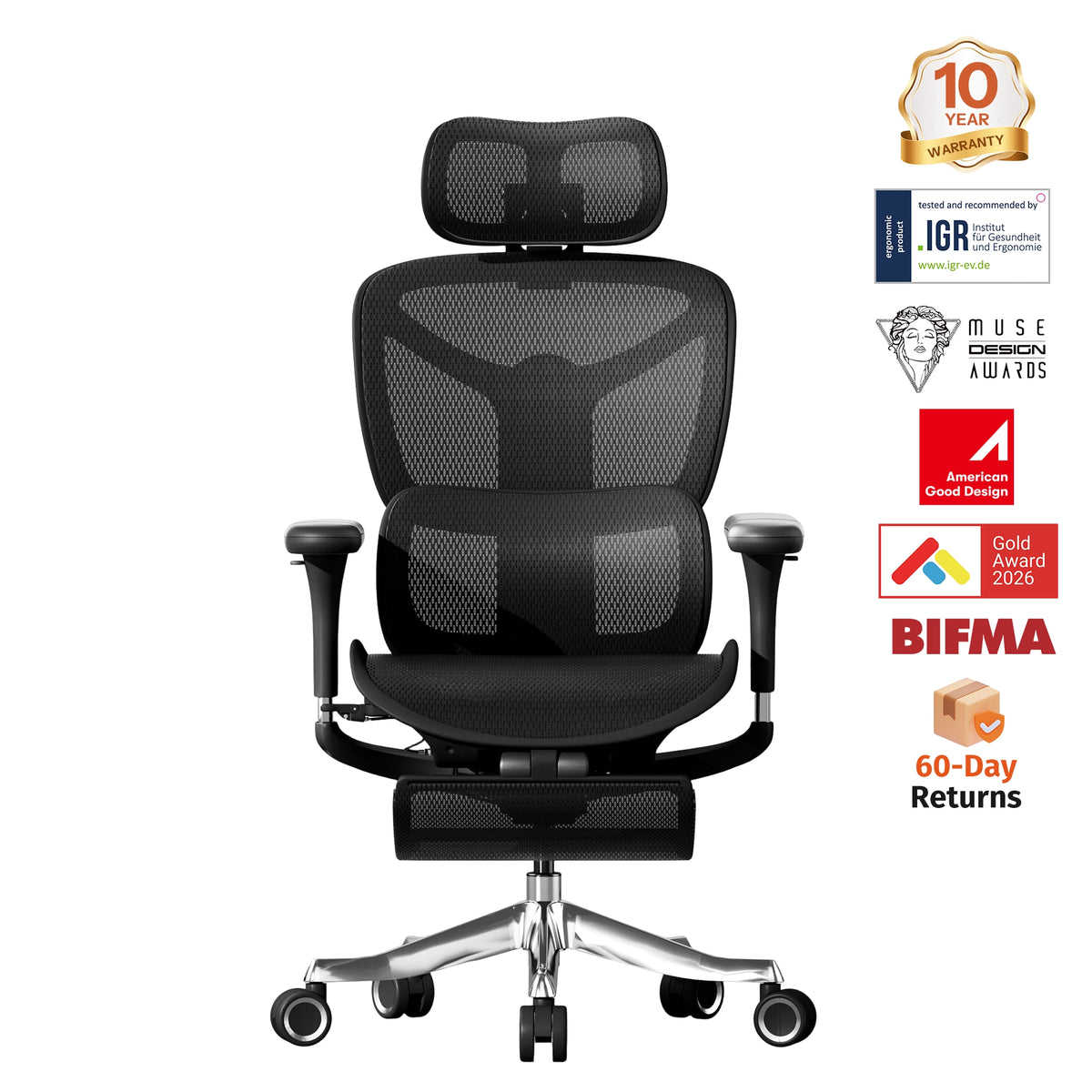
Why Is the Welax S9 Pro Better Suited for Long Hours at a Desk?
Applying the buying criteria above to a specific product, the strength of the Welax S9 Pro is not that one individual feature stands out above everything else. Instead, it provides adjustment in several areas that are closely related to long work sessions.
It offers 2.2 inches of seat-depth adjustment, allowing thigh support to be adjusted according to leg length. The backrest has five height settings with an adjustment range of approximately 1.38 inches. Its adaptive lumbar support responds to changes in body position and also supports fine forward-and-back adjustment and locking.
Together, these adjustments are mainly intended to improve the fit between the seat, backrest, lumbar support, and different body proportions.

Support Positions Can Continue to Be Adjusted for Work, Meetings, and Reclining
The S9 Pro offers multiple tilt angles—105°, 116°, and a maximum recline of 130°—corresponding to more upright work, light relaxation, and a more pronounced reclined position.
Its 6D adjustable armrests support rotation, height adjustment, lateral movement, and forward-and-back adjustment, and they can also move with the recline motion. The 3D headrest provides height and multi-angle adjustment.
For people who change posture frequently throughout the day, ease of adjustment also matters. The S9 Pro combines seat-height, seat-depth, and backrest-recline controls into a one-hand control system and uses breathable mesh for both the seat and backrest.
The product page positions these features specifically around extended daily use and quicker adjustment between different sitting positions.
Conclusion: For Long Workdays, Continuous Fit Matters More Than How Soft the Chair Feels
Choosing an ergonomic office chair for long hours should not be based only on how comfortable it feels the first time you sit down.
What matters is whether the chair dimensions fit the body, whether the lumbar and back support remain properly positioned, whether the armrests suit the user’s shoulder width and desk, and whether the backrest allows natural posture changes throughout the day.
The Welax S9 Pro addresses several areas that are commonly adjusted during long work sessions through adjustable seat depth, adaptive lumbar support, an adjustable backrest, 6D adjustable armrests, and multi-position recline.
Regardless of which chair is used, however, “suitable for long hours” should not be interpreted as meaning that the user can remain motionless for several hours. The role of the chair is to give the body more suitable positions to move between, while regular posture changes, standing, and movement remain part of long computer-based work.
Leave a comment
This site is protected by hCaptcha and the hCaptcha Privacy Policy and Terms of Service apply.