


Sit Smarter in 2026: How to Upgrade Your Workspace This New Year
A new year is the perfect time to rethink how your workspace supports the way you work. In 2026, working smarter isn’t about adding more tools or working longer hours — it’s about designing an environment that fits your body, your habits, and your focus.

From choosing the right desk height to setting up proper lighting and selecting a chair that truly supports long workdays, every detail matters. This guide explores how to upgrade your workspace from multiple angles, helping you create a setup that improves comfort, productivity, and long-term well-being.
Why Workspace Upgrades Matter More in 2026
Work has changed. Longer screen time, fewer natural breaks, and hybrid work models mean our workspaces must do more than ever before.
A modern workspace in 2026 should:
-
Reduce physical strain
-
Support long hours without fatigue
-
Adapt to different work styles
-
Feel professional, organized, and intentional
Upgrading your workspace is no longer cosmetic — it’s a practical investment in how you perform every day.
Start With the Right Desk Height
Your desk is the foundation of your workspace. Even the most advanced chair cannot compensate for a desk that is too high or too low.
What Is the Ideal Desk Height?
A properly sized desk allows:
-
Elbows to rest at about a 90-degree angle
-
Forearms to remain parallel to the floor
-
Shoulders to stay relaxed, not raised
For most users, a desk height between 27–30 inches works well. In 2026, adjustable desks are increasingly popular, especially in shared or hybrid workspaces where flexibility matters.
An incorrect desk height often leads to shoulder tension, wrist strain, and poor posture — all signs that your workspace needs an upgrade.
Choose a Chair That Truly Supports Long Hours
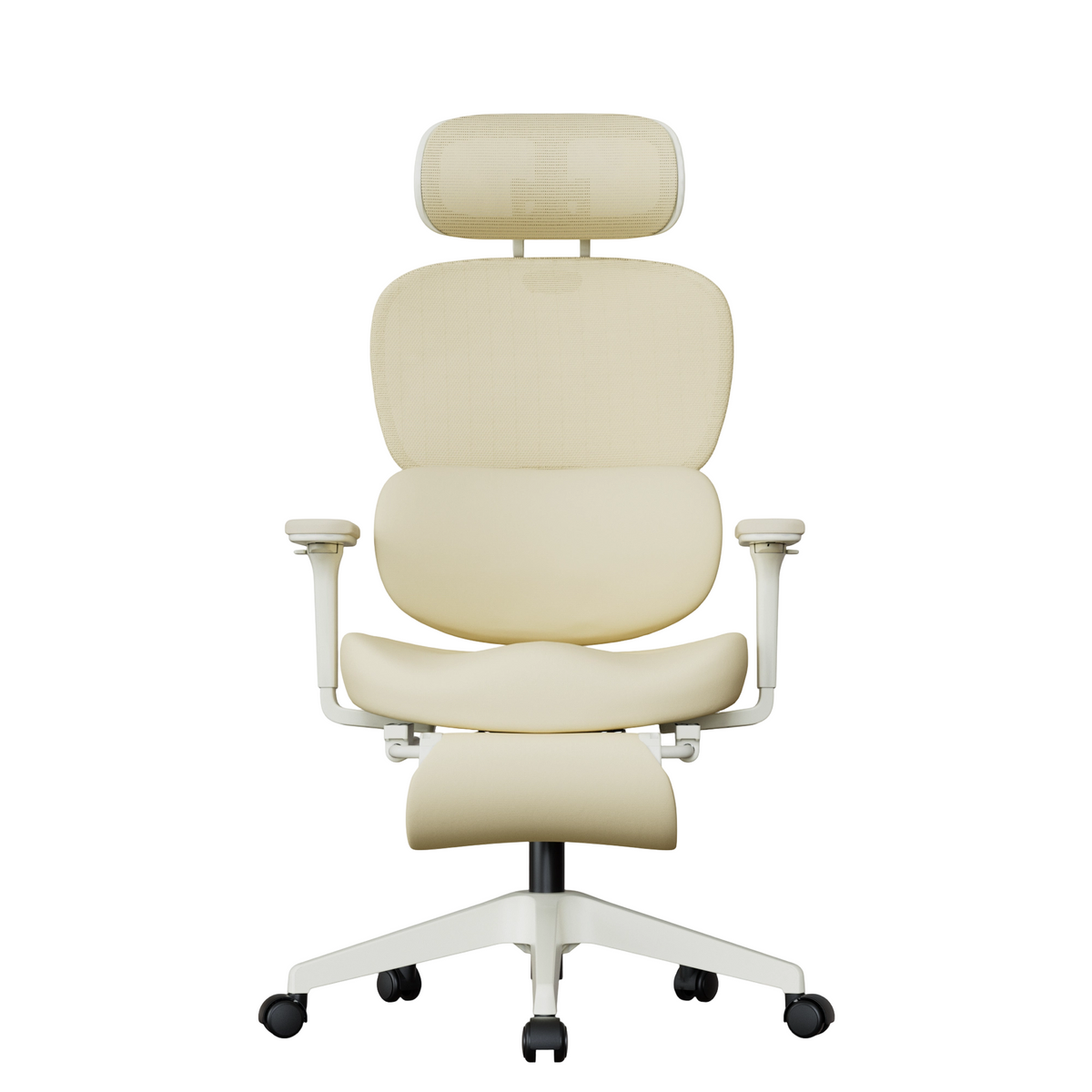
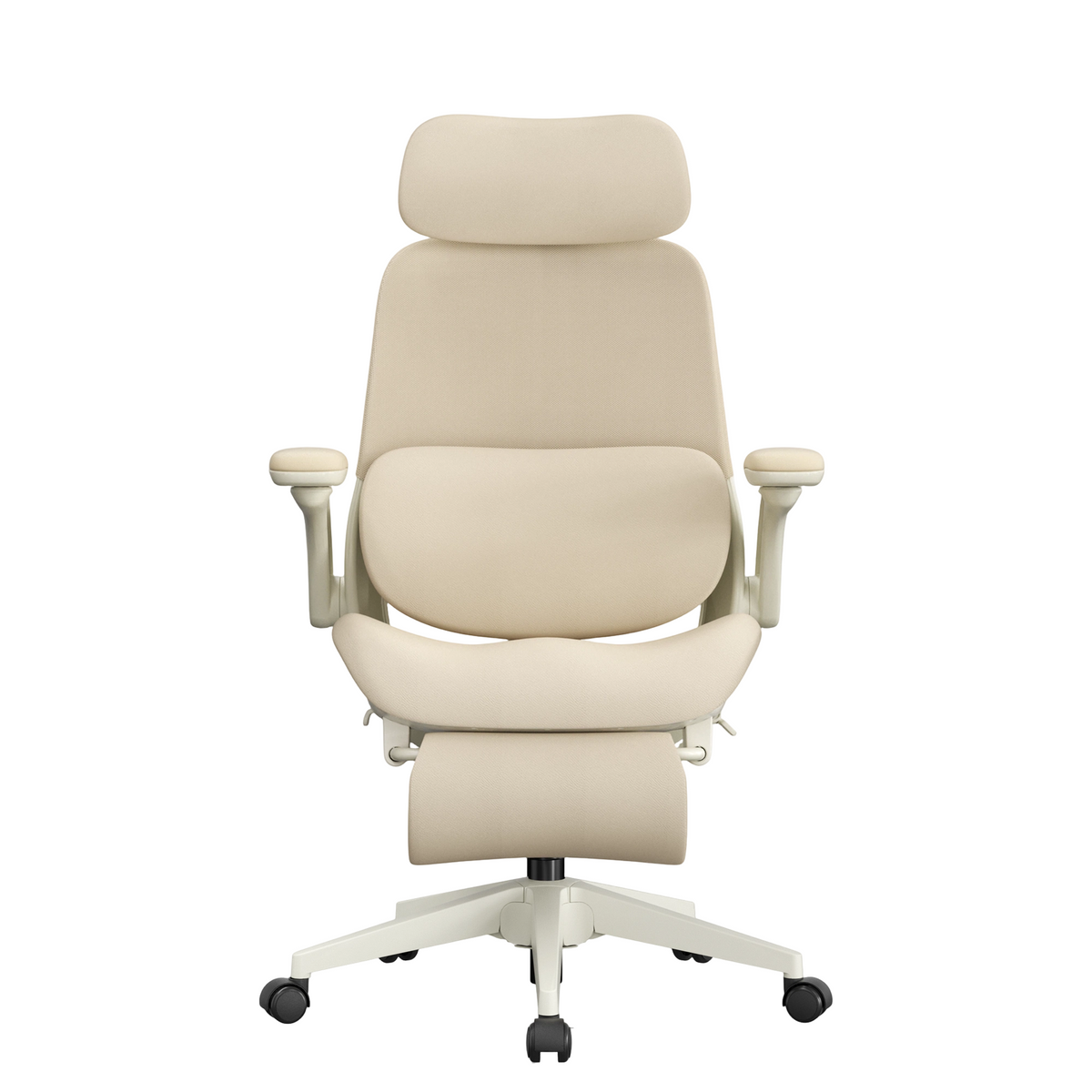
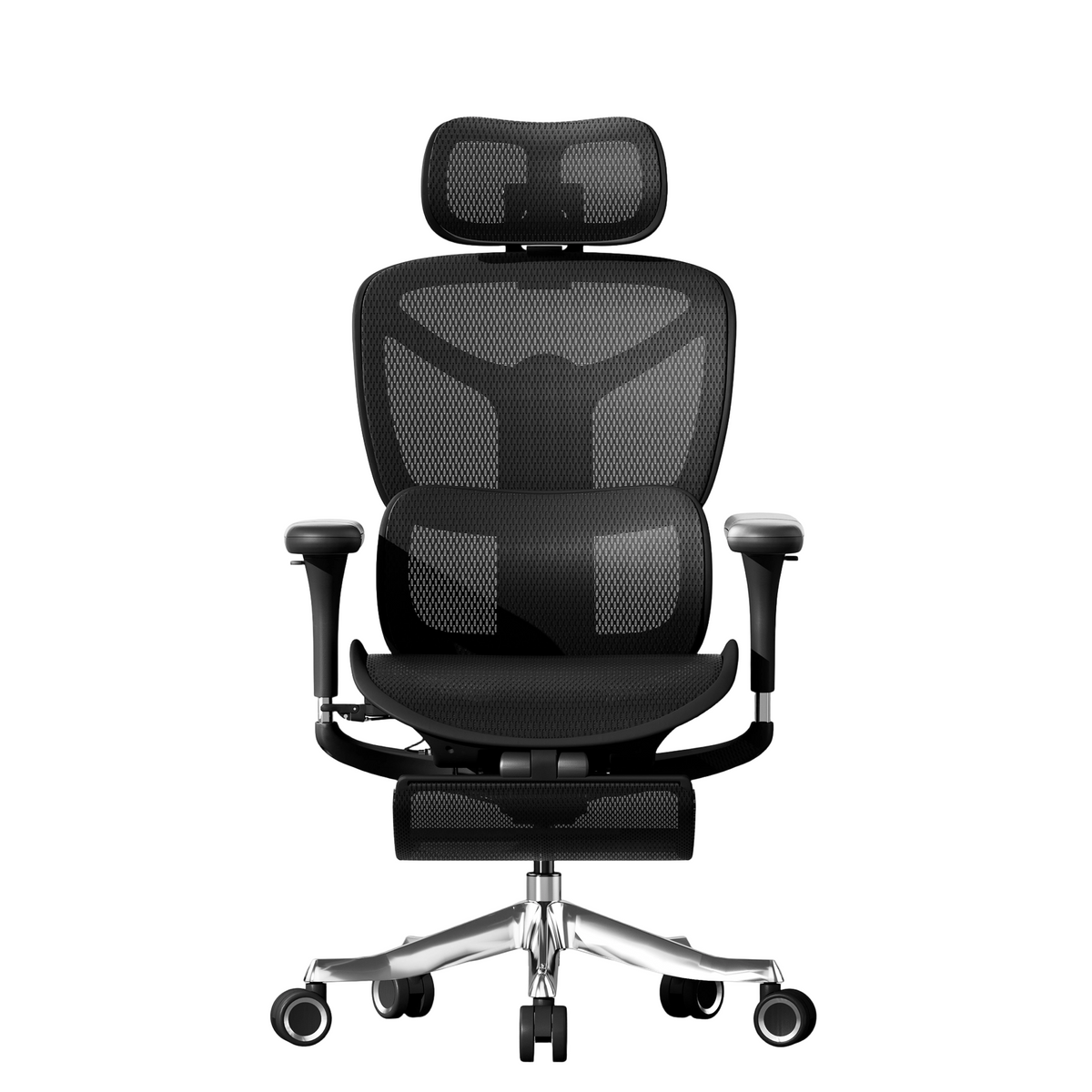
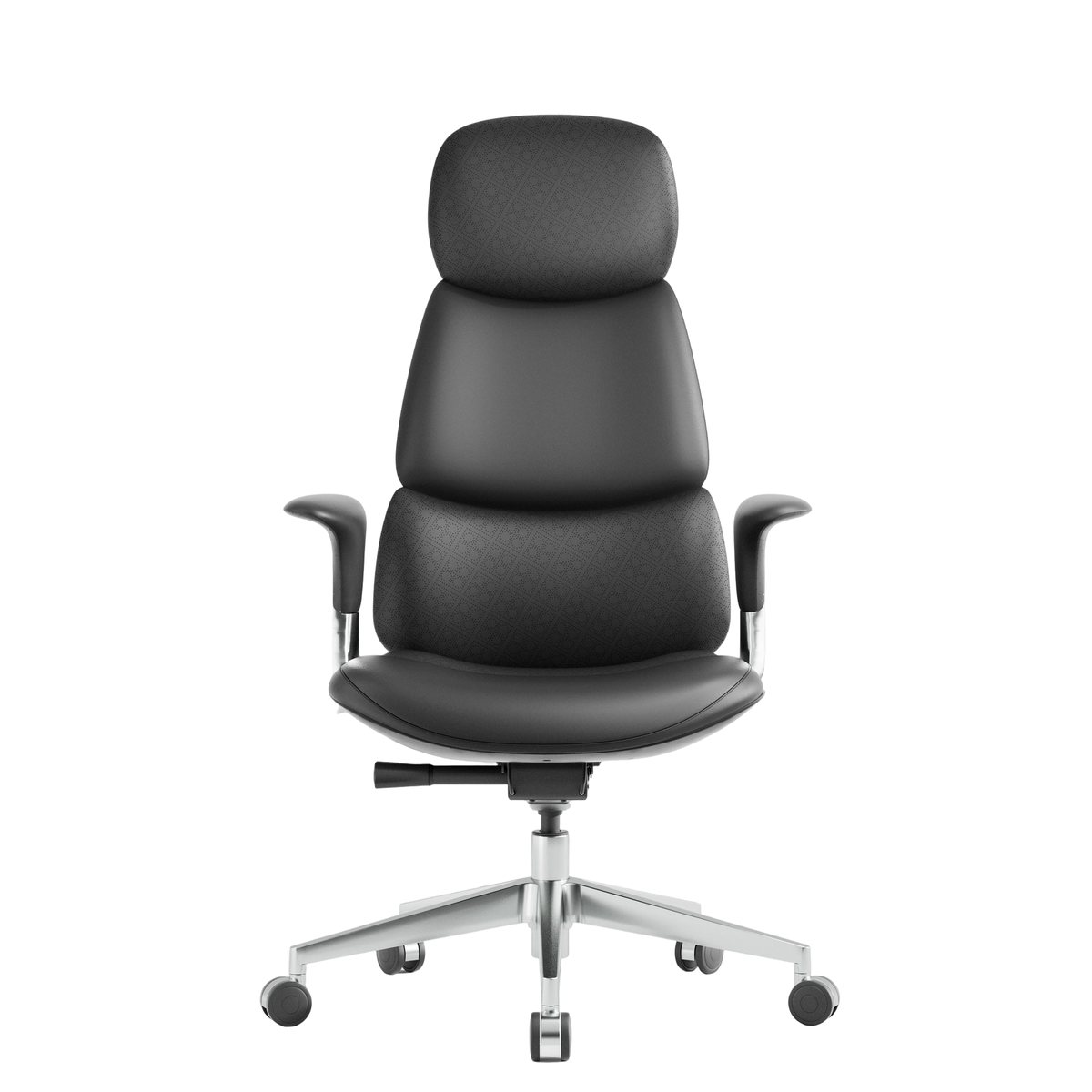
While a smarter workspace involves many elements, the office chair remains the most frequently used piece of furniture throughout the workday. In 2026, a chair is no longer just a place to sit — it’s an active support system for posture, movement, and endurance.
A well-designed office chair should work in harmony with your desk and screen, not force your body to adapt. When properly chosen, it helps reduce pressure on the lower back, supports natural spinal alignment, and allows you to stay comfortable during extended sitting sessions.
What to Look for in a Modern Office Chair
When upgrading your workspace, prioritize chairs that offer:
-
Adjustable seat height to align perfectly with your desk
-
Supportive backrest that encourages an upright, natural posture
-
Stable base and frame that remain solid over years of daily use
-
Breathable materials that stay comfortable throughout the day
In 2026, the goal is not rigid posture, but supported movement. Chairs that allow gentle reclining, posture changes, and relaxed sitting positions help reduce stiffness and fatigue without breaking focus. For a deeper look at what features truly matter, our guide on how to choose an ergonomic chair for healthy sitting posture offers practical, expert-backed tips.

Comfort That Lasts Beyond the First Hour
True comfort isn’t defined by softness alone. It’s about balanced, consistent support that holds its shape over time. Chairs designed for long-term use maintain even pressure across the seat and back, preventing pressure points and reducing the need for constant repositioning.
This level of comfort is especially important for:
-
Remote workers spending full days at their desks
-
Professionals in hybrid work environments
-
Offices where chairs are used continuously by different people
Seating in Shared and Professional Workspaces
In team offices or coworking spaces, seating must accommodate different body types and working styles. Adjustable features and durable construction allow each user to quickly find a comfortable position while maintaining a cohesive, professional look across the workspace.
A thoughtfully chosen chair improves not only physical comfort, but also the overall experience and professionalism of the workplace.
Position Your Screen for Natural Viewing
Monitor placement is often overlooked, yet it directly affects neck comfort and eye strain.
Screen Setup Best Practices
-
The top of the screen should be at or slightly below eye level
-
The screen should be about an arm’s length away
-
The monitor should be centered directly in front of you
Poor screen positioning causes users to lean forward or tilt their heads, gradually undoing the benefits of even the best furniture.
Work Where the Light Works for You
Lighting plays a major role in how comfortable and focused you feel throughout the day.
Use Natural Light When Possible
Placing your desk near a window can:
-
Improve mood and alertness
-
Reduce eye strain
-
Create a more open, comfortable environment
Avoid placing screens directly facing or backing a window to reduce glare.
Layer Artificial Lighting
In 2026, smarter workspaces use layered lighting:
-
Soft ambient lighting for the room
-
Focused task lighting for the desk
Balanced lighting reduces eye fatigue and supports longer, more comfortable work sessions.
Create a Seating Position That Encourages Movement
Sitting smarter doesn’t mean sitting still. Long static positions increase stiffness and discomfort.
A well-designed workspace allows:
-
Easy posture changes
-
Occasional reclining or stretching
-
Shifting weight without losing support
Movement-friendly setups help maintain circulation and energy throughout the day.
Organize Your Workspace to Reduce Mental Load
Clutter affects more than appearance — it affects how you think.
Simple organization upgrades include:
-
Keeping frequently used items within arm’s reach
-
Using drawers or shelves to reduce visual noise
-
Maintaining clear desk space for focused work
An organized workspace supports clearer thinking and better decision-making.
Sound and Focus: Often Ignored, Always Important
Noise levels have a direct impact on concentration.
To improve focus:
-
Position desks away from high-traffic areas
-
Use soft materials that absorb sound
-
Create quiet zones when possible
A calmer sound environment supports deeper, longer periods of focus.
Comfort Is About Endurance, Not Softness
Many people mistake softness for comfort. In reality, true comfort is about lasting support over time.
A smarter workspace offers:
-
Stable desks that don’t wobble
-
Chairs that maintain support after long use
-
Materials that stay comfortable throughout the day
Endurance-focused design leads to fewer distractions and less fatigue.
Designing Workspaces for Teams and Shared Use
In offices and coworking environments, furniture must serve many users.
Smart shared workspaces in 2026 rely on:
-
Adjustable desks and chairs
-
Neutral, professional aesthetics
-
Durable materials built for daily use
Flexibility ensures comfort without constant replacements or adjustments.
Small Changes That Make a Big Difference
Upgrading your workspace doesn’t always require a complete redesign.
Small changes that deliver immediate impact:
-
Adjusting desk or monitor height
-
Improving lighting placement
-
Replacing one uncomfortable chair
These updates can dramatically improve comfort and focus.
Why a Smarter Workspace Supports Better Work
When your workspace fits your body and habits:
-
You stay focused longer
-
You experience less physical strain
-
You maintain better posture naturally
-
You finish the day with more energy
A smarter workspace works with you, not against you.
Welax and the Modern Workspace
At Welax, we believe a better workspace starts with thoughtful design. Our approach focuses on how furniture fits into real work environments — from home offices to shared professional spaces.
We design solutions that support:
-
Long working hours
-
Consistent, reliable comfort
-
Clean, modern aesthetics
-
Daily, long-term use
Because sitting smarter in 2026 means thinking beyond one product — and designing the entire workspace experience.
Make 2026 the Year Your Workspace Works Better
The New Year is your opportunity to reset not just goals, but environments. A smarter workspace supports better habits, better focus, and better results.
Choose the right height.
Work in the right light.
Sit with lasting support.
Sit smarter in 2026 — and build a workspace designed for the way you work today.


Leave a comment
This site is protected by hCaptcha and the hCaptcha Privacy Policy and Terms of Service apply.