





Neck Pain While Working? Your Office Setup Could Be the Problem | Welax Ergonomic Chair Guide
If you spend most of your day sitting at a desk, chances are you've experienced a stiff neck, sore shoulders, or tension headaches after work.

While many people blame stress or long hours, the real culprit is often hiding in plain sight—your office setup.
Your monitor height, chair adjustments, desk position, and sitting posture all work together to support (or strain) your neck. Even small ergonomic mistakes can place constant pressure on the muscles and joints of your cervical spine.
If you're searching for ways to relieve neck pain while working, improving your office setup is one of the smartest investments you can make.
Why Does Your Neck Hurt While Working?
Your head weighs around 10–12 pounds (4.5–5.5 kg) in a neutral position.
However, every time you lean your head forward, the load on your neck increases dramatically.
When working at a computer for hours, poor posture forces your neck muscles to constantly support this extra weight.
Common symptoms include:
-
Neck stiffness
-
Shoulder tension
-
Upper back pain
-
Headaches
-
Reduced neck mobility
-
Pain that worsens after long hours at your desk
These symptoms are common signs of poor office ergonomics and prolonged static sitting.
How Your Office Setup Affects Your Neck
Many people focus only on their chair, but neck pain is often caused by the combination of several ergonomic factors.
Think of your posture as a chain:
Chair → Spine → Shoulders → Neck → Head
If one part isn't properly supported, the entire chain suffers.
Here are the most common causes.
1. Your Monitor Is Too Low
This is one of the biggest causes of neck pain.
When your monitor sits below eye level:
-
You tilt your head downward.
-
Your neck muscles remain under constant tension.
-
Your shoulders begin to round forward.
-
Upper back muscles become fatigued.
The top of your monitor should sit roughly at eye level, allowing your head to remain in a neutral position.
A properly positioned monitor helps prevent forward head posture, one of the most common causes of neck pain at a desk.
2. Your Chair Doesn't Support Your Upper Body
Without proper lumbar support, your entire posture begins to collapse.
As your lower back rounds:
-
Your shoulders move forward.
-
Your head follows.
-
Your neck extends to compensate.
This "forward head posture" is one of the leading causes of office-related neck pain.
An ergonomic office chair helps maintain spinal alignment, reducing unnecessary strain on your neck and shoulders.
3. Your Headrest Isn't Properly Adjusted
Many office workers never adjust their chair's headrest—or don't have one at all.
A properly positioned headrest supports your head while reclining, allowing your neck muscles to relax instead of constantly holding your head upright.
An adjustable headrest is especially helpful during:
-
Reading
-
Video meetings
-
Reclining breaks
-
Relaxing between work sessions
4. You're Sitting Too Long Without Moving
Even perfect posture becomes unhealthy if maintained for hours.
Remaining in one position causes muscles to fatigue, blood circulation to decrease, and stiffness to develop.
Standing up every 30–60 minutes helps reduce tension throughout the neck and shoulders.
Signs Your Office Setup May Be Causing Neck Pain
Ask yourself:
-
Do you look down at your monitor?
-
Do your shoulders feel tight after work?
-
Do you experience headaches in the afternoon?
-
Do you constantly rub your neck?
-
Does your pain improve when you stand up?
If several of these sound familiar, your workspace may need an ergonomic upgrade.
How an Ergonomic Office Chair Helps Relieve Neck Pain
A quality ergonomic chair supports far more than just your lower back.
The right chair helps create better alignment between your spine, shoulders, neck, and head.
Adjustable Headrest
An adjustable headrest provides important support for your neck during breaks and reclining positions.
Look for a headrest that allows adjustments in:
-
Height
-
Angle
-
Forward and backward positioning
A properly adjusted headrest helps reduce muscle fatigue while encouraging a more natural neck posture.
Recommended Welax Chairs
Whether you need essential neck support for everyday work or greater adjustability for personalized comfort, Welax offers ergonomic office chairs with different levels of headrest adjustment to match different working styles.
2D Adjustable Headrest
For users looking for reliable everyday neck support, a 2D adjustable headrest allows you to adjust the height and tilt angle, helping keep your head and neck comfortably supported throughout the workday.
Recommended Chairs
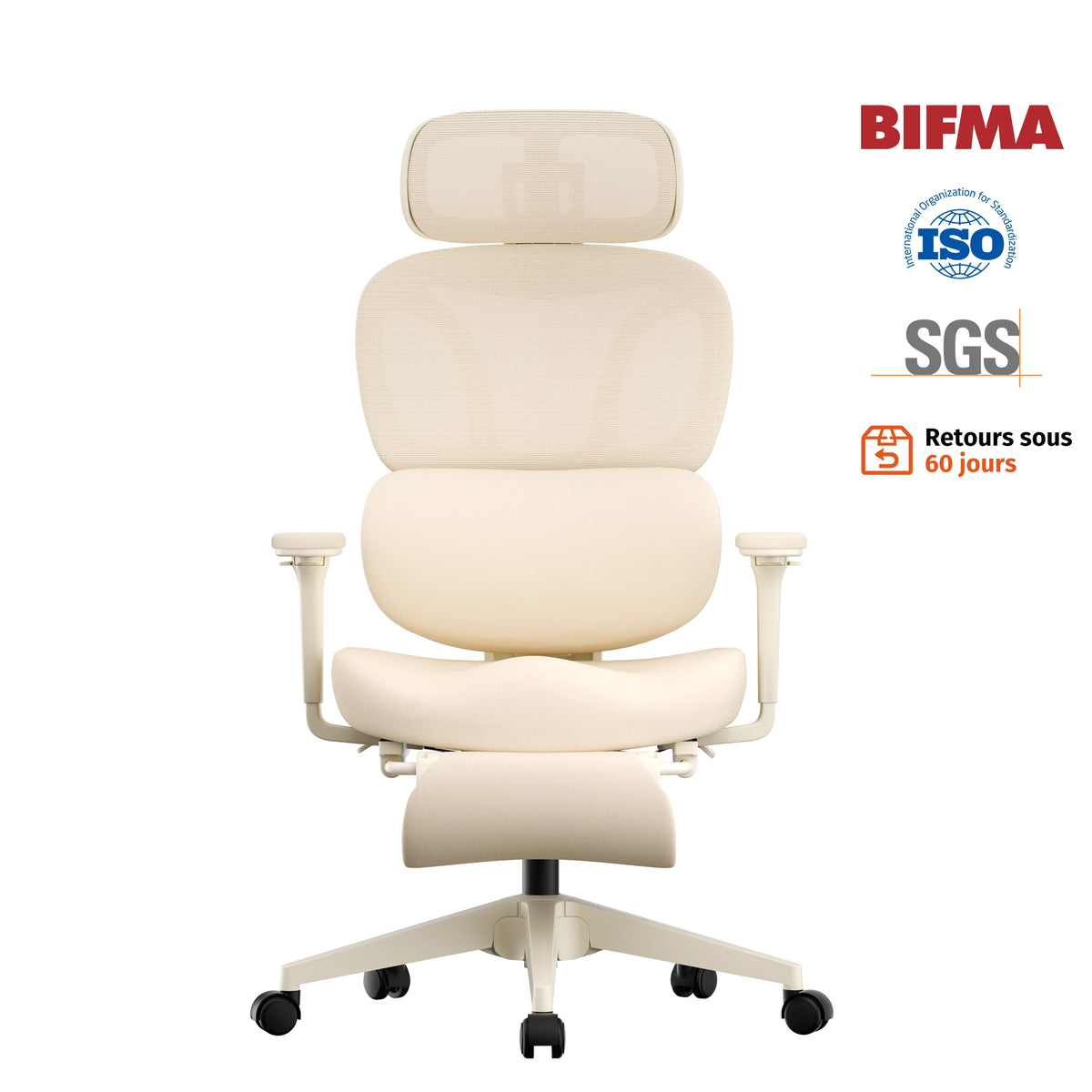
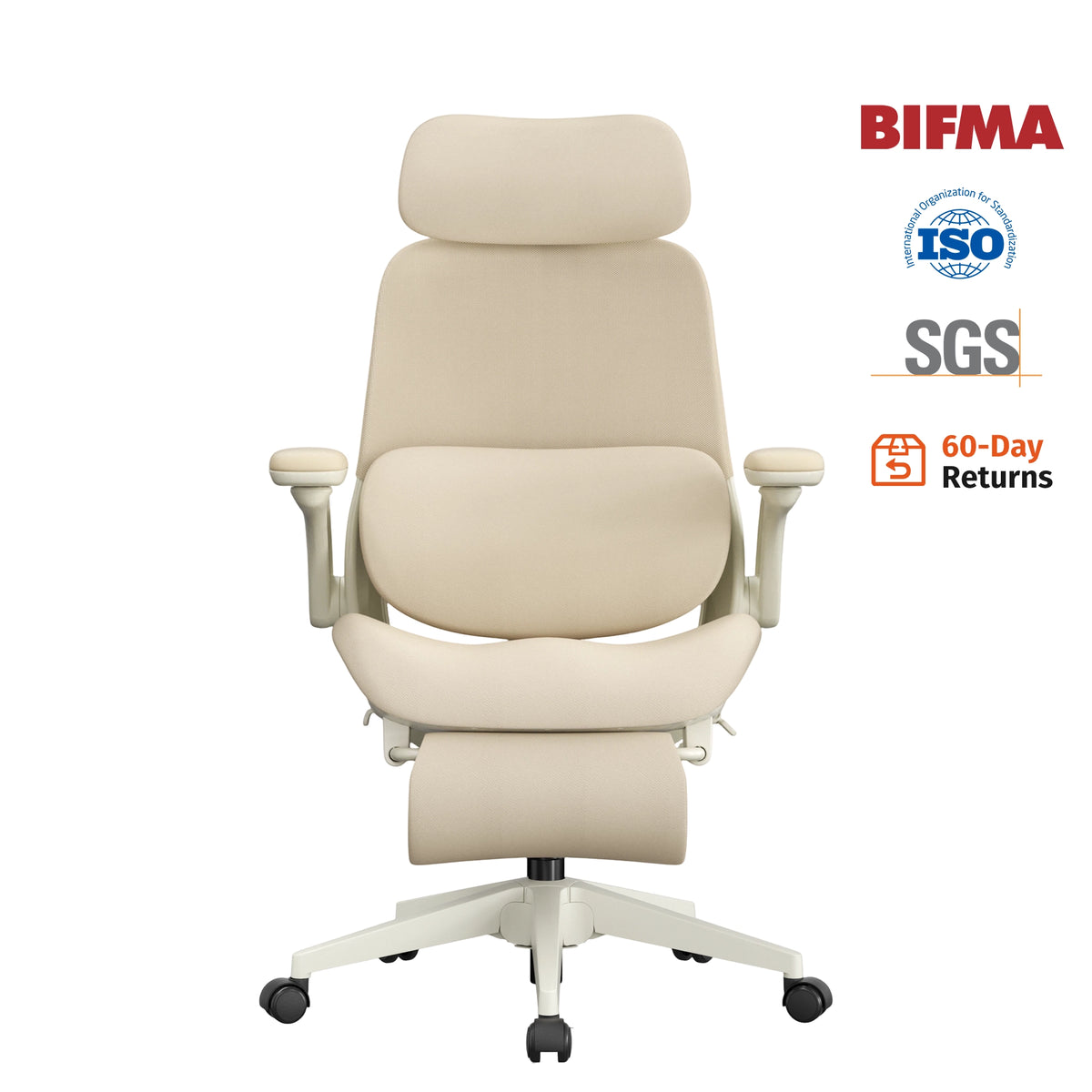
The S4 Ergonomic Desk Chair features a 2D adjustable headrest that provides comfortable neck support while maintaining a compact and practical design. It is ideal for home offices and daily computer work.

The S7 Ergonomic Office Chair combines a 2D adjustable headrest with easy-to-use ergonomic controls, allowing you to quickly find a comfortable position for focused work or relaxing breaks.

3D Adjustable Headrest
If you spend long hours at your desk, a 3D adjustable headrest offers greater flexibility by allowing adjustments in:
-
Height
-
Angle
-
Forward and backward positioning
This additional customization helps provide personalized neck support for different sitting and reclining positions.
Recommended Chairs
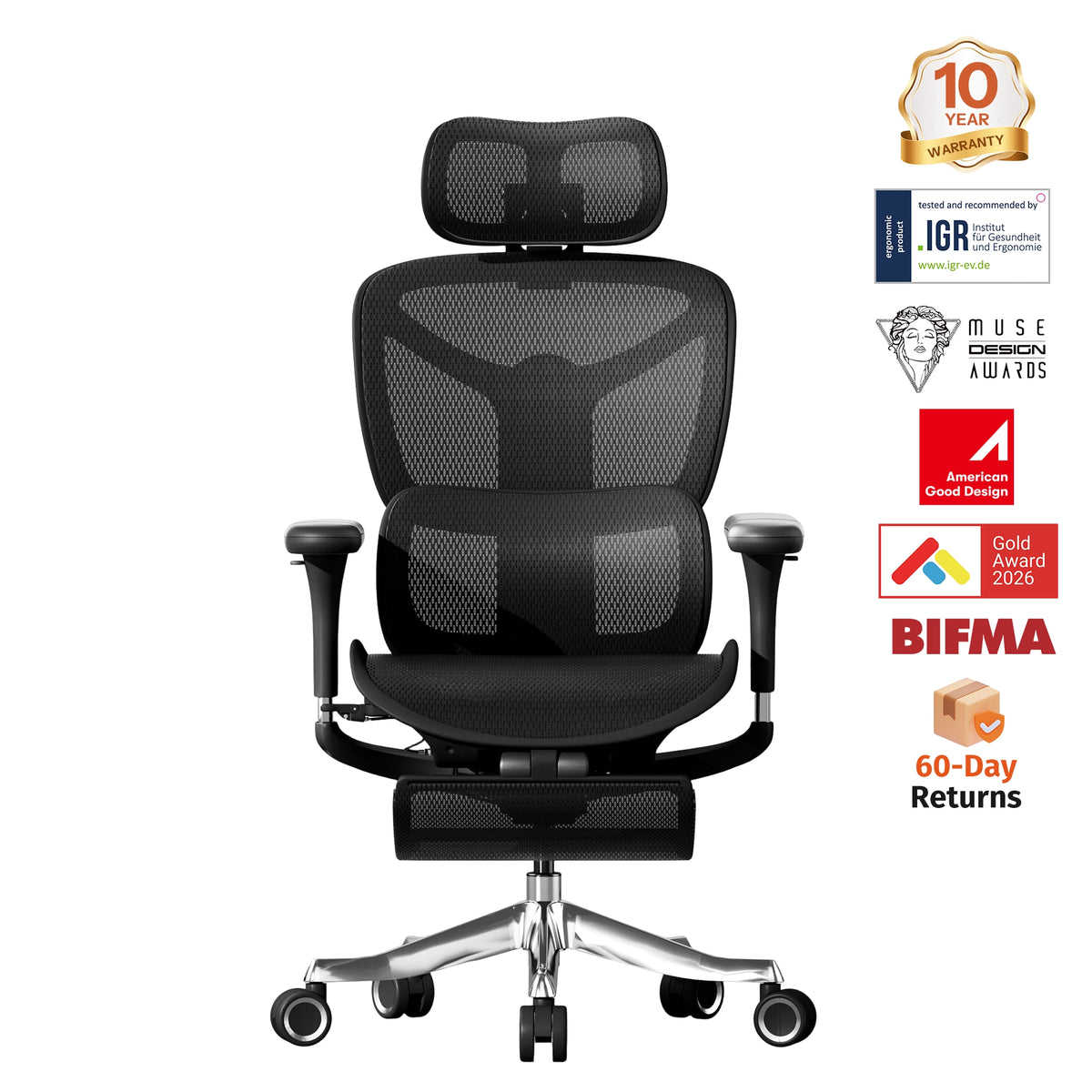
The S3 Pro Ergonomic Office Chair features a 3D adjustable headrest designed to adapt to your preferred sitting position. Whether you are typing, attending video meetings, or taking a short reclining break, it helps reduce neck fatigue and improve comfort.

Designed for users seeking premium ergonomic comfort, the S9 Pro Ergonomic Office Chair comes equipped with a 3D adjustable headrest that works together with its advanced ergonomic features to help keep your head, neck, and spine naturally aligned throughout the day.

Dynamic Lumbar Support
Healthy neck posture begins with proper spinal alignment.
Dynamic lumbar support encourages your back to stay upright, reducing forward head posture and relieving unnecessary pressure on your neck and shoulders.
Reclining Backrest
Reclining isn't just for relaxing.
Changing your sitting angle throughout the day helps reduce continuous pressure on your neck and shoulders while encouraging better circulation.
A reclining ergonomic office chair allows you to shift positions instead of staying locked in one posture for hours.
Adjustable Seat Height
When your chair is at the correct height:
-
Your feet stay flat on the floor.
-
Your shoulders remain relaxed.
-
Your elbows stay close to a 90-degree angle.
Proper body alignment naturally reduces neck strain and improves overall sitting comfort.
Additional Tips to Reduce Neck Pain at Your Desk
Even the best ergonomic chair works best as part of a complete workstation.
Raise Your Monitor
The center of your screen should sit just below eye level.
This helps you avoid constantly looking downward and keeps your neck in a more neutral position.
Sit Close to Your Desk
Avoid leaning forward while typing.
Bring your chair closer instead of reaching toward your keyboard or monitor.
Relax Your Shoulders
Your shoulders should remain loose—not lifted toward your ears.
Relaxed shoulders reduce tension throughout your neck and upper back.
Take Frequent Breaks
Stand up every hour.
Walk for a minute, stretch your shoulders, and gently rotate your neck to reduce stiffness.
Keep Frequently Used Items Within Reach
Avoid repeatedly reaching for your phone, notebook, or mouse.
Reducing unnecessary reaching helps minimize shoulder and neck fatigue.
Why Ergonomics Matters More Than Ever
Whether you're working from home, in a corporate office, or studying online, your neck supports your head all day long.
Poor posture today can become chronic pain tomorrow.
Investing in proper office ergonomics doesn't just improve comfort—it protects your long-term health and helps you stay productive.
A well-designed ergonomic workspace can make long work sessions feel easier and more comfortable.
The Welax Difference
At Welax, ergonomic seating is designed to support your entire body—not just your lower back.
Selected Welax ergonomic office chairs feature:
-
Adjustable headrests for neck support
-
Dynamic lumbar support
-
Adjustable armrests
-
Reclining backrests
-
Adjustable seat height
-
Ergonomic designs for long hours of sitting
Whether you're working, studying, gaming, or attending virtual meetings, Welax chairs help create a healthier, more comfortable workspace.
Final Thoughts
If you've been experiencing neck pain while working, don't assume it's simply part of your daily routine.
In many cases, your office setup is the real problem.
By improving your monitor position, adjusting your chair correctly, and choosing an ergonomic office chair with proper head and lumbar support, you can significantly reduce neck strain and improve your daily comfort.
Explore Welax's collection of ergonomic office chairs to find the right solution for your workspace.
Whether you choose the S4 Ergonomic Chair, S7 Ergonomic Office Chair, S3 Pro Ergonomic Office Chair, or the premium S9 Pro Ergonomic Office Chair, investing in better ergonomics is an investment in your health, comfort, and productivity.


Leave a comment
This site is protected by hCaptcha and the hCaptcha Privacy Policy and Terms of Service apply.