





Wrist Pain While Typing? Your Office Chair Could Be the Hidden Cause | Welax Ergonomic Chair Guide
If you spend hours typing every day, you've probably experienced sore wrists, tingling fingers, or aching forearms. Many people assume their keyboard or mouse is to blame—but surprisingly, your office chair may be contributing more than you realize.

An ergonomic workstation isn't just about your desk accessories. Your ergonomic office chair directly affects your arm position, shoulder alignment, wrist angle, and overall posture. When your chair doesn't properly support your body, your wrists are forced to compensate, leading to discomfort and even long-term injuries.
If you've been searching for solutions to wrist pain while typing, improving your chair could be one of the most effective changes you can make.
Why Wrist Pain Happens During Typing
Your wrists are designed to stay in a relatively neutral position while performing repetitive tasks. When they bend too far upward, downward, or sideways for long periods, the tendons and nerves become irritated.
Common symptoms include:
- Wrist soreness after work
- Tingling or numb fingers
- Weak grip strength
- Weak grip strength
- Pain extending into the forearm
- Burning sensation around the wrist
- Hand fatigue during long typing sessions
These symptoms are often associated with repetitive strain injuries (RSI), tendonitis, or even carpal tunnel syndrome.
While keyboards and mice certainly matter, poor upper-body posture often creates the conditions that lead to wrist strain.
The Surprising Connection Between Your Chair and Your Wrists
Many people don't realize that their chair determines where their shoulders, elbows, and hands naturally rest.
Think of your arms as part of a chain:
Chair → Shoulders → Elbows → Wrists → Hands
If the chair doesn't support the first part of the chain correctly, every joint below has to compensate.
Here are several ways your office chair can increase wrist pain.
1. Armrests That Are Too High or Too Low
Armrests play a bigger role than most people realize.
When armrests are too high:
- Your shoulders stay elevated.
- Neck muscles tighten.
- Forearms angle downward.
- Wrists bend upward while typing.
When armrests are too low:
- Your shoulders slump.
- Elbows lose support.
- Wrists carry the weight of your arms.
- Forearm muscles stay under constant tension.
Adjustable armrests allow your elbows to remain close to a 90-degree angle while keeping your wrists neutral.
2. Incorrect Seat Height
A chair that's too low forces your elbows below desk height.
As a result:
- You bend your wrists upward.
- You lift your shoulders while typing.
- Your forearms no longer stay parallel to the floor.
A chair that's too high creates the opposite problem, causing you to reach downward toward the keyboard.
The ideal position keeps:
- Feet flat on the floor
- Knees at approximately 90°
- Elbows level with the desktop
- Wrists floating naturally over the keyboard
3. Poor Lumbar Support Changes Your Entire Posture
Lower back support may seem unrelated to wrist pain—but posture starts at the spine.
Without proper lumbar support:
- Your pelvis tilts backward.
- Your upper back rounds.
- Your shoulders roll forward.
- Your elbows drift away from your body.
- Your wrists twist into awkward positions.
This forward-reaching posture dramatically increases muscle tension from your shoulders all the way to your fingertips.
A chair with dynamic lumbar support helps maintain healthy spinal alignment throughout the workday.
4. Lack of Recline Causes Muscle Fatigue
Many workers sit upright for hours without changing positions.
Static sitting creates muscle fatigue throughout the shoulders and upper back, which gradually transfers tension into the forearms.
An ergonomic chair with reclining functionality encourages movement, reducing continuous stress on your joints and muscles.
Even brief posture changes throughout the day improve circulation and decrease repetitive strain.
Signs Your Chair May Be Causing Wrist Pain
Ask yourself these questions:
- Do your shoulders feel tight after typing?
- Are your wrists bent while using your keyboard?
- Do you lean forward toward your monitor?
- Are your elbows unsupported?
- Do your forearms hover in the air all day?
- Does your neck become stiff together with your wrists?
If you answered "yes" to several of these, your chair may be part of the problem.
How an Ergonomic Office Chair Protects Your Wrists
A quality ergonomic chair supports your entire upper body—not just your back.
Adjustable Armrests
Look for 3D, 4D, or 6D adjustable armrests that move:
- Up and down
- Forward and backward
- Inward and outward
- Side-to-side
- Angle adjustment
These adjustments allow your forearms to rest comfortably while keeping your wrists straight.
Recommended Welax Chairs
Whether you're looking for essential ergonomic support or maximum adjustability, Welax offers a chair to fit your needs.
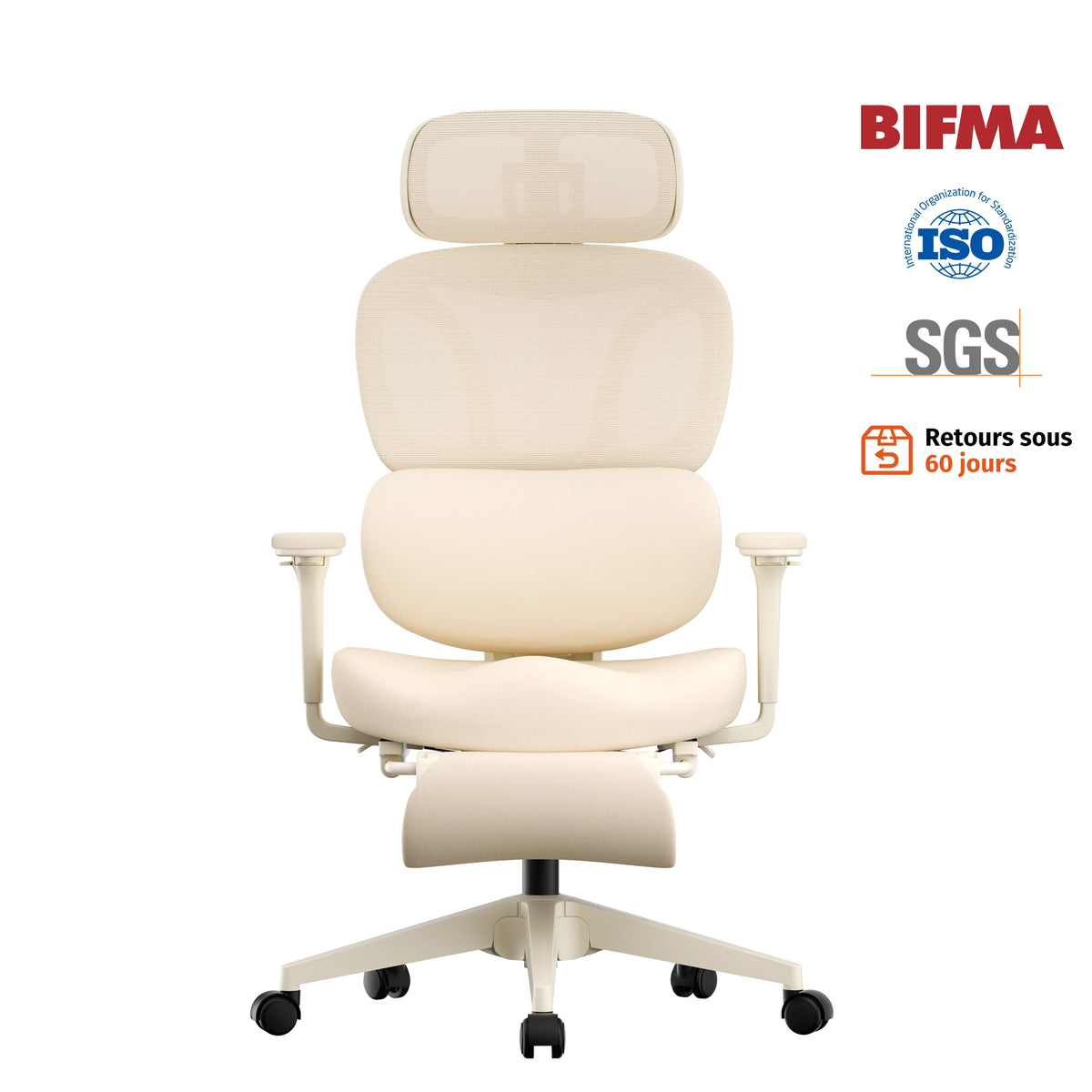
S5 Ergonomic Office Chair – 3D Adjustable Armrests
Perfect for everyday office work, the S5 Ergonomic Office Chair features 3D adjustable armrests that provide flexible support for your forearms and help maintain a more comfortable typing posture.

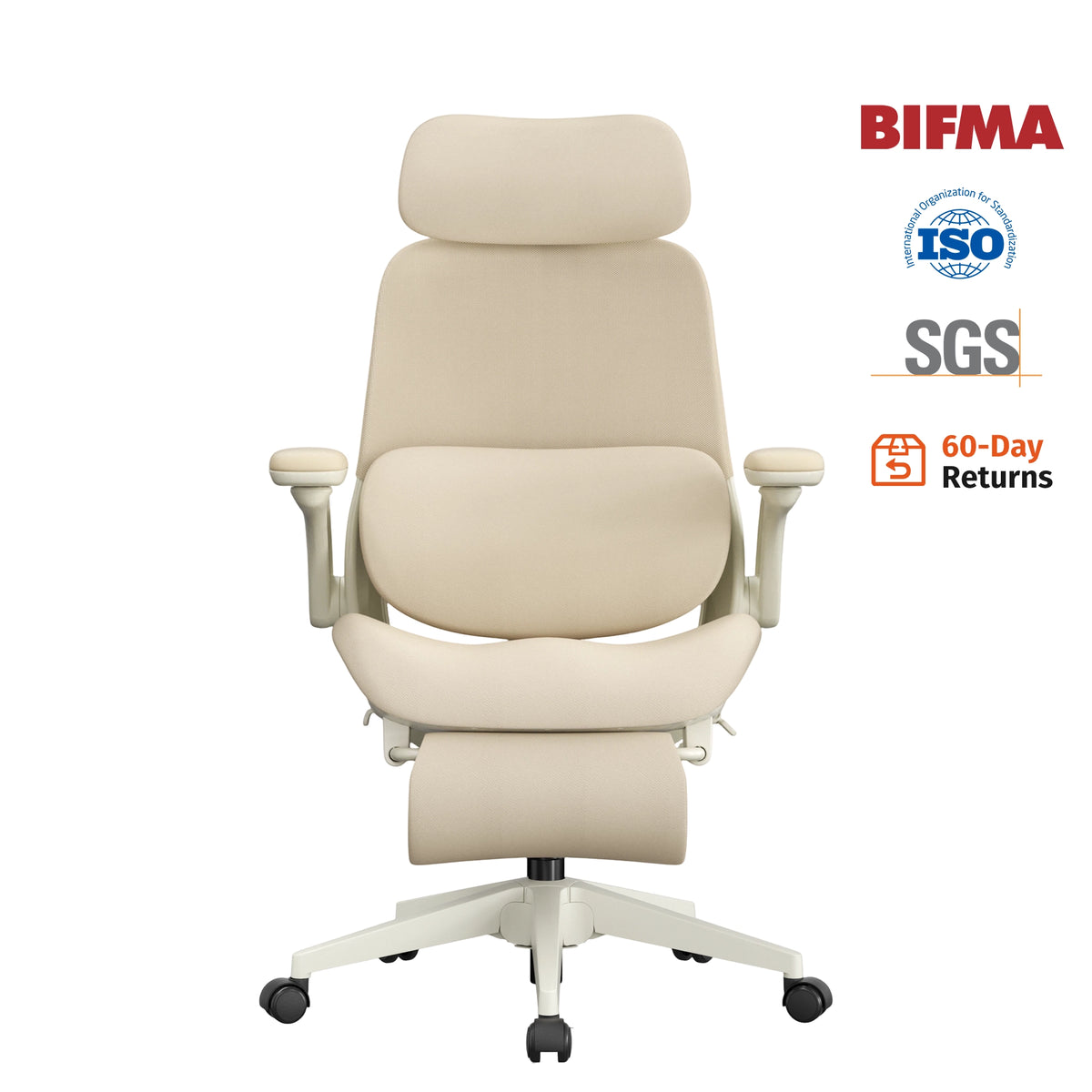
S3 Pro Ergonomic Office Chair – 4D Adjustable Armrests
The S3 Pro Ergonomic Office Chair comes with 4D adjustable armrests, allowing you to customize the height, depth, width, and angle for personalized comfort during long work sessions.

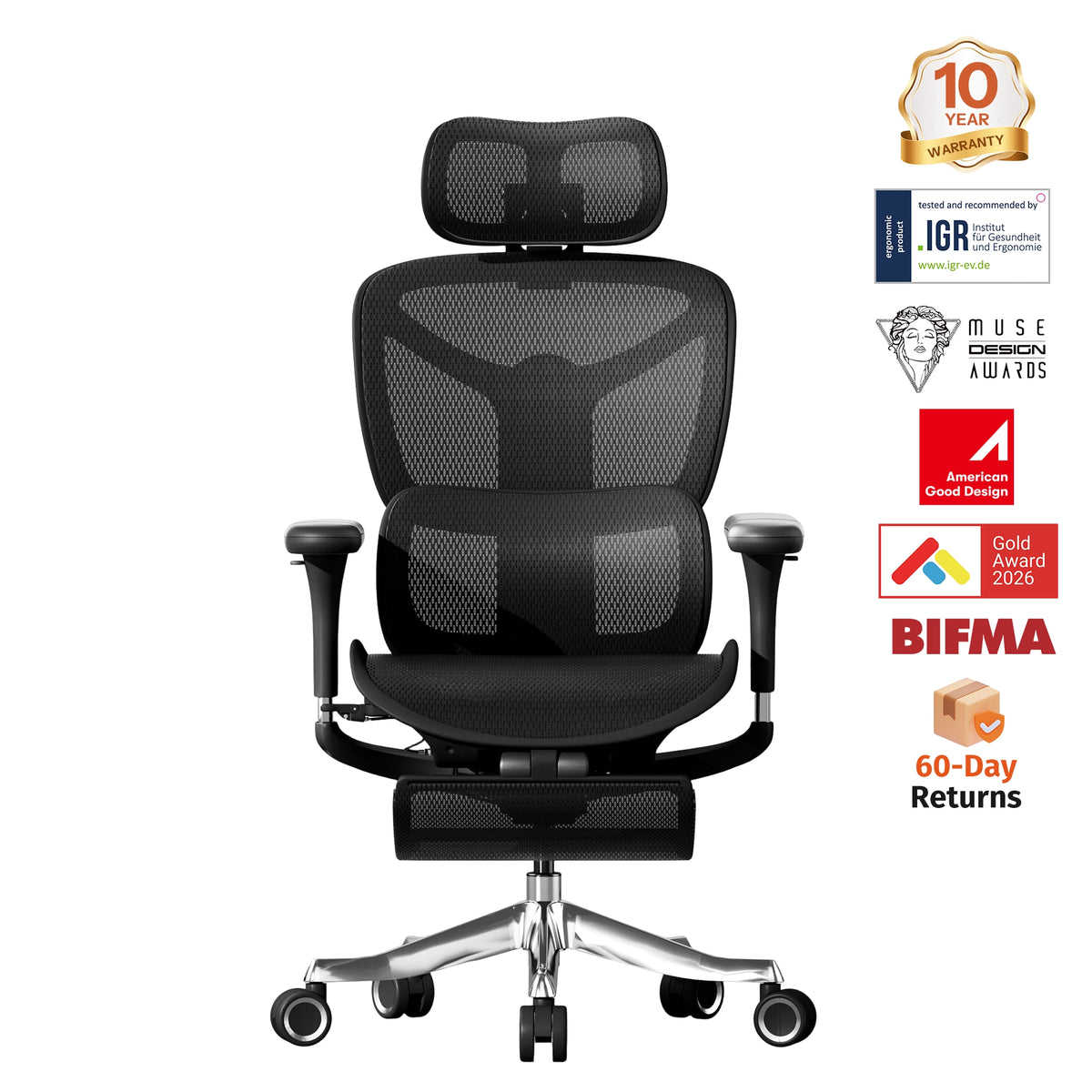
S9 Pro Ergonomic Office Chair – 6D Adjustable Armrests
For users seeking the highest level of ergonomic support, the S9 Pro Ergonomic Office Chair features 6D adjustable armrests that adapt to a wide range of working and reclining positions, helping keep your arms supported and your wrists comfortably aligned.

Adjustable Seat Height
Proper seat height keeps your elbows aligned with your keyboard.
This minimizes wrist extension and reduces unnecessary pressure on the tendons.
Dynamic Lumbar Support
Healthy spinal alignment naturally improves shoulder positioning.
When your shoulders stay relaxed, your elbows remain closer to your body, allowing your wrists to type in a neutral position.
Reclining Mechanism
Frequent posture changes help prevent muscle fatigue that contributes to repetitive strain injuries.
A reclining ergonomic chair encourages healthy movement throughout the day.
Additional Tips to Reduce Wrist Pain While Typing
Even the best ergonomic office chair works best as part of a complete workstation.
Keep Your Keyboard Close
Avoid reaching forward.
Your elbows should stay beside your torso rather than extending outward.
Position Your Mouse Correctly
Your mouse should sit close to your keyboard.
Large reaching movements create unnecessary shoulder tension that eventually affects your wrists.
Keep Wrists Neutral
Instead of bending your wrists upward while typing, let your hands float naturally above the keyboard.
Avoid resting your wrists on hard desk edges.
Take Movement Breaks
Stand up every 30–60 minutes.
Simple wrist circles, shoulder rolls, and gentle forearm stretches improve circulation and reduce stiffness.
Adjust Monitor Height
A monitor that's too low causes you to lean forward.
Forward head posture changes shoulder alignment, which ultimately affects wrist positioning.
Your monitor should sit roughly at eye level.
Why Ergonomics Matters More Than Ever
Today's professionals spend more time at their computers than ever before.
Whether you're:
- Working from home
- Gaming
- Programming
- Designing
- Editing videos
- Studying online
Your wrists perform thousands of repetitive movements every day.
Ignoring early discomfort can eventually lead to chronic pain that affects both work productivity and everyday activities.
Investing in an ergonomic workstation isn't simply about comfort—it's about protecting your long-term health.
The Welax Difference
At Welax, ergonomic design goes beyond cushioning. Every chair is engineered to support the entire body so that every joint—from your shoulders to your wrists—can work more naturally.
Features available across select Welax ergonomic chairs include:
- Adjustable lumbar support for healthy spinal alignment
- 3D, 4D, and 6D adjustable armrests that help reduce wrist strain
- Reclining backrests that encourage dynamic sitting
- Adjustable seat height for proper desk positioning
- Comfortable cushioning designed for long work sessions
- Ergonomic designs suitable for home offices and professional workspaces
Whether you're working eight hours a day or enjoying long gaming sessions, proper ergonomic support can help reduce fatigue and promote healthier typing posture.
Final Thoughts
If you've been searching for ways to relieve wrist pain while typing, don't overlook one of the biggest factors in your workspace: your chair.
An ergonomic office chair doesn't just support your back—it influences your shoulders, elbows, forearms, and wrists. By improving your overall posture and reducing unnecessary strain, the right chair can make typing more comfortable while helping prevent repetitive stress injuries over time.
Small ergonomic adjustments today can make a significant difference in your comfort, productivity, and long-term joint health.
If wrist discomfort has become part of your daily routine, it may be time to rethink not just your keyboard—but the chair you're sitting in.
Explore Welax's collection of ergonomic office chairs to find the right level of support for your workspace. Whether you choose the S5 Ergonomic Office Chair, S3 Pro Ergonomic Office Chair, or the flagship S9 Pro Ergonomic Office Chair, investing in proper ergonomics is an investment in your long-term comfort and health.


Leave a comment
This site is protected by hCaptcha and the hCaptcha Privacy Policy and Terms of Service apply.