


Neck Pain from Ergonomic Chairs: Causes, Fixes, and How to Sit Right
Neck pain is one of the most common complaints among office workers, remote employees, and anyone who spends long hours sitting. Ironically, even when using an ergonomics chair, neck discomfort can still occur. Understanding why neck pain happens, how to fix it, and the right way to sit can significantly improve your comfort, productivity, and long-term health.

In this guide, we’ll explore the main causes of neck pain from ergonomic chairs, practical fixes, and posture tips to ensure you sit right every time.
Why Neck Pain Happens Even with an Ergonomics Chair
Many people assume that simply buying an ergonomics chair will automatically prevent neck pain. While these chairs are designed to support your body, improper use or setup can still lead to discomfort. Here are the most common causes:
1. Incorrect Chair Height
Even the most advanced ergonomics chair won’t help if it’s not adjusted to your body. If your chair is too high or too low:
-
Shoulders may hunch forward.
-
Neck may crane forward to see your screen.
-
Upper back muscles strain, causing tension and stiffness.
Fix: Adjust your chair so your feet are flat on the floor, knees at a 90-degree angle, and arms parallel to the desk. Your monitor should be at eye level to prevent tilting your neck.
2. Poor Head and Neck Support
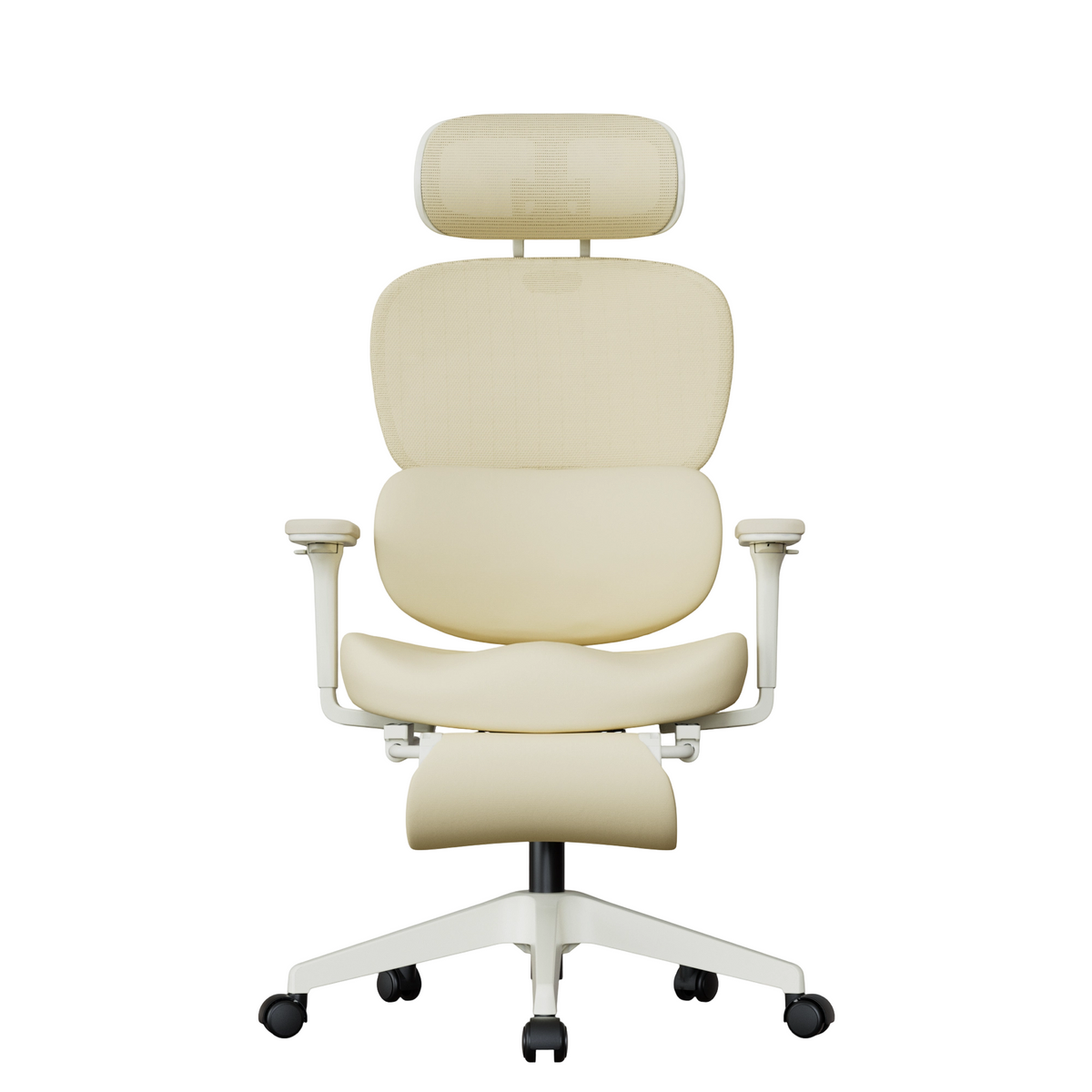
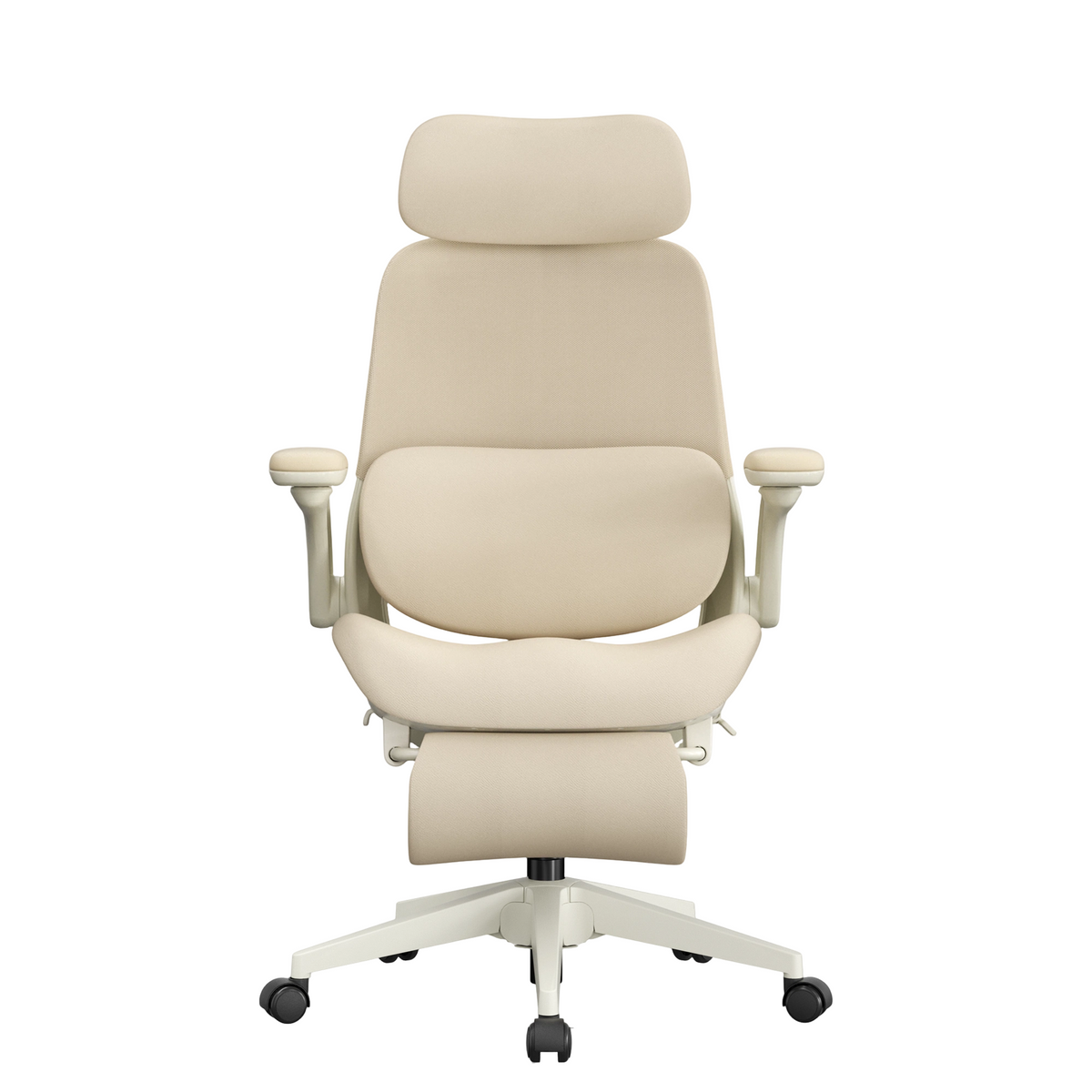
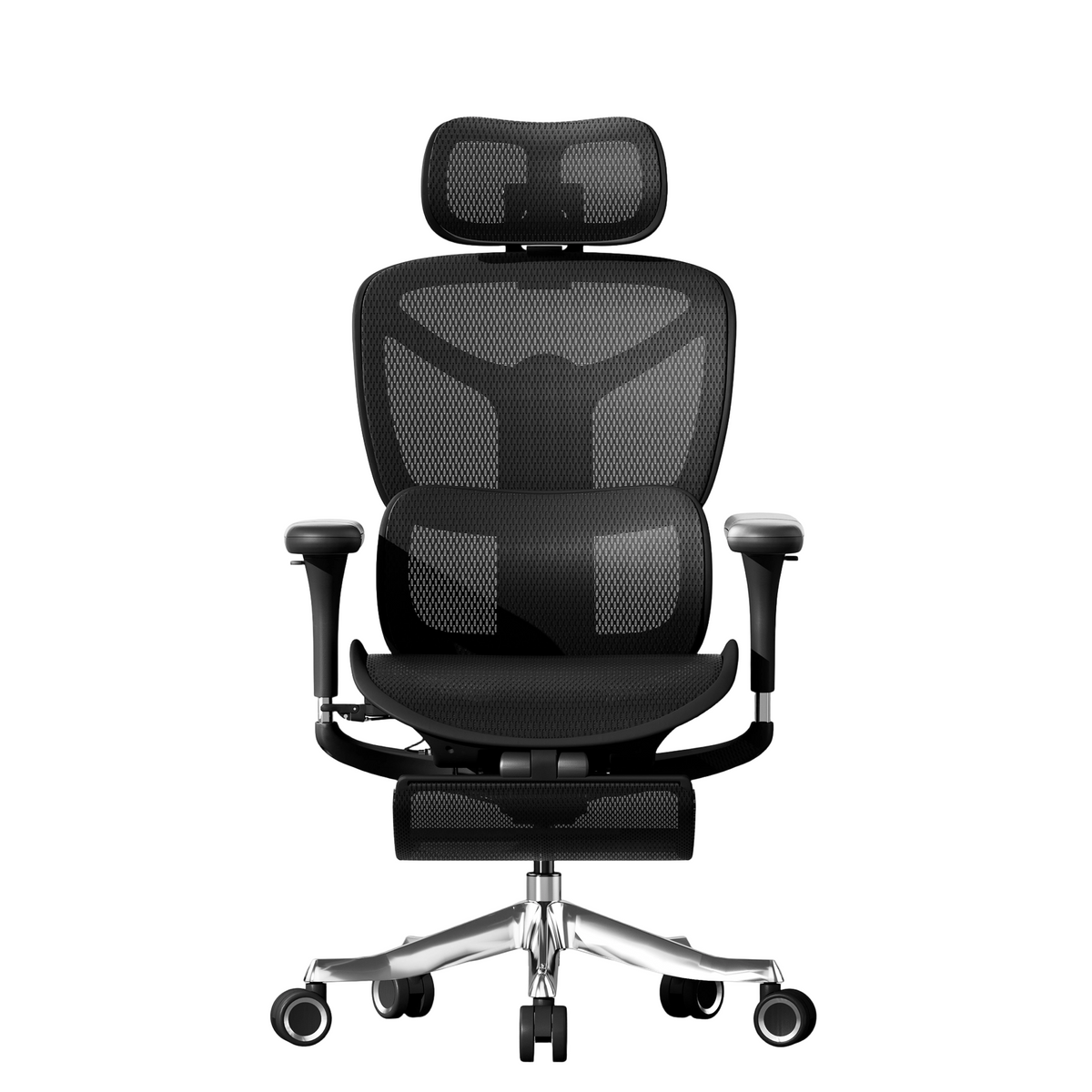
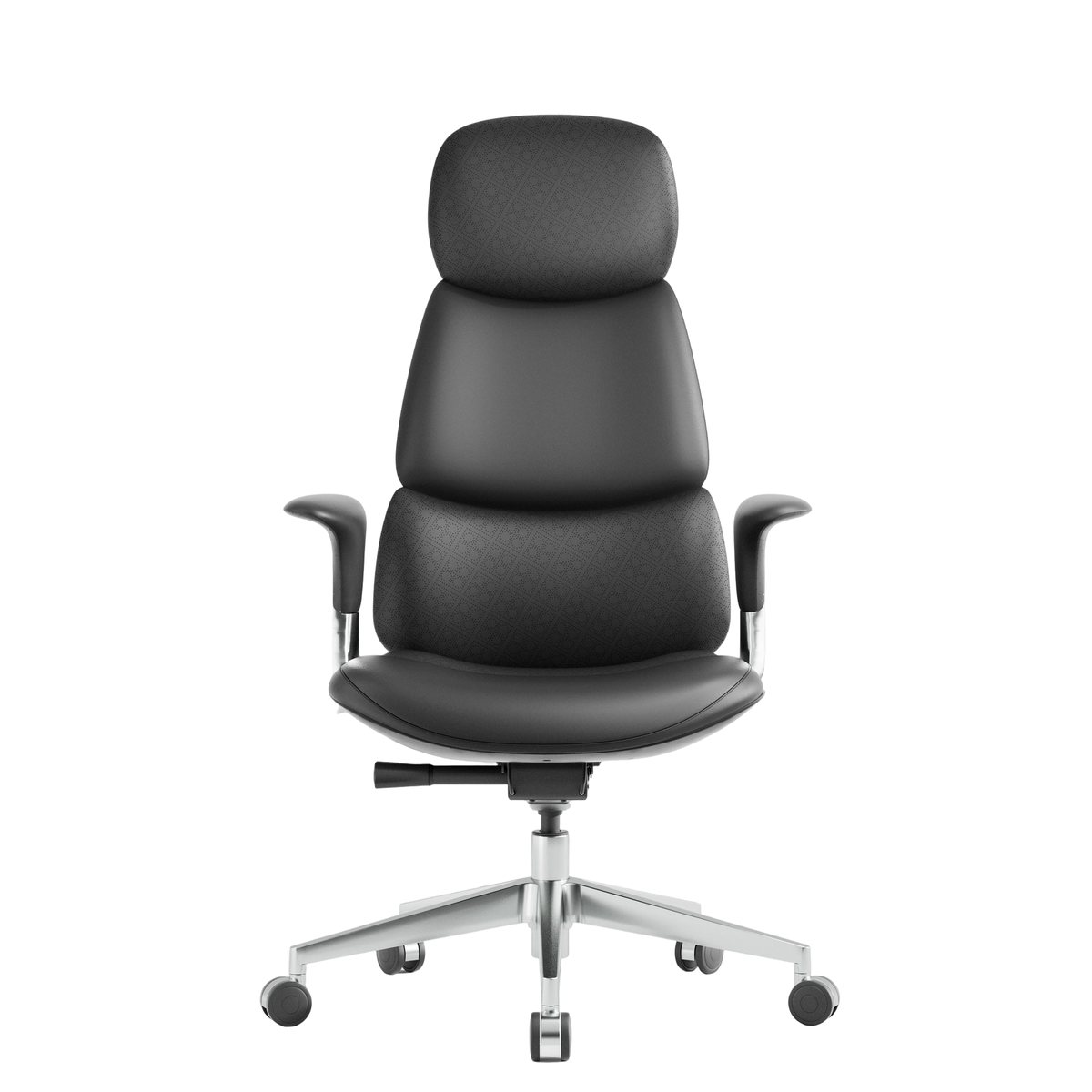
Some ergonomics chairs come with adjustable headrests, but many users either don’t use them or have them set incorrectly. Without proper support:
-
Neck muscles overwork to hold your head upright.
-
Over time, this leads to chronic neck pain and tension headaches.
Fix: Ensure your headrest supports the middle of your head or the base of your skull. You should be able to lean back slightly without straining your neck.
3. Forward Head Posture
Forward head posture is when your head juts forward relative to your spine, often caused by leaning toward screens. This posture increases the load on your neck by about 10 pounds for every inch forward, even when sitting in an ergonomics chair.
Fix: Keep your monitor at eye level, shoulders relaxed, and ears aligned with your shoulders. Regularly check your posture to avoid slumping.
4. Sitting Too Long
No chair, regardless of its ergonomic design, can fully compensate for prolonged sitting. Remaining in the same position for hours:
-
Reduces blood flow to neck muscles.
-
Causes stiffness and discomfort.
-
Can lead to long-term musculoskeletal problems.
Fix: Take breaks every 30–60 minutes. Stand, stretch, or walk for a few minutes to relieve tension. A timer or app can help remind you to move.

How to Adjust Your Ergonomics Chair to Reduce Neck Pain
Adjusting your ergonomics chair correctly is key to preventing neck pain. Follow these steps for a comfortable and supportive setup:
1. Set the Right Chair Height
-
Feet flat on the floor or a footrest.
-
Knees at roughly 90 degrees, aligned with hips.
-
Thighs parallel to the floor.
2. Adjust Lumbar and Upper Back Support
-
The lower back should maintain its natural curve.
-
Use the chair’s lumbar support or a cushion to fill gaps.
-
Ensure the backrest reclines slightly (100–110°) to reduce pressure on the neck and shoulders.
3. Position the Headrest
-
The middle of the headrest should align with the base of your skull.
-
Adjust the tilt so it supports your neck when leaning back.
-
Avoid pushing your head forward; the headrest should encourage a neutral posture.
4. Align Your Desk and Monitor
-
Top of the monitor at or slightly below eye level.
-
Screen about an arm’s length away.
-
Keyboard and mouse at elbow height to prevent hunching.

Simple Exercises to Relieve Neck Pain
Even with a perfectly adjusted ergonomics chair, neck pain can still appear if muscles are weak or stiff. Here are a few exercises to reduce tension:
1. Chin Tucks
-
Sit or stand with a straight back.
-
Gently tuck your chin toward your chest without tilting your head.
-
Hold 5 seconds, repeat 10 times.
Benefits: Strengthens deep neck muscles and corrects forward head posture.
2. Neck Side Stretch
-
Sit upright and gently tilt your head toward one shoulder.
-
Hold 15–20 seconds, then switch sides.
-
Repeat 3 times per side.
Benefits: Loosens tight side muscles and reduces tension headaches.
3. Shoulder Blade Squeeze
-
Sit or stand with your arms at your sides.
-
Squeeze shoulder blades together and hold for 5–10 seconds.
-
Repeat 10–15 times.
Benefits: Improves posture and counteracts forward rounding caused by prolonged sitting.
Tips for Sitting Right to Avoid Neck Pain
To maximize the benefits of your ergonomics chair and minimize neck strain:
-
Use the 90-90-90 Rule: Knees, hips, and elbows at 90 degrees.
-
Keep the Monitor at Eye Level: Avoid looking down or craning your neck.
-
Take Micro-Breaks: Stand up, stretch, or walk every 30–60 minutes.
-
Engage Your Core: Sitting with core muscles slightly engaged supports your spine.
-
Alternate Between Sitting and Standing: If possible, use a sit-stand desk to vary posture.
When to See a Doctor
While minor neck pain is common and often resolves with proper ergonomics, you should seek professional help if you experience:
-
Persistent or worsening neck pain despite adjustments.
-
Numbness or tingling in arms or hands.
-
Pain radiating to shoulders or upper back.
-
Severe headaches or dizziness.
A healthcare professional can help identify underlying issues and recommend targeted treatments, physical therapy, or exercises.
Choosing the Right Ergonomics Chair
Not all ergonomics chairs are created equal. When selecting one to reduce neck pain, consider:
-
Adjustable headrest: Supports the cervical spine.
-
Lumbar support: Essential for spinal alignment.
-
Seat depth adjustment: Ensures thighs are supported without pressure behind knees.
-
Recline feature: Allows slight backward tilt to reduce neck and back stress.
-
Quality padding: Avoid overly soft chairs that don’t support posture.
Investing in a high-quality chair and learning how to use it correctly is far more effective than expecting a chair alone to prevent neck pain. You can learn more from our Ergonomic chair guidance blog: How to Choose an Ergonomic Chair for Healthy Posture, which provides detailed tips for selecting and setting up the perfect chair.
Final Thoughts
Neck pain can happen even when using an ergonomics chair, but with the right setup, posture, and exercises, it is largely preventable. Proper chair adjustments, regular breaks, and simple stretches can make a huge difference in comfort and productivity.
Remember, your chair is just one piece of the puzzle. Sitting right, strengthening neck and back muscles, and being mindful of your posture are equally important. With these strategies, you can reduce neck pain and enjoy the full benefits of your ergonomics chair.


Leave a comment
This site is protected by hCaptcha and the hCaptcha Privacy Policy and Terms of Service apply.