


What Are the Most Common Ergonomic Mistakes?
In today’s work-from-home culture and office environments, ergonomics plays a critical role in maintaining health, comfort, and productivity. One of the most significant investments for creating an ergonomic workspace is an ergonomics chair. While many people understand the importance of proper office furniture, ergonomic mistakes are still very common and can lead to discomfort, chronic pain, and reduced efficiency. In this blog, we will explore the most common ergonomic mistakes and provide practical tips on how to avoid them.

1. Using the Wrong Chair
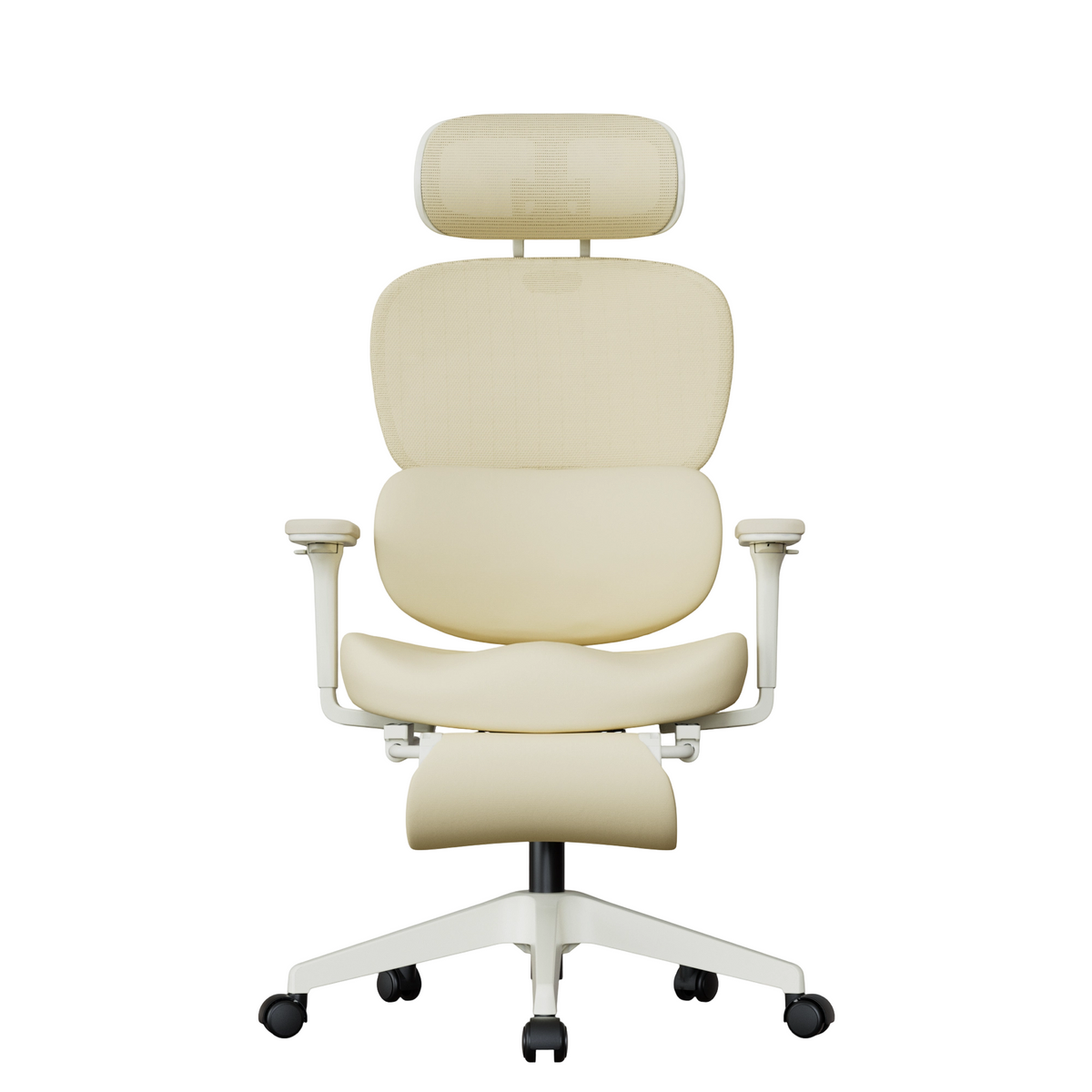
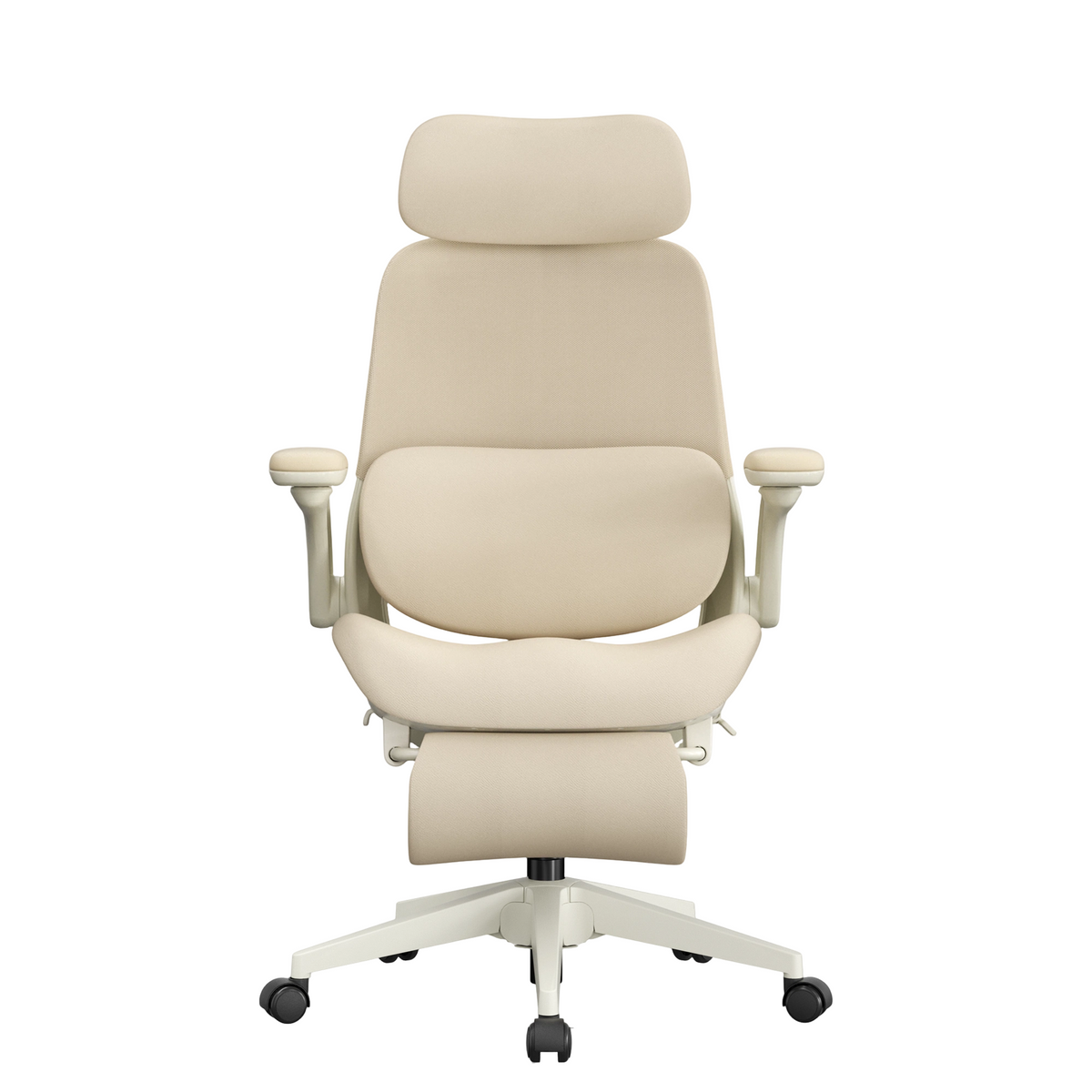
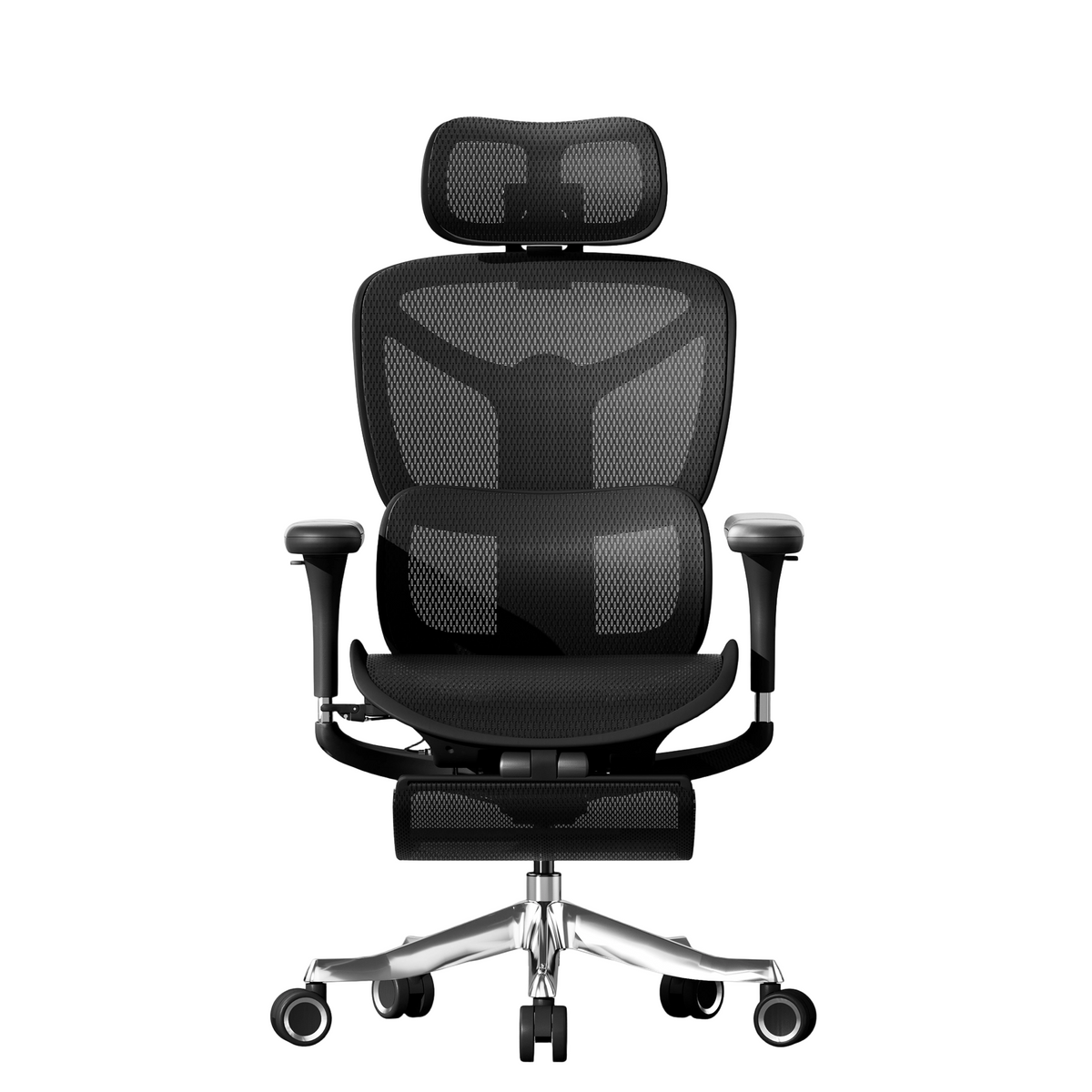
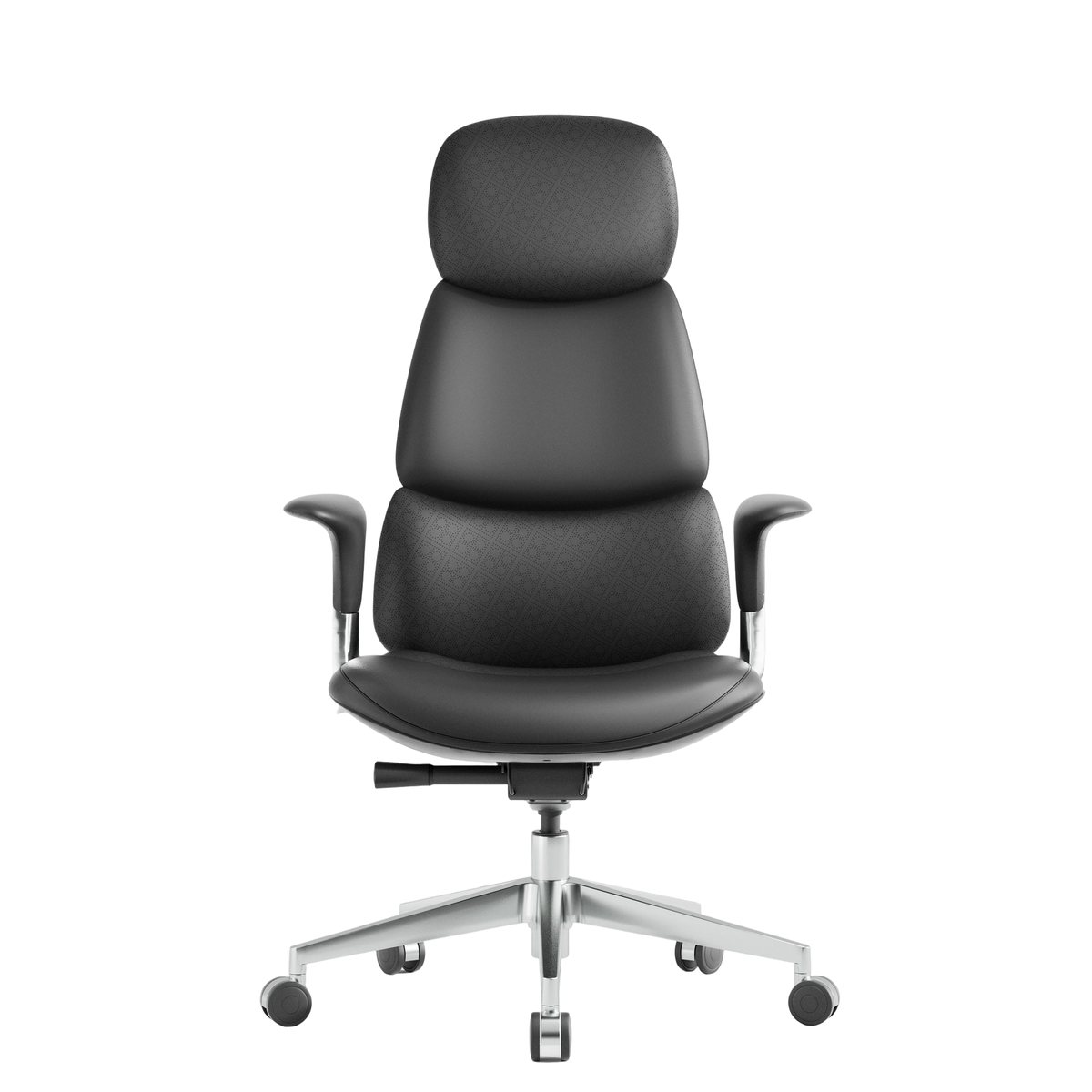
One of the biggest mistakes people make is not using a proper ergonomics chair. Many office workers rely on standard chairs that do not support natural posture or spinal alignment. A non-ergonomic chair often lacks adjustable features, lumbar support, and proper cushioning, which can result in back, neck, and shoulder pain over time.
Tip: Invest in a high-quality ergonomics chair with adjustable height, lumbar support, and a reclining function. Ensure the chair can accommodate your body type and allows for comfortable movement throughout the day.
2. Poor Sitting Posture
Even with a top-of-the-line ergonomics chair, poor posture can negate its benefits. Common posture mistakes include slouching, leaning forward, crossing legs for long periods, or hunching over the desk. These positions place strain on the spine and muscles, leading to long-term discomfort.
Tip: Sit with your back fully supported by the chair, feet flat on the floor, and knees at a 90-degree angle. Your forearms should rest comfortably on the desk, and your monitor should be at eye level to prevent neck strain.

3. Ignoring Desk and Monitor Height
Many ergonomic mistakes stem from poorly positioned desks and monitors. A desk that is too high or too low can cause shoulder tension, while a monitor positioned too far or too close can strain your eyes and neck. Even if you have an excellent ergonomics chair, these misalignments can lead to fatigue and discomfort.
Tip: Adjust your desk height so that your elbows remain at a 90-degree angle when typing. Place the monitor directly in front of you, about an arm’s length away, with the top of the screen at eye level. Adjustable monitor stands can help optimize your setup.
4. Neglecting Lumbar Support
Lumbar support is a critical component of any ergonomics chair. Many people either ignore it or use chairs with inadequate lower back support, causing slouching and strain on the lower spine. Poor lumbar support can contribute to chronic lower back pain, which is a common complaint among office workers.
Tip: Choose an ergonomics chair with adjustable lumbar support. Make sure the lower back cushion fits comfortably into the curve of your spine, promoting a natural upright posture.

5. Sitting for Too Long
Even the best ergonomics chair cannot prevent problems if you sit for prolonged periods without movement. Continuous sitting decreases blood circulation, stiffens muscles, and increases the risk of cardiovascular issues. Sitting for hours at a time is one of the most overlooked ergonomic mistakes.
Tip: Take breaks every 30–60 minutes to stand, stretch, or walk. Consider using a sit-stand desk or incorporating small movements during work hours to maintain circulation and reduce muscle stiffness.
6. Poor Arm and Wrist Position
Incorrect arm and wrist positioning while typing or using a mouse is another common ergonomic mistake. Many people rest their wrists on the desk or allow them to bend upward, which can lead to repetitive strain injuries, carpal tunnel syndrome, and chronic discomfort.
Tip: Keep your wrists straight and elbows close to your body. Use a keyboard tray or adjustable desk height to maintain a neutral wrist position. A well-designed ergonomics chair often comes with armrests that support proper arm alignment.

7. Overlooking Seat Depth
Seat depth is often an underestimated feature of an ergonomics chair. A seat that is too deep can push you away from the desk, forcing you to lean forward. A seat that is too shallow may fail to support your thighs adequately. Both extremes lead to poor posture and discomfort.
Tip: Adjust the seat depth so that you can sit back comfortably with your lower back supported while maintaining about 2–3 inches of space between the edge of the seat and the back of your knees.
8. Poor Lighting
Though not directly related to your ergonomics chair, poor lighting is a frequent contributor to ergonomic problems. Straining your eyes due to glare or insufficient light can cause headaches, neck strain, and fatigue. This indirectly affects posture as you unconsciously lean toward your screen to see better.
Tip: Ensure your workspace has adequate lighting. Use natural light where possible, and position your monitor perpendicular to windows to reduce glare. Desk lamps with adjustable brightness can help improve visibility.

9. Incorrect Foot Position
Many people overlook the importance of foot placement while sitting. Dangling feet or improper footrests can create pressure on the thighs, disrupt circulation, and affect overall posture. Even the best ergonomics chair cannot compensate for poor foot positioning.
Tip: Keep your feet flat on the floor or on a footrest. Avoid crossing legs for long periods, as this can twist the spine and reduce circulation. Proper foot placement supports better posture and comfort.
10. Neglecting Movement and Stretching
A common ergonomic mistake is relying solely on your chair and desk setup without considering body movement. Sitting in a perfectly adjusted ergonomics chair is beneficial, but static postures for long periods still cause tension and fatigue.
Tip: Incorporate regular stretching, desk exercises, or short walks into your daily routine. Simple stretches for the neck, shoulders, back, and legs can prevent stiffness and improve overall wellness.
11. Using a Chair That Doesn’t Fit Your Body Type
Many ergonomic mistakes occur because people choose a one-size-fits-all approach. An ergonomics chair that works for one person may not suit another. Differences in height, weight, and body shape require chairs with adjustable features and customizable support.
Tip: Look for chairs that offer height, seat depth, lumbar, and armrest adjustments. Try out multiple models if possible, and select one that aligns with your natural posture and comfort needs.
12. Forgetting to Adjust Chair Settings
Even when equipped with a high-quality ergonomics chair, failing to customize the settings is a huge mistake. Many users leave the chair at default positions, unaware that simple adjustments can drastically improve posture and comfort.
Tip: Spend time adjusting your chair before starting work. Fine-tune the seat height, backrest angle, lumbar support, and armrest height. A properly adjusted chair supports long-term health and productivity.
13. Ignoring Desk Ergonomics
Some people assume that simply having an ergonomics chair is enough, but overall workspace ergonomics matter. A mismatched desk height, poorly positioned keyboard, or cluttered workspace can negate the benefits of an ergonomic chair.
Tip: Align your chair, desk, monitor, and accessories. Ensure that everything you need is within comfortable reach without twisting or stretching. An integrated ergonomic setup is key to long-term comfort.
14. Overlooking Chair Quality and Maintenance
Even the best ergonomics chair can become a problem if it’s poorly made or not maintained. Worn-out cushions, broken lumbar support, or faulty wheels can contribute to posture problems and discomfort.
Tip: Invest in durable, high-quality ergonomic chairs. Regularly check your chair for wear and tear, and replace parts as needed to maintain optimal support.
Conclusion
Ergonomic mistakes are more common than most people realize, and they can have a lasting impact on health and productivity. While investing in a high-quality ergonomics chair is an excellent start, proper posture, workspace setup, and movement habits are equally important.
By avoiding these common mistakes—such as poor posture, incorrect chair adjustment, improper desk height, and prolonged sitting—you can maximize comfort, reduce pain, and enhance work efficiency. Remember, an ergonomics chair is a tool, but your habits make all the difference.


Leave a comment
This site is protected by hCaptcha and the hCaptcha Privacy Policy and Terms of Service apply.