


Where Should Lumbar Support Be on an Ergonomic Chair? How to Adjust Height and Pressure
Lumbar support is one of the first features many people look at when choosing an ergonomic chair. Product descriptions often highlight adjustable lumbar support, dynamic lumbar systems, or self-adaptive back support, but the name of the feature matters far less than how well it fits your body.

The real question is whether the lumbar support follows the natural curve of your lower back and sits in the right place.
In most cases, lumbar support should contact the lower back just above the pelvis, where the lumbar spine naturally curves inward. It should not press into the middle of your back, nor should it sit so low that most of the pressure is concentrated around the sacrum or tailbone.
There is no single lumbar-support height that works for everyone. Two people of the same height can have different torso lengths, pelvic positions, and spinal proportions. For that reason, a good ergonomic chair should do more than simply include lumbar support. It should allow that support to fit the user's body and remain effective during common working positions, including upright sitting and mild recline.
Lumbar Support Should Follow the Natural Curve of the Lower Back
The human spine is not straight when viewed from the side. The lumbar region has a natural inward curve, often referred to as lumbar lordosis.
When you sit, several things can reduce support in this area. You may slide forward in the seat, sit in a chair with a backrest that is too flat, or use a seat pan that is too deep for your legs. Any of these can create a gap between the lower back and the backrest.
Without enough support, the body may compensate by actively holding the torso upright or repeatedly changing position in an attempt to stay comfortable.
The purpose of lumbar support is to reduce that gap.
When you lean naturally against the backrest, the lumbar support should make contact with the inward curve of your lower back and provide steady support without forcing your torso forward.
Proper lumbar support usually does not feel aggressively pronounced. In many cases, the best support is the kind you notice less because it follows your body rather than pushing against it.
What Happens If Lumbar Support Is Too High or Too Low?
A lumbar support positioned too high can move the pressure point toward the middle of the back while leaving the actual lumbar region unsupported.
This problem can be especially noticeable for shorter users or people with shorter torsos. If the pressure point feels uncomfortable, the user may gradually move forward in the seat to avoid it. Once the back is no longer in contact with the backrest, the lumbar support stops doing its job.
Lumbar support that sits too low can create a different problem.
If most of the pressure is concentrated close to the pelvis or sacrum, you may feel a strong bump near the bottom of the backrest even though the natural lumbar curve is still unsupported.
This is why the strength of the pressure is not a good way to judge lumbar support. The more important question is whether that pressure is being applied in the correct area.
How Can You Tell Whether the Lumbar Support Is in the Right Position?
Before adjusting the lumbar support, set the basic chair dimensions first.
Adjust the seat height so your feet are firmly supported by the floor or a footrest. Then set the seat depth so you can sit toward the back of the chair without the front edge of the seat pressing heavily into the backs of your knees.
Once the seat is properly adjusted, sit with your hips near the back of the seat pan and allow your back to rest naturally against the backrest.
The lumbar support should fill the space around the inward curve of your lower back. You should not need to arch your back deliberately, lean forward, or change your posture just to make contact with it.
A few signs can help identify incorrect positioning:
- If the strongest pressure is in the middle of your back while your lower back still feels unsupported, the lumbar support may be too high.
- If the pressure is concentrated close to the pelvis while the lumbar curve receives little support, it may be too low.
- If the support immediately pushes your body forward when you lean back, the lumbar depth or pressure may be excessive.
The goal is not to create the strongest possible contact. It is to create stable, comfortable contact in the right place.
Why Adjustable Lumbar Support Works Better for Different Body Types
Body proportions vary considerably from person to person.
Even two users with the same overall height may have different torso lengths, leg lengths, and lumbar positions. A fixed lumbar curve can work well for one person and feel completely misplaced for another.
For people who spend long hours working at a desk, adjustable lumbar support often provides more flexibility because it allows the support position to be matched more closely to the body.
That does not mean a lumbar system is better simply because it has more adjustments.
What matters is whether the adjustment range is useful, whether the controls are easy to operate, and whether the lumbar support stays in the selected position once adjusted.
A simple lumbar system with an effective adjustment range can be more useful than a highly complex design that is difficult to set correctly.
Stronger Lumbar Support Is Not Always Better
A common mistake when testing ergonomic chairs is to assume that stronger pressure against the lower back means better support.
During a short showroom test, a prominent lumbar pad can feel noticeable and supportive because you can immediately feel it pressing into your back. That sensation does not necessarily translate into long-term comfort.
If the lumbar support is too hard, protrudes too far, or contacts only a small area of the back, pressure may become concentrated in one spot. After several hours, that focused pressure can become uncomfortable.
Lumbar support designed for extended sitting should generally distribute pressure across a reasonable area of the lower back rather than relying on one small, firm point.
When comparing ergonomic chairs, pay attention to the size of the contact area, the firmness of the support, and how naturally it follows your back. Do not judge lumbar support only by how strongly it pushes against you.
Seat Depth Directly Affects How Well Lumbar Support Works
Seat depth and lumbar support are often listed as separate ergonomic features, but in practice they are closely connected.
If the seat is too deep, users with shorter legs may move forward to prevent the front edge of the seat from pressing into the backs of their knees.
Once the hips move away from the backrest, the lower back moves away from the lumbar support as well. At that point, even a well-designed lumbar system cannot provide effective support.
A suitable seat depth should support most of the thighs while still leaving enough clearance behind the knees. This allows the hips to remain closer to the backrest without creating uncomfortable pressure under the legs.
For users of different heights, adjustable seat depth therefore affects more than leg comfort. It also determines whether the lumbar support can reach the correct part of the lower back.
When evaluating an ergonomic office chair, seat-depth adjustment and lumbar support should be considered together.
Lumbar Support Should Remain Effective When You Recline
Real office work does not happen in one perfectly upright posture.
People lean back while reading, thinking, talking on calls, attending meetings, or simply changing position during the day. A good ergonomic chair should support these posture changes rather than working only when the user is sitting completely upright.
If lumbar contact disappears as soon as the backrest reclines, or if the support point shifts noticeably upward, the lumbar system may be less effective during reclined sitting.
Chair manufacturers use several approaches to address this.
Some chairs rely on the overall shape of the backrest. Others use a separate floating lumbar pad, while more complex designs may allow the lumbar support to move together with the backrest or respond to the user's movement.
No single design is automatically superior.
What matters is whether the lumbar region continues to receive stable contact as your sitting position changes. This is particularly important if you regularly use the recline function during the workday.
What Should You Look for in an Ergonomic Chair With Lumbar Support?
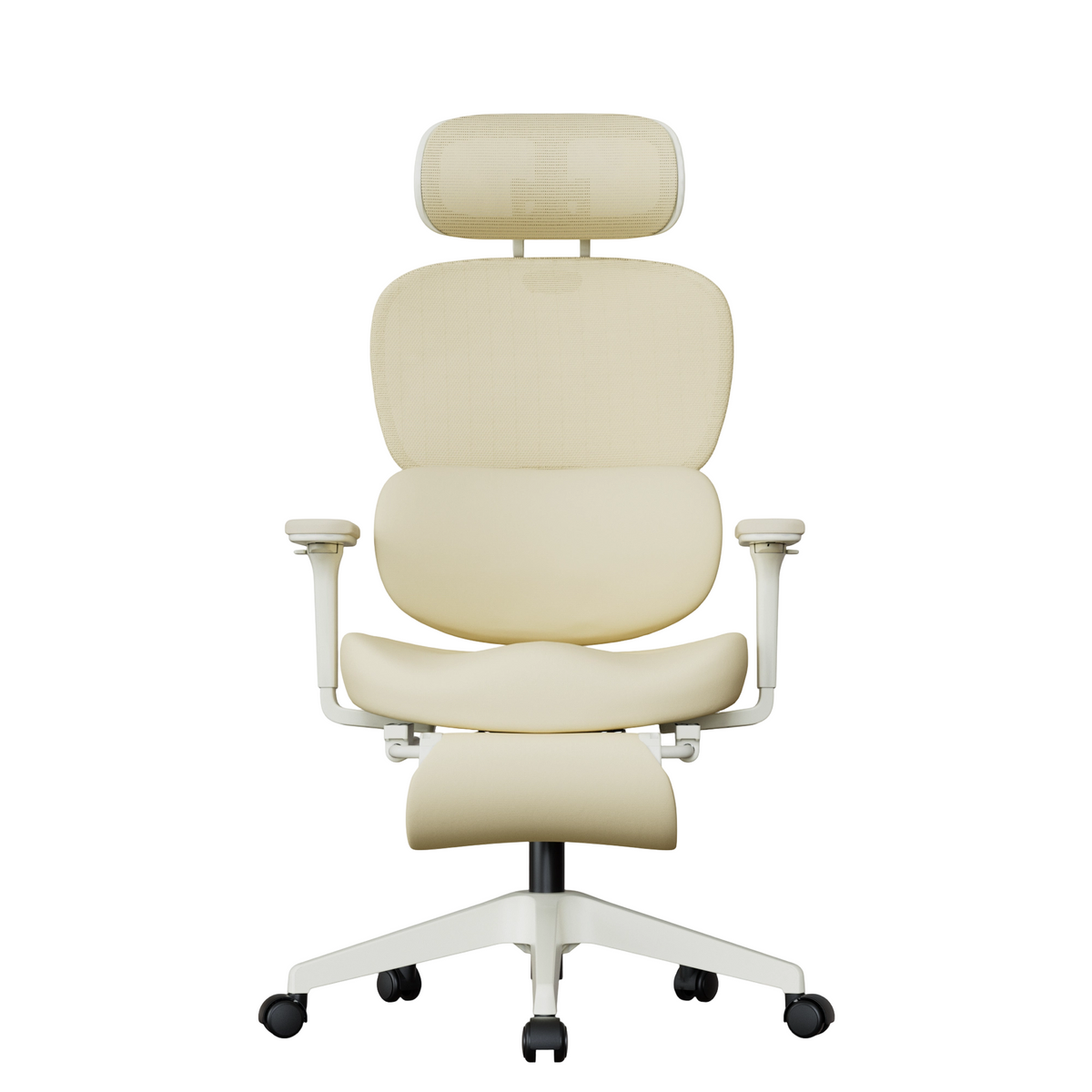
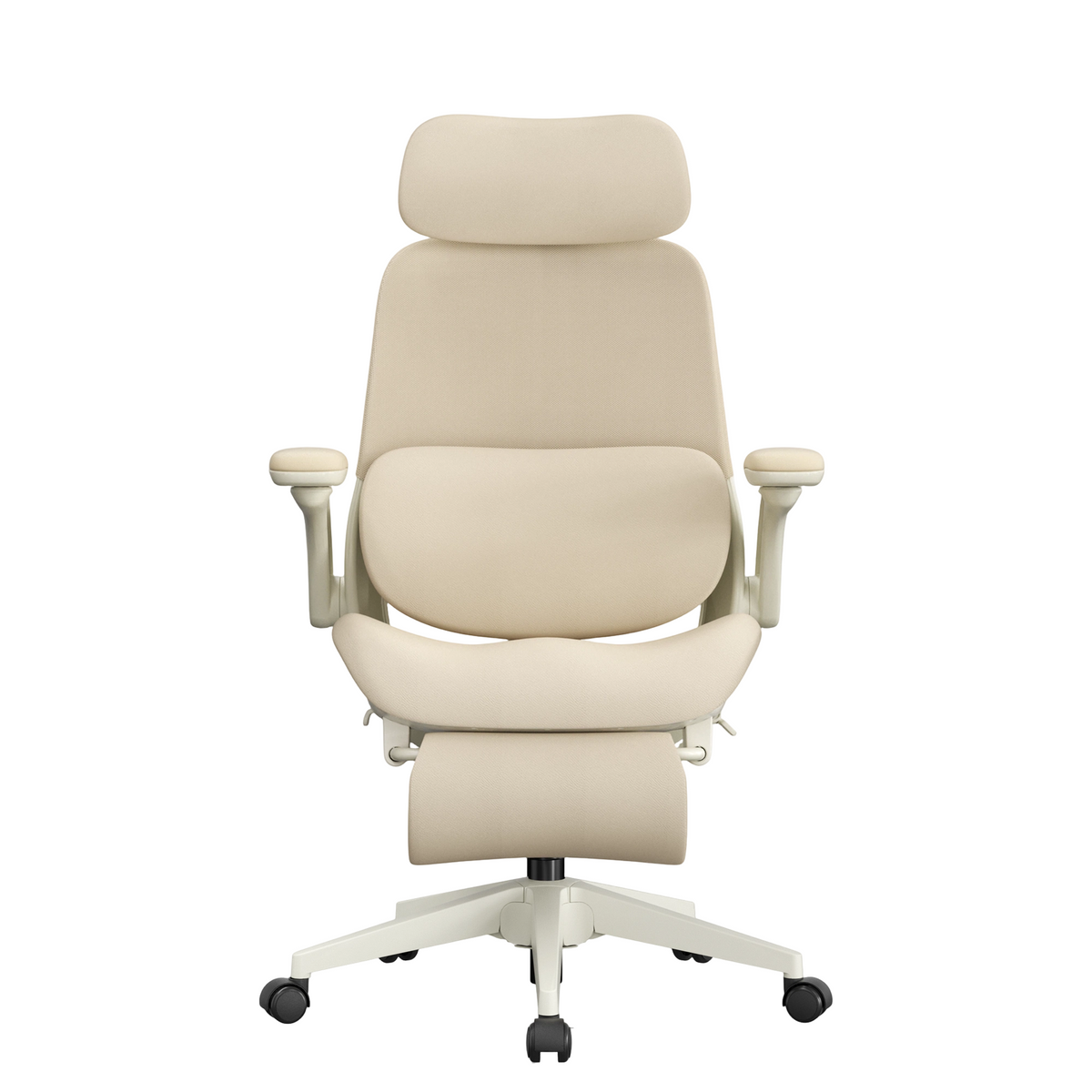
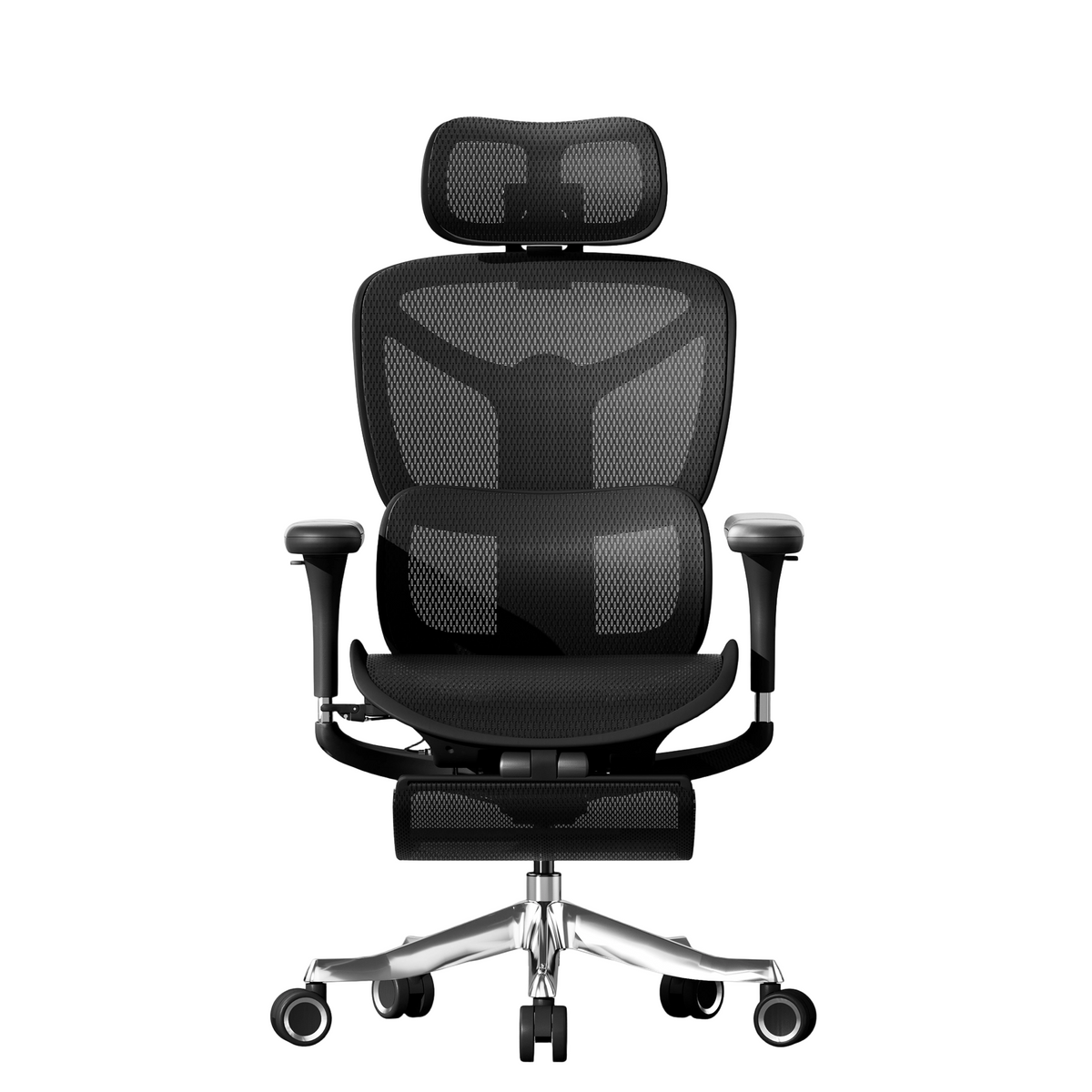
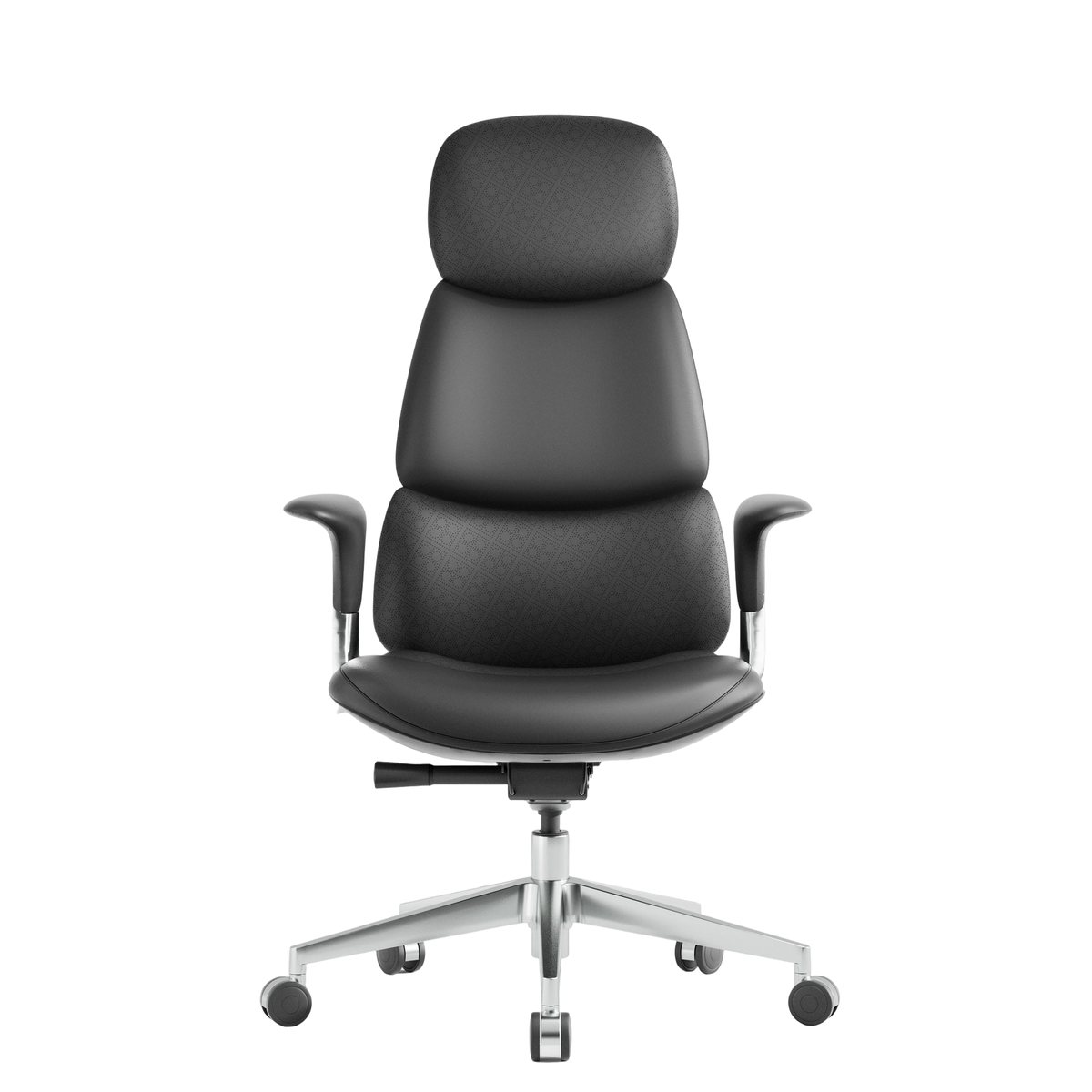
If lumbar support is one of your priorities when choosing an ergonomic chair, focus on the actual adjustment and fit rather than the marketing terminology.
Useful features to evaluate include:
- Whether the lumbar support can move vertically
- Whether the support depth or pressure can be adjusted
- Whether the seat depth fits your leg length
- Whether the lumbar support remains in contact with your back while reclining
When shopping online, check the product dimensions, recommended user-height range, seat-depth range, and lumbar-adjustment specifications whenever that information is available.
Terms such as “dynamic lumbar support,” “3D lumbar support,” and “adaptive lumbar support” are not standardized across the industry. Two manufacturers may use the same term for very different mechanisms.
Instead of relying on the feature name, look at what can actually be adjusted, how large the adjustment range is, and whether the system can accommodate different body proportions and sitting positions.

Where Should Lumbar Support Be Positioned on an Ergonomic Chair?
Lumbar support should sit against the natural inward curve of the lower back, generally just above the pelvis.
When positioned correctly, it fills the space between the lumbar spine and the chair back so the lower back remains supported while you rest naturally against the backrest.
For many adults, the support area may be somewhere around belt level, but this should only be treated as a rough reference point. The exact position depends on torso length, height, pelvic position, and the design of the chair.
This is one reason adjustable lumbar support can be useful across a wider range of users.
Frequently Asked Questions
Is More Prominent Lumbar Support Better?
No.
A lumbar support that protrudes farther does not automatically provide better ergonomic support.
The purpose of lumbar support is to help maintain the natural curve of the lower spine, not to continuously push the lower back forward.
If the support extends too far, pressure may become concentrated in a small area and become uncomfortable during prolonged sitting.
Effective lumbar support should provide steady, evenly distributed contact. Your lower back should feel supported rather than forced into position.
When choosing an ergonomic chair, consider lumbar position, contact area, firmness, and adjustment range rather than simply comparing how pronounced the lumbar pad feels.
What Is the Difference Between Fixed and Adjustable Lumbar Support?
Fixed lumbar support uses a predetermined backrest curve or support position.
This design is relatively simple, but it can only accommodate a limited range of body proportions. If the built-in curve does not align with your lumbar region, the support may sit too high or too low.
Adjustable lumbar support allows the user to change the position of the support. Depending on the chair, this may include height, depth, firmness, or pressure adjustment.
A shorter user may need the lumbar support positioned lower, while someone with a longer torso may need it higher.
For people who spend many hours working at a computer, adjustable lumbar support can provide better adaptability, particularly when several people may use the same chair.
How High Should Lumbar Support Be on an Ergonomic Chair?
Lumbar support should be adjusted according to the position of your natural lumbar curve rather than to a fixed measurement.
Sit with your hips close to the backrest and allow your spine to remain in a natural posture. Then move the lumbar support until it contacts the inward curve of the lower back.
If the strongest pressure is in the middle of your back, the support is probably too high. If the pressure is concentrated near the pelvis, it may be too low.
Seat depth also matters. If the seat is too deep and prevents you from sitting close to the backrest, a correctly positioned lumbar support still may not reach your lower back.
What Is the Difference Between Dynamic Lumbar Support and Regular Lumbar Support?
Dynamic lumbar support is designed to respond to changes in body position instead of remaining completely fixed.
For example, when you move from an upright posture into a mild recline, a dynamic lumbar system may continue to follow the lower back and maintain contact.
That does not mean dynamic lumbar support is automatically more comfortable.
If the mechanism pushes too aggressively, it can feel intrusive. If the support is too weak, it may provide little benefit.
The quality of the adjustment range and the actual fit of the support are more important than whether the product is labeled “dynamic.”
Why Does My Ergonomic Chair Have Lumbar Support but Still Feel Uncomfortable?
Having lumbar support does not guarantee that the chair is correctly adjusted for your body.
Common causes of discomfort include:
- Lumbar support that is too high or too low
- A seat depth that is too long
- Excessive lumbar pressure
- A backrest angle that does not suit the current task
- Armrests or desk height that cause you to lean forward
An ergonomic chair works as a complete system.
Seat height, seat depth, backrest position, lumbar support, armrest height, and desk height all influence posture. Lumbar support can only work properly when these elements are reasonably well matched.
Is Lumbar Support Important for Long Hours at a Desk?
Lumbar support can be an important part of an ergonomic chair for people who spend many hours working at a computer because it helps the backrest maintain contact with the lower back.
However, good ergonomics does not mean holding one posture for several hours.
A more practical approach is to use the chair to reduce unnecessary muscular effort while still changing position throughout the day. Reclining briefly, adjusting your sitting position, standing up, and moving periodically are all part of a more comfortable workstation setup.
A good ergonomic chair should make comfortable movement easier rather than locking the body into one rigid position.
How Should You Evaluate Lumbar Support When Buying an Ergonomic Chair?
When comparing chairs, look beyond labels such as “advanced lumbar support” or “smart lumbar support.”
Instead, check whether:
- The lumbar support height can be adjusted
- The support depth or pressure can be changed
- The lumbar system can accommodate different sitting positions
- The backrest shape follows the natural structure of the spine
- The seat depth works with your leg length
- The lumbar support remains in contact with your back during recline
The best lumbar-support system is not necessarily the one with the most complicated mechanism. It is the one that fits your body proportions, remains comfortable during real work, and continues to support the lower back as your posture changes.


Leave a comment
This site is protected by hCaptcha and the hCaptcha Privacy Policy and Terms of Service apply.