




Why Do Chairs Need Backrests? From Body Support to Ergonomic Design
Why do chairs need backrests? A stool can meet the basic requirements for sitting, yet dining chairs, lounge chairs, and office chairs are usually designed with a backrest. Their heights, contours, and recline angles vary, reflecting different needs for body support, pressure distribution, and use in different settings.
For consumers considering an ergonomic office chair, understanding the role of the backrest helps identify which support features offer practical value. Comfort is not determined solely by backrest height or softness. It also depends on lumbar fit, coordinated seat-and-backrest movement, and the ability to accommodate changes in posture.

Why Do Chairs Need Backrests? Understanding the Mechanics of Body Support
Without a backrest, the body relies on its own muscle activity to maintain upper-body stability. The amount of muscular effort required depends on sitting posture, body position, and the activity being performed.
When you lean backward, the backrest provides an additional support surface. Some of the forces acting on the torso can then be transferred to the chair, changing how the body maintains a seated position.
Can a Backrest Reduce Muscle Load?
In 2015, a systematic review by Curran et al. compared studies of sitting with and without backrests. The findings provided moderate evidence that using a backrest can reduce activity in the paraspinal muscles.
However, the same review found relatively limited evidence that backrests reduce lower back discomfort. Reduced muscle activity does not necessarily mean every user will feel more comfortable, nor does it establish that a backrest has therapeutic effects.
This suggests that the value of an ergonomic chair backrest cannot be judged solely by whether it makes contact with the back. Contact location, support pressure, and the body's ability to move naturally also influence the actual experience.
Why Is Lumbar Support an Important Part of Backrest Design?
The lumbar spine is located in the lower portion of the spine and has a natural physiological curve. This curve changes with body posture. A backrest contour that follows the lower back can therefore provide appropriate support when the user leans backward.
However, lumbar curves vary from person to person. A support point that is too high, too low, or too prominent can affect how the back makes contact with the backrest.
Does More Prominent Lumbar Support Always Provide Better Support?
The effectiveness of lumbar support depends on its depth, contact area, and pressure distribution, rather than simply the thickness of the lumbar pad.
In 2007, Carcone and Keir compared different backrest configurations and lumbar pad thicknesses. Their research found that backrest design can change contact pressure across the back. However, participants did not consistently prefer the thickest lumbar pads. They tended to favor configurations with lower back-contact pressure and a less pronounced lumbar lordosis.
This means that a prominent lumbar contour does not necessarily provide greater comfort. For users with different heights and torso proportions, how accurately the support area fits the body is more important.
How Should You Choose Between Fixed and Adjustable Lumbar Support?
Fixed lumbar support provides support through a predetermined shape. Its structure is relatively simple, but how well it fits depends largely on the user's body proportions.
Adjustable lumbar support allows users to change the support height or front-to-back depth, making it easier to accommodate different lumbar curves. This feature is generally more practical for chairs shared by multiple people or for users who frequently change their sitting positions.
When purchasing an office chair, check whether the lumbar support fits naturally against your lower back without creating excessive pressure in one particular area.
Why Should the Seat Move in Coordination with the Backrest During Recline?
The backrest and seat pan of an office chair work together to determine the body's seated position. When the backrest reclines, the relative position of the torso and thighs changes, potentially affecting how the back is supported.
Looking only at the maximum recline angle while ignoring how the seat moves makes it difficult to fully evaluate the design of a recline mechanism.
What Is the Purpose of Synchronized Seat-and-Backrest Movement?
In 2000, Lengsfeld et al. used biomechanical models of two office chairs to investigate how synchronized seat-and-backrest movement affects lumbar curvature.
The research found that different linkage mechanisms produced different changes in lumbar posture. One configuration, in which the seat and backrest moved in synchronization, maintained a more consistent lumbar curvature during recline.
Therefore, the purpose of coordinated seat-and-backrest movement is to accommodate positional changes in different parts of the body, rather than simply increasing the available recline angle.
Is Multi-Position Recline More Practical Than a Larger Recline Angle?
Typing generally requires a relatively upright sitting position. Reading or attending video meetings may involve a moderate recline, while taking a short break may call for a more relaxed position.
Multi-position recline allows users to select different backrest positions according to their current activity. However, its practical value also depends on recline resistance, locking stability, and whether the lumbar area continues to receive adequate support.
For a chair primarily used for computer work, the suitability of the recline positions you use most often is generally more informative than comparing maximum recline angles alone.
Why Do Dining, Lounge, and Office Chairs Have Different Backrest Designs?
Backrest design must accommodate not only the shape of the human body but also the specific way each type of chair is used.
Chair Type |
Common Backrest Characteristics |
Main Design Requirements |
|---|---|---|
Dining chair |
Relatively simple backrest, sometimes made with a wooden panel, curved slats, or a curved structure |
Provides basic support while allowing users to move close to the dining table and stand up easily |
Lounge chair |
Generally higher backrest with a greater recline angle; some models have thicker padding |
Accommodates reading, relaxation, and resting positions |
Office chair |
Commonly features lumbar support, backrest adjustments, and a recline mechanism |
Accommodates computer work, meetings, and transitions between different sitting positions |
Dining chairs do not necessarily need a high backrest because users also need to move close to the table conveniently. Lounge chairs place greater emphasis on supporting the body when reclined. However, an excessively deep seat or an unsuitable recline angle can still affect comfort.
By comparison, an ergonomic office chair backrest must accommodate both relatively upright working positions and moderately reclined positions for relaxation. This also explains why office chairs generally have more adjustment mechanisms.
How Can You Tell Whether an Ergonomic Office Chair Backrest Is Right for You?
A well-designed backrest should provide stable support in a natural sitting position while still allowing the body to change positions.

First, Check Whether the Backrest Fits Your Body Dimensions
Backrest height affects how much of the upper back receives support, while the lumbar support position needs to accommodate the natural curve of the lower back.
For users with longer or shorter torsos, backrest height adjustment provides a wider range of fit options. However, a higher backrest is not necessarily more comfortable than one of medium height.
What Should You Check When Trying a Chair?
When testing a chair, first adjust the seat height and seat depth so that your feet rest firmly on the floor. Then allow your body to settle naturally against the backrest.
How to Check from Upright Sitting to Reclining
In your normal typing position, check whether the lumbar support makes contact with your lower back and whether your shoulders and upper back can rest naturally.
Next, try a slight recline. Observe whether the backrest moves smoothly, whether the lumbar support shifts noticeably, and whether you need to keep exerting effort to maintain the position.
If the backrest feels comfortable at a particular angle but noticeably interferes with normal desk work, it may not be suitable for everyday office use.
When purchasing online, check the backrest height adjustment range, lumbar support adjustment options, recline locking positions, and actual dimensions. Adjustment ranges that accommodate your body proportions deserve greater priority than simply having more features.
How Does the Welax S9 Pro Provide Backrest Support in Different Sitting Positions?
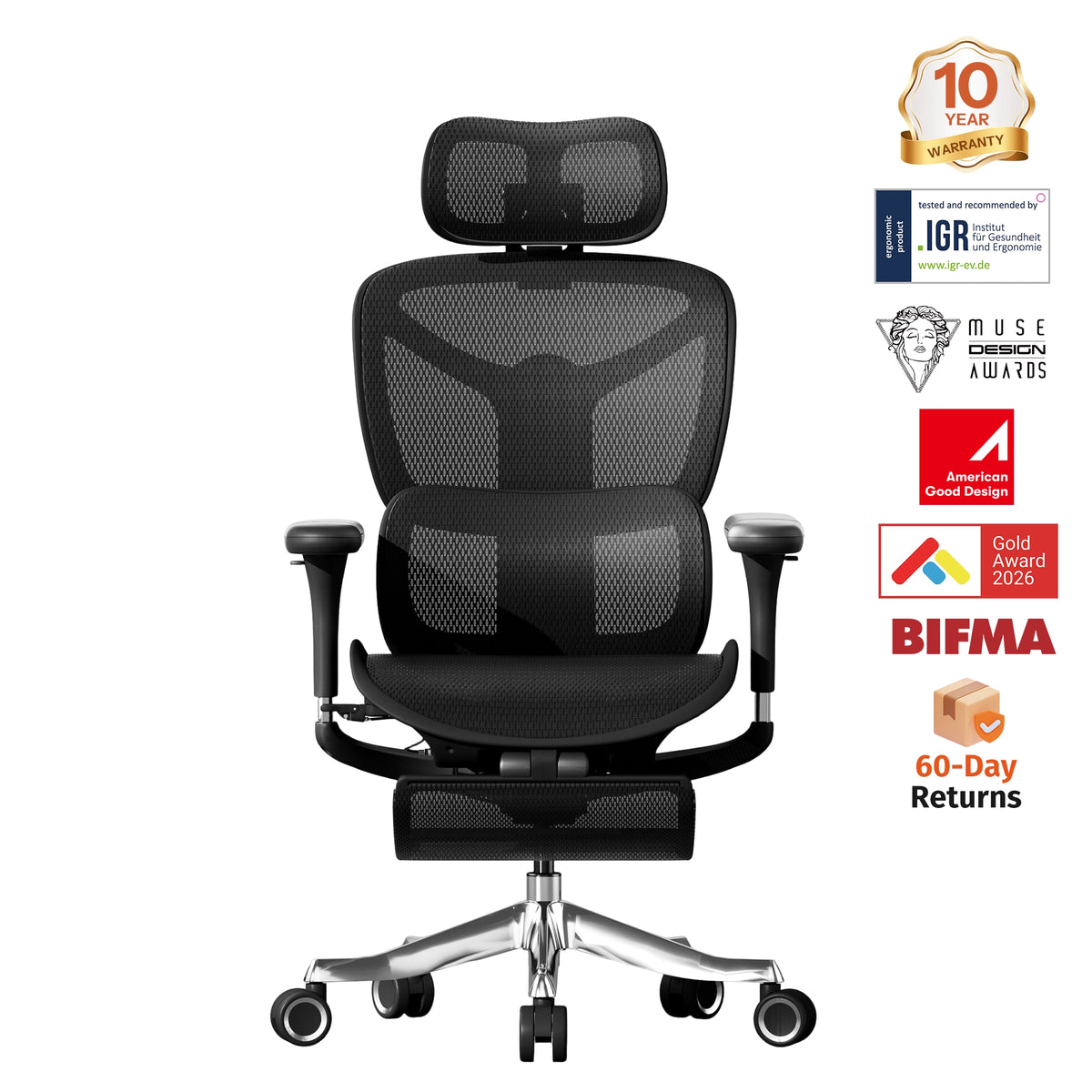
Based on the selection criteria discussed above, the Welax S9 Pro combines an adjustable backrest, adaptive lumbar support, and multi-position recline to provide adjustment options for different body proportions and working postures.
The S9 Pro backrest offers five height settings, with an adjustment range of approximately 1.38 inches. This allows users to adjust the support position according to their torso proportions.
Its adaptive lumbar support responds to changes in body position and supports front-to-back fine adjustment and locking. This makes it easier for users to find a lumbar contact position that suits their body.
For posture changes, the S9 Pro offers three recline angles: 105°, 116°, and 130°. These positions accommodate relatively upright office work, moderate relaxation, and more pronounced reclining, respectively.
It also provides 2.2 inches of seat-depth adjustment. Seat height, seat depth, and backrest recline adjustments are integrated into a one-handed control system, making it convenient to adjust the chair according to different working positions.
These features correspond to the selection criteria discussed earlier, including backrest positioning, lumbar fit, and posture changes. However, the final fit still needs to be evaluated in relation to individual body proportions and the working environment.
View the Welax S9 Pro Ergonomic Office Chair and Its Full Specifications
Frequently Asked Questions
Are Chairs with Backrests Always Better Than Stools?
Not necessarily. A chair with a backrest provides additional support for the torso, while a stool allows users to move freely without leaning against a backrest. The choice depends on the activity, duration of use, and individual support requirements.
Why Do Some Office Chairs Have Curved Backrests?
Curved backrests are generally designed to follow the natural contours of the back and provide support to specific areas. However, the position and depth of the curve must match the user's body. A more pronounced curve does not necessarily mean greater comfort.
Is a Higher Backrest Always More Comfortable?
A higher backrest can cover a larger area of the back, but comfort still depends on its shape, angle, and how well it fits the body. Different types of chairs have different backrest height requirements.
What Should a Good Chair Backrest Provide?
The primary value of a backrest is that it changes how the torso is supported, providing additional support while sitting. However, its effectiveness cannot be judged solely by backrest height, thickness, or softness.
For office chairs, the position of lumbar support, coordinated movement between the backrest and seat, and the ability to accommodate different working postures are all important design factors.
Choosing an office chair backrest that suits your needs should be based on body dimensions, actual usage patterns, and the support it provides. A well-designed backrest can accommodate changes in posture, but it cannot replace getting up and moving regularly or maintaining natural body movement throughout the day.
Leave a comment
This site is protected by hCaptcha and the hCaptcha Privacy Policy and Terms of Service apply.