


How to Choose the Right Ergonomic Office Chair for Your Body and Work Style
Many people spend several hours a day working at a computer, which makes the choice of office chair much more important than it may first seem. For anyone who sits for long periods, chair dimensions, support, and adjustability all have a direct impact on how the chair feels in everyday use.

When choosing an ergonomic office chair, it is therefore not enough to focus on appearance or simply count the number of features. It is more useful to understand the chair’s key components and whether they match your body proportions and the way you work.
Because everyone differs in height, leg length, shoulder width, and torso proportions, there is no single ergonomic chair that fits everyone perfectly. The more practical question is whether the seat height, seat depth, lumbar support, backrest, and armrests can all be adjusted into positions that suit your body.
Seat Height Adjustment
Seat height is one of the most basic adjustments on an ergonomic chair. Most office chairs sold today can move up and down, but the actual adjustment range can vary considerably from one model to another.
A suitable seat height should allow your feet to rest securely on the floor while your thighs remain in a natural position. You should not have to slide forward in the seat simply to reach the floor.
Shorter users should pay particular attention to the minimum seat height. If the chair is already at its lowest setting and your feet still do not rest comfortably on the floor, you may need a footrest or a chair with a lower seat-height range.
Taller users should look at the opposite end of the range. The maximum seat height needs to be high enough to prevent the legs from feeling cramped. A common ergonomic office chair seat-height range is around 16 to 21 inches, but this should only be treated as a general reference. Your own body proportions matter more than a standard number.
Seat Width and Seat Depth
Seat width mainly determines whether there is enough room around the hips and thighs, while seat depth affects thigh support and the space behind the knees.
A seat that is too narrow can feel restrictive. A seat that is too deep may place the front edge too close to the back of the knees.
Ideally, when you sit fully back against the backrest, the thighs should receive continuous support while still leaving some space between the front edge of the seat and the back of the knees.
Users with shorter legs may find that a deep seat forces them to slide forward, which then moves the lower back away from the lumbar support. Users with longer legs, on the other hand, usually need enough seat length to support more of the thighs.
For households where more than one person uses the same chair, or for anyone whose leg length falls outside the average range, an ergonomic chair with adjustable seat depth is generally easier to fit.
Lumbar Support
Lumbar support is an important part of an ergonomic office chair. The lower back is not naturally flat; it has an inward curve, so the lower section of the backrest should provide corresponding support.
A well-positioned lumbar support helps maintain better contact between the lower back and the backrest when you lean into the chair.
Different chairs achieve this in different ways. Some rely on the shape of the backrest itself, some use a separate lumbar support pad, and others allow the lumbar support to move vertically or forward and backward.
The key point is not how much the lumbar support protrudes, but whether it sits in the right place. Taller and shorter users may need different support heights, so adjustability can be especially useful.
When testing a chair, lean back naturally and check where the lumbar support makes contact. It should support the lower back rather than press into the middle of the back or sit too close to the pelvis. If the position can also be adjusted to match your torso length, the chair will generally fit a wider range of users.
Backrest and Recline
The backrest supports the entire upper body, so its shape and recline function matter just as much as its size.
A well-designed ergonomic backrest should not feel like a completely flat, vertical panel. It should follow the natural contours of the back and allow the user to change position during the workday.

Some ergonomic office chairs offer adjustable backrest angles, while others also include several recline-lock positions. A more upright posture may suit focused keyboard work, while a slight recline can be useful for reading, meetings, or short periods of relaxation.
When choosing a chair, pay attention to how smoothly the backrest reclines and whether the lower back and upper back remain supported once you lean back. This is usually more useful than simply comparing the maximum recline angle listed in the product specifications.
Office Chair Materials
Material is not an adjustment feature, but it can still have a noticeable effect on long-term comfort.
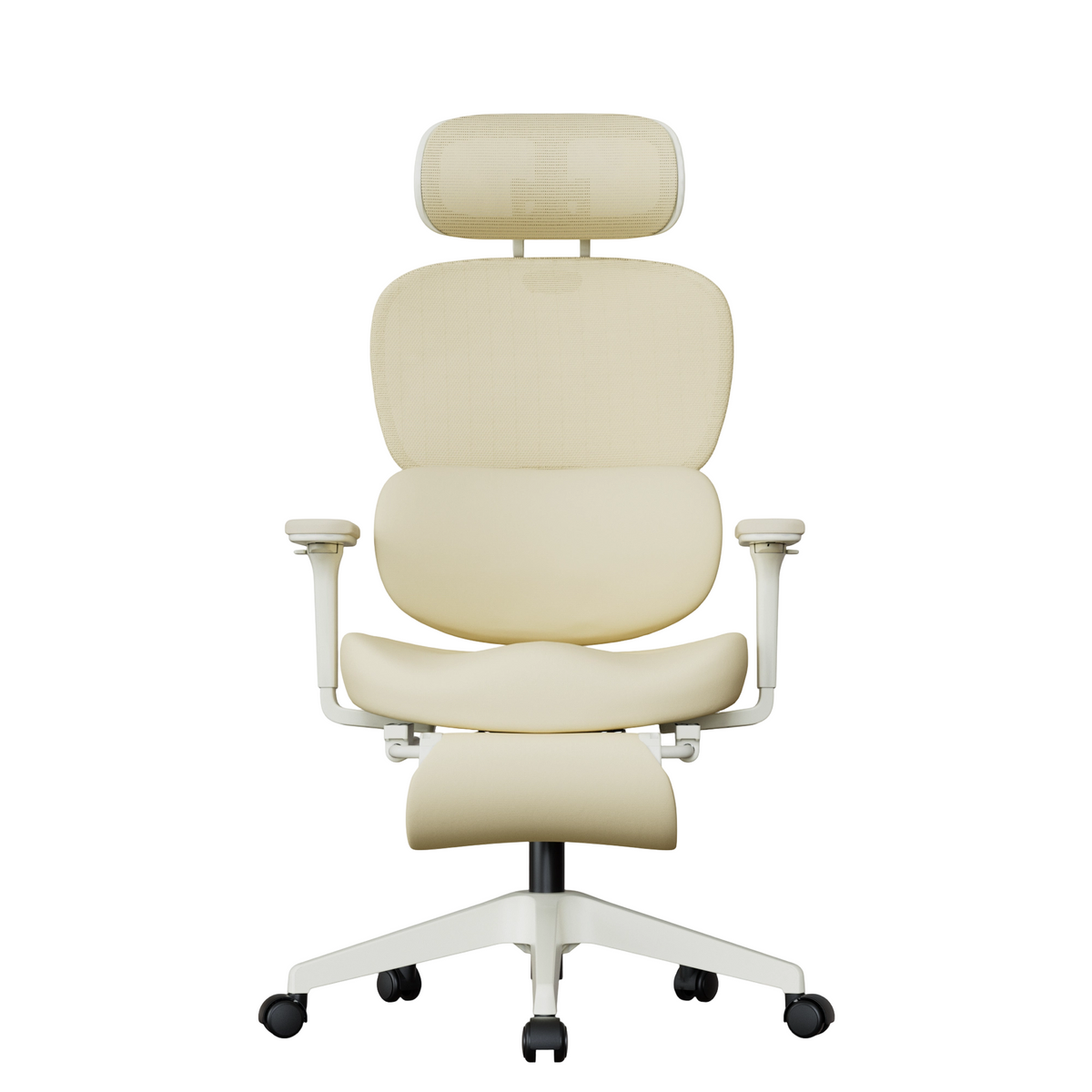
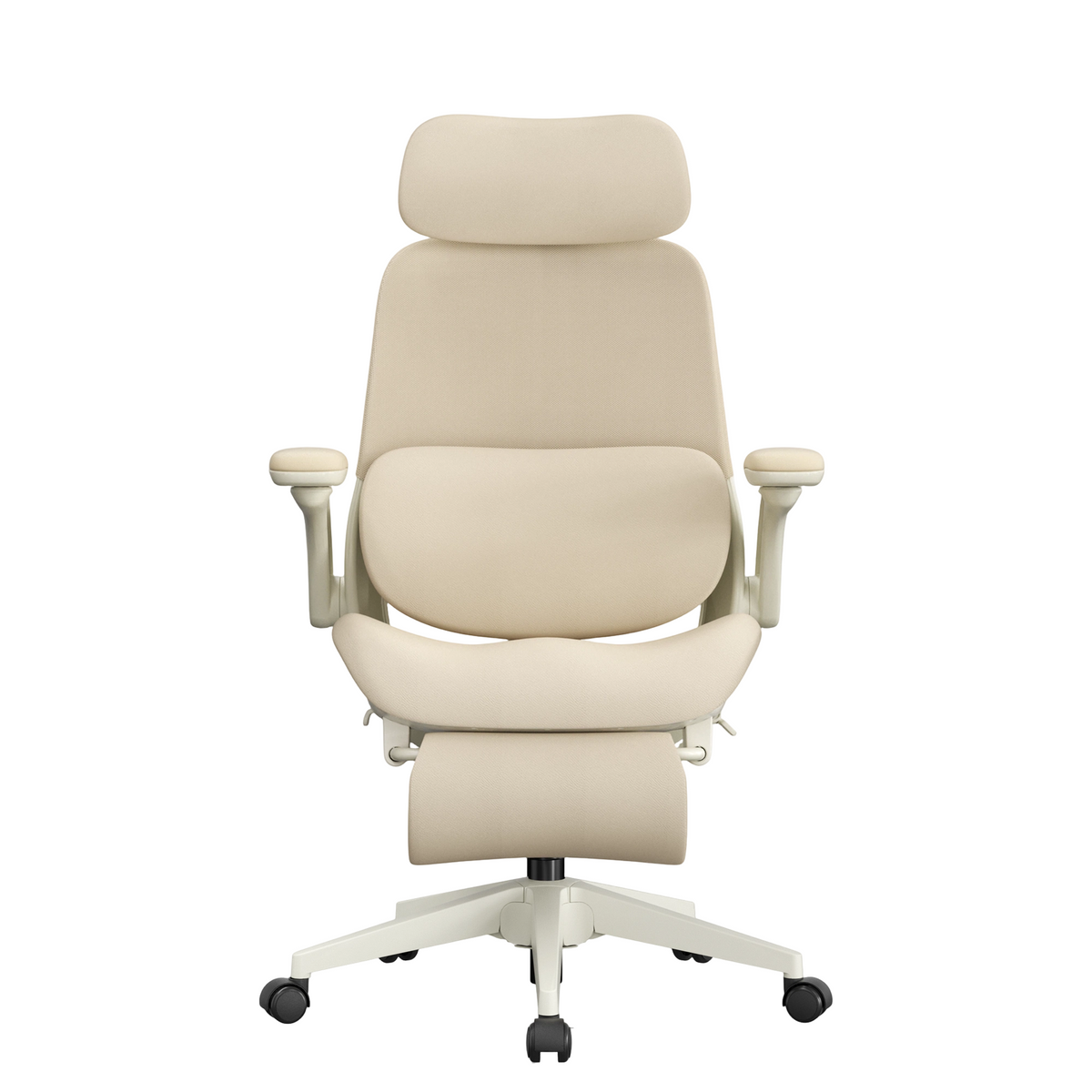
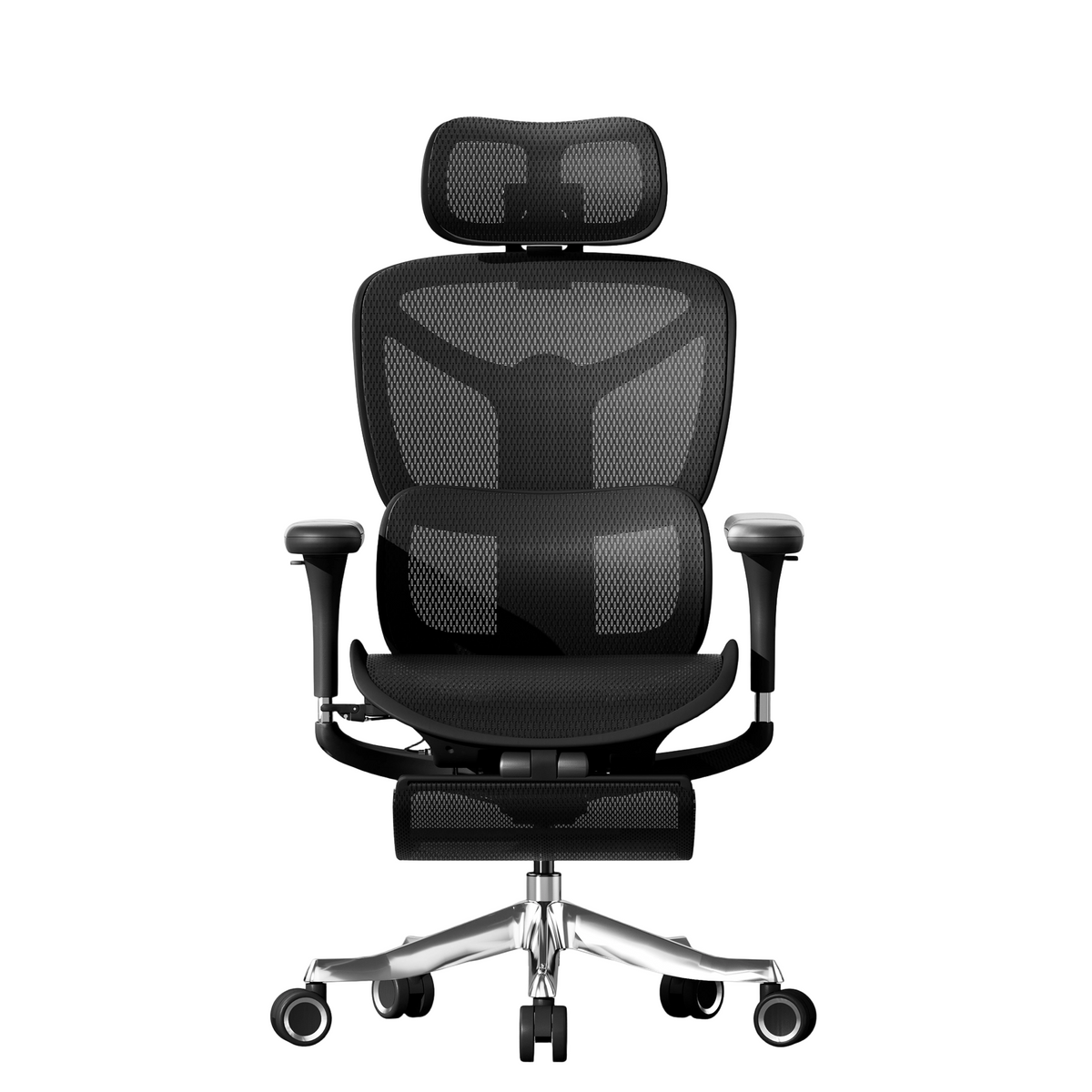
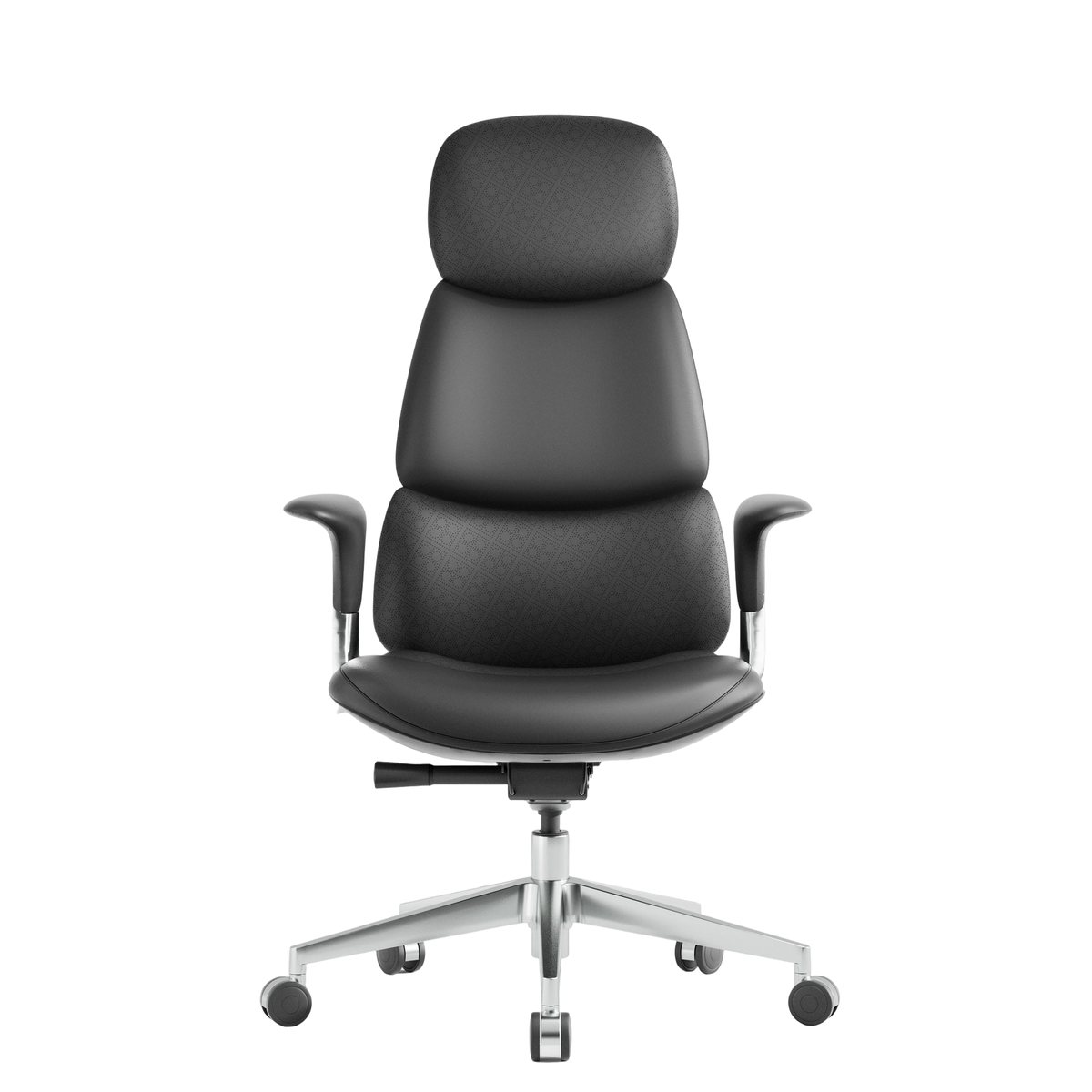
Common ergonomic office chair materials include mesh, fabric, and upholstered cushioning. Each offers a different balance of airflow, softness, and support.
Mesh is usually more breathable and can be a good choice for warmer rooms or people who sit for long periods. Upholstered seats often provide a softer, more cushioned feel.
There is no single material that is automatically better for everyone. The more useful approach is to consider your work environment and personal preferences, while also checking whether the seat and backrest are likely to maintain stable support over time.
Adjustable Armrests
Armrests are designed to give the arms a natural place to rest. A suitable armrest height should allow the shoulders to stay relatively relaxed without forcing the elbows upward or outward.

If the armrests are too high, they can lift the shoulders. If they are too low, they may provide very little support.
Many ergonomic chairs now allow the armrests to move not only up and down, but also forward and backward, inward and outward, or at different angles.
For users with narrower shoulders, the ability to move the armrests closer to the body can be particularly important. Users with broader shoulders should make sure there is enough space between the two armrests.
So when comparing 4D or other multi-directional armrests, do not focus only on the number of adjustment directions. The actual adjustment range matters more: it should suit your shoulder width, desk height, and keyboard position.
Swivel Function and Casters
Most ergonomic office chairs come with a swivel base and casters. These may seem like basic features, but they are very useful in everyday work.
A swivel base makes it easier to turn toward different parts of the desk without repeatedly twisting the upper body, while casters allow the chair to move between the desk, storage areas, and other parts of the workspace.
If you use a wide desk, multiple monitors, a printer, or nearby storage, these mobility features can make a noticeable difference.
It is also worth checking whether the casters are suitable for the type of flooring in your home or office, and whether the chair moves smoothly and remains stable during normal use.
Choose an Ergonomic Chair Around Your Body and Work Style
When choosing an ergonomic office chair, there is no need to look for the model with the greatest number of features.
A better approach is to start with your height, leg length, shoulder width, and daily work habits, and then check whether the seat height, seat depth, lumbar support, backrest, and armrests can all be adjusted to suit you.
A chair that fits well should allow your feet to rest securely, support the thighs without forcing you forward, keep the lower back in natural contact with the backrest, and let the shoulders and arms remain relaxed.
Once those basic fit requirements are covered, you can then consider materials, recline, swivel movement, and casters. That combination is far more likely to result in an ergonomic office chair that works well for long hours at a desk.
Leave a comment
This site is protected by hCaptcha and the hCaptcha Privacy Policy and Terms of Service apply.